Explore product-specific spaces to ask questions, share insights, and learn best practices.
Recently active
This post is for informational purposes only. It is not legal advice and does not warrant your compliance. The Adobe Marketo Engage product capabilities described in this help article, configured and operated appropriately, support a compliant implementation. Each user is responsible for determining and complying with its obligations under applicable law.OverviewOn April 14, 2026, France’s data protection authority (CNIL) published a recommendation on the use of open tracking pixels in emails. Three days later, Italy’s independent data protection authority (“Garante”) published Provision No. 284 (the “Garante Provision”). Both guidances, while non-legally binding, clarify when consent is required and highlight the importance of proper consent practices for email pixel tracking. These policies could impact sending processes for any entity delivering emails to subscribers who fall under applicable EU privacy law. As regulators continue to clarify guidance on tracking pixels and related i
An upcoming deprecation may impact your integration with Marketo Engage and may require action. The Marketo Engage SOAP API will be fully deprecated on August 31, 2026 (the REST API Access Token has already been deprecated). Please review this post if you are still using the SOAP API in one or more of your Marketo subscriptions. To avoid disruptions of service, you will need to retire or migrate any services using the SOAP API to the Marketo Engage REST API by August 31, 2026. Consult the Migration Guide for further information. Marketo Engage Support is only able to provide the IP address of requests made to the SOAP API. On August 31, 2026, the Marketo Engage REST API will no longer accept access tokens for authentication and authorization via the ‘access_token’ query parameter. Please check if one or more of your integrations uses this parameter to authenticate. To avoid disruptions of service, any services using this parameter to authenticate will need to migrate to using head
OverviewYou can now connect Workfront Fusion directly to the Adobe Marketo Engage MCP server using the new Adobe Marketo Engage MCP connector. The connector exposes an instruction‑driven module that lets you provide open‑ended, plain‑English instructions; an AI agent then determines and executes the Marketo actions required to fulfill your request.What’s newAdobe Marketo Engage MCP connector — a new connector that talks to the Marketo MCP server and exposes Marketo tools to MCP‑compatible agents. Instruction module — enter free‑form, plain‑English instructions (for example, “Create a nurturing program for new trial users in EMEA and add a 3‑step email sequence”) and let the agent translate them into concrete Marketo operations. Action restrictions — admins can explicitly limit which read, write, and delete actions the agent is allowed to perform so unattended runs remain within the approvals you set. AI provider flexibility — by default the module uses Adobe’s managed AI service; you
OverviewWe’ve added a new HTTP module: HTTP > Make a JWT request. This module mirrors the behavior of the existing HTTP > Make a request module but builds, signs, and injects a short‑lived JSON Web Token (JWT) based on the claims you provide. By default the signed JWT is sent as an Authorization: Bearer <jwt> header so you can call APIs that require signed JWT authentication without a separate token‑generation step in your scenario.What’s newMake a JWT request module — a new HTTP module that creates, signs, and attaches a JWT to the outgoing request. Claims input — provide standard and custom claims (iss, sub, aud, exp, nbf, jti, and custom claims) in the module UI. Automatic signing — the module signs the JWT with the key material you supply and inserts it into the request (default: Authorization Bearer). Request parity — supports the same HTTP method, headers, body, query, timeout, and retry controls you already use in the HTTP Make a request module.How it worksOpen your
OverviewWe’ve added a new field to the HTTP modules: Additional Retry Status Codes. This lets you list extra HTTP response codes that should be treated as retryable connection errors when Evaluate all states as errors (except 2xx and 3xx) is enabled. Previously Fusion retried only the built‑in retryable statuses (408, 429 and all 5xx). Now you can extend retry behavior to other status codes (for example, 422 or 404) when your integration needs it.What’s newAdditional Retry Status Codes — a free‑form field on the HTTP Make request module where you can add numeric HTTP status codes (comma or space separated) that should be treated as retryable. When Evaluate all states as errors (except 2xx and 3xx) is enabled, any code listed here is reclassified as a retryable connection error and will be retried according to the module’s Retry Count. Default retryable statuses (408, 429, and all 5xx) remain unchanged and continue to be retried even if this field is empty.How it worksEnable Evaluate a
OverviewWe’ve added service‑account authentication options to the Jira Software connector in Fusion. You can now create Jira connections using a service account API token or service account OAuth 2. These options let teams build reliable, machine‑level integrations that aren’t tied to an individual user account.What’s newService account — API token: Authenticate the Jira connector with a service account identity using an API token. Service account — OAuth 2: Authenticate via OAuth 2 using a registered OAuth client tied to a Jira service account. Both connection types appear alongside existing user‑based connection options in the Jira connector dialog.Why this mattersStability — Service accounts reduce disruptions caused by employee changes or credential expirations. Auditability — Activities generated by connector operations are scoped to a dedicated service identity, making logging and compliance easier. Enterprise fit — Supports machine‑to‑machine integration patterns and centralized
OverviewToday we’ve turned on the Fusion MCP server and integrated Fusion with Adobe Coworker. That means you can now interact with your Fusion organization — scenarios, executions, connections, webhooks, data stores, activity logs, and more — via natural‑language in Coworker or any MCP‑compatible agentic platform that supports remote (Streamable HTTP) MCP servers with OAuth.What’s newFusion MCP server is available at https://mcp.fusion.adobe.com/mcp for custom MCP integrations (Claude, ChatGPT, Copilot, Gemini, Cursor, VS Code, and others). Adobe Coworker now includes built‑in Fusion support (standalone Coworker and Coworker in the Fusion right rail). No custom MCP URL or OAuth app registration required for Coworker. All MCP tools described in the Fusion MCP tools reference are exposed to connected agents and follow the same read/write permissions as your Fusion role and team membership.How to get startedChoose the surface you want to use:Coworker (recommended) — Open Coworker (stan
You can now authenticate your Salesforce connections using PKCE (Proof Key for Code Exchange) in addition to standard OAuth 2.0, and enable Refresh Token Rotation for improved long‑term credential security. When creating a Salesforce connection, choose the authentication method from the new Connection type dropdown.OverviewThis update adds two security‑focused options to the Salesforce connector: PKCE for secure, browser‑based authorization flows (recommended for public clients and scenarios where a client secret cannot be safely stored), and Refresh Token Rotation (RTR) to automatically rotate refresh tokens and reduce risk from long‑lived credentials. What’s newPKCE (Proof Key for Code Exchange) — Authenticate without a client secret by using a code verifier/challenge flow. Useful for public clients or environments where storing a client secret is not desirable. Refresh Token Rotation (RTR) — Optionally enable RTR for Salesforce connections so refresh tokens are rotated on each use.
Save time writing scenario summaries — click Describe with AI in a scenario’s Settings panel and Fusion will generate a clear, human‑readable description for you automatically, based on the modules and configuration in the scenario.OverviewThis release adds a Describe with AI action to the Description field in a scenario’s Settings panel. When invoked, Fusion analyzes the modules, connections, triggers, and mapped outputs in the scenario and produces a concise description you can accept, edit, or discard. The feature is designed to help teams keep scenario metadata accurate and useful without having to compose descriptions manually. What’s newDescribe with AI button — One‑click generation of a scenario description from the Settings panel description field. Context‑aware summaries — The generated text reflects the scenario’s modules, triggers, key connections, and primary outputs so descriptions are actionable and relevant. Edit and accept flow — Generated descriptions are presented in
Hey Target practitioners, we recently shipped two new popularity-based criteria in Adobe Target Recommendations: Most Viewed by Profile Attribute and Top Sellers by Profile Attribute. In this post I want to walk through what these criteria do, how they differ from the existing popularity options, what kinds of personalization scenarios they make possible and finally an end-to-end example showing how this feature can be used.A short video walkthrough of the complete setup is available here: Feature Walkthrough VideoWhat was already there What is new Use cases Setting it up: an end-to-end example DocumentationWhat was already thereTarget already provided several popularity-based criteria covering two signals (most viewed and top sellers) across three scopes: Most Viewed Top Sellers Across the site Most Viewed Across the Site Top Sellers Across the Site By item category Most Viewed by Category Top Sellers by Category By item attribute Most Viewed by Item Attribute Top
We’re always looking for ways to improve your experience in AEM Sites Optimizer and would like to speak with customers who are hands-on in the product. Who we’re looking for✓ Current AEM Sites Optimizer users✓ Users who work with content authoring, code authoring, or both✓ Users who have recently made an optimization using the recommendations provided by AEM Sites Optimizer What we ask of participants45 - 60 minutes of your time to share your process for completing a recent optimization and answer interviewer questionsTimelineSign-up window: Today through September 25 Interviews running this week and nextHow to participateClick here to schedule a session with our research team. Please reach out if you don’t see a time that works for you.Questions?Ask below — the product team will be monitoring this thread throughout the sign-up period.
Learn more about Adobe Marketo Optimizer.The Lighthouse Program gives a small group of Marketo Engage users the chance to try Adobe Marketo Optimizer for free during a focused testing period. Adobe Marketo Optimizer helps you engage customers across every channel and continuously improve results with AI at the core. With AMO, you can:Optimize with AI - let AI-powered decisioning and insights surface what's working, recommend next best actions, and continuously improve campaign performance Engage across channels - reach customers with connected, coordinated experiences across multiple channels Build journeys visually - design, adjust, and orchestrate customer journeys on an interactive journey canvas, no guesswork requiredWhat you'll get access toDuring the program, you'll be able to test person journeys, emails, and forms, plus a wealth of agentic skills that help you investigate your Marketo data and optimize your workflows.As a Lighthouse participant, you'll: Get early, hands-on acc
You can now access your Fusion objects from inside a scenario. The new Workfront Fusion connector lets scenarios call Fusion’s own API to create, inspect, modify, and operate Fusion resources.OverviewThis release introduces a first‑party Workfront Fusion connector that exposes Fusion APIs directly inside the scenario canvas. Use it to back up or clone scenarios, inspect dependencies, export activity logs, and gather operational telemetry — all as part of your automation flows.What’s newFull record lifecycle — Create, read, update, delete, list, and clone Fusion records from scenarios. Dependency insights — Retrieve a record’s dependencies so you can understand or safely update resources that are referenced elsewhere. Activity exports — Export activity logs for auditing, troubleshooting, or archival workflows. Queue and hook visibility — List hook queues, read queue items, and get queue statistics to monitor trigger backlogs and failure patterns. Connection & scenario mapping — List
Two new MCP connectors bring conversational, model-driven automation to Fusion. Instead of wiring together many individual modules, a single MCP module accepts an open-ended instruction and lets an AI model determine which Workfront or AEM operations are needed to fulfill it.OverviewThis release adds two first‑party connectors that speak to Adobe's Model Context Protocol (MCP) server: Adobe Workfront MCP and Adobe AEM MCP. Each connector exposes a single, flexible module you place on a scenario canvas and drive with natural‑language instructions (prompts). The MCP module synthesizes the required API calls, executes them, and returns a consolidated, human‑readable result — reducing the need to build long chains of Get/Filter/Transform/Write modules for many common tasks.What’s newSingle conversational module — One module accepts an instruction and lets the MCP model plan and run the necessary Workfront or AEM operations, returning a synthesized answer or structured output. Task examples
Marketo Engage is in the process of migrating to the Adobe Federated Email Service (FES), a centralized email-sending solution designed to streamline and standardize email delivery across Adobe's various teams and products. Over the next couple of months, all Marketo Engage subscriptions will be on FES, making email delivery more reliable, stable, and easier to support at scale.What do you need to do?If you do not have a Branded Return-Path configured during the initial set up of the purchased Dedicated IP, or a Branded Return-Path SKU, no actions are needed. Users who have a Branded Return-PathFor those who had a Branded Return-Path configured during the initial setup of a purchased Dedicated IP, or a Branded Return-Path SKU, you must update the MX record for that specific Branded Return-Path domain.Note: this is not the Branded Domains for your links.Ask your IT team to update the MX record for your branded return path using the values listed below for your pod. If you're unsure whic
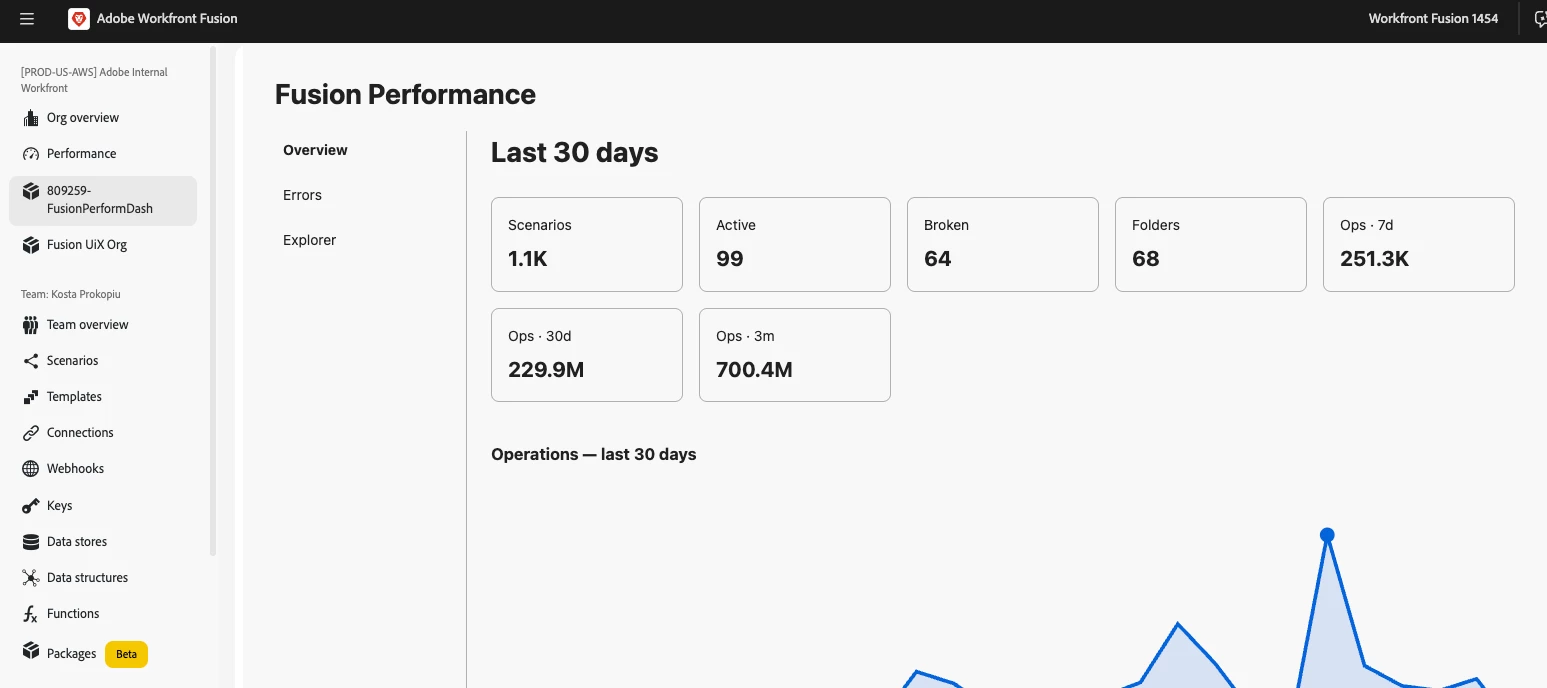
New: A faster way to see what broke — Failed Executions Logs in the Insights dashboardWhen multiple scenarios fail across your org, tracking down how many, which ones, and why used to mean opening scenarios one-by-one. The new Failed Executions Logs widget surfaces every failed execution across every scenario in a single table so you can triage incidents fast, at scale.OverviewThe Failed Executions Logs widget lives on the new Insights page (which now also contains the Performance widget). It aggregates failed executions across your organization into a single, filterable table so you get the full picture quickly — no more stitching together results from individual scenario pages.What’s newCentralized failure list — See every failed execution across every scenario in your organization in one table. Powerful filters — Filter by team, scenario, type, error message, and date range. Each filter supports "only these" or "everything except these" to help narrow or exclude results quickly. Rea
In June, Adobe Marketo Engage released a feature called Conditional Content for the new Email Designer. This feature provided an intuitive new way to personalize email blocks based on person/account attributes, offering more flexibility and control than the legacy email editor’s Dynamic Content feature.After the release, we discovered certain legacy tokens were not resolving correctly in the Email Designer. We have decided to temporarily disable the feature until we can resolve this issue. So, for now, you will no longer see the option to create new conditional content. If you have already created conditional content using this feature, the emails will still work as expected. All other email and related assets will also work as expected. If you clone or edit emails that contain conditional content, you might see certain scripts native to the legacy email editor in the preview, instead of the visual representation of the conditional content. This does not affect the email’s funct
Workfront Fusion — Native Adobe Storage (ESM) supportWorkfront Fusion now natively supports Adobe Storage (ESM)Workfront Fusion now connects directly to Adobe cloud storage (Enterprise Storage Management, ESM). Browse and upload assets inside Fusion, automate store lifecycle and access, and generate presigned URLs for secure read/write integrations with external systems.OverviewThis release adds native Adobe Storage support in Fusion using the same ESM layer that powers the Workfront/Frame.io unified review and approval experience and is shared across Frame.io, Document Cloud, and Creative Cloud. You’ll see a new Storage navigation menu for browsing and uploads, plus Adobe Storage modules you can use in scenarios to manage stores, collaborators, and presigned URLs.What’s newStorage navigation — A new Storage menu item in Fusion to browse ESM stores and upload files without leaving the app. Store lifecycle — Create, discard, restore, and delete ESM stores from scenarios for automated pr
Packages is now generally available in Workfront Fusion — build and run your own custom JavaScript functions, backed by Adobe App Builder, and use them directly in your scenario mappings.OverviewPackages let you build and run your own custom logic inside Fusion, without leaving the Fusion interface. When the standard modules don't do exactly what you need, you can write a function to transform data, do a calculation, call an external service, or wrap a routine you want to reuse — then test it, publish it, and call it from your scenarios. A package can bundle everything a function needs: the function itself, reusable variables (like a base URL or API key), outside library dependencies, and automatic version history.What's newFunctions — Write custom logic in JavaScript, define typed inputs, test drafts safely before publishing, and republish or unpublish live functions as needed. Variables — Store reusable values (URLs, IDs, keys) once and reference them across functions. Mark variables
Connect Azure DevOps to Workfront Fusion using a service principalYou can create a connection that uses a service principal (an Application API connection) instead of a personal account. Use this when you want the integration to run as an application or service identity rather than a specific person — for example, to avoid breakage when someone leaves the company or changes credentials. This connection type is available for all Azure DevOps modules.OverviewService principal connections let Fusion authenticate to Azure DevOps as an application identity (an app registration in Microsoft Entra ID) using a client secret. After you register the app and add it as a user in your Azure DevOps organization, create a Service Principal connection in the Azure DevOps module and provide the Tenant ID, Client ID, Client Secret, and organization name.NOTE: Service principal authentication does not support every Azure DevOps feature. A small number of admin-level actions — for example, managing user l
Workfront Fusion Custom UI extensions OverviewFusion can display your own web UI inside its interface. Build a small web app (a guest extension), publish it via Adobe App Builder, and Fusion will show a new menu item in its navigation that opens your UI in the main canvas. The guest automatically receives context such as the signed‑in user, organization, team, and other metadata so your extension can adapt to the current environment.The technology underneathYour guest is built with two Adobe technologies:Adobe App Builder — Free hosting and tooling for small web apps and serverless actions. App Builder hosts your static UI on Adobe’s CDN and provides the aio CLI to create, build, and publish the app. Adobe UI Extensibility SDK (UIX) — The libraries that let host and guest talk. Use @adobe/uix-guest in your guest; Fusion uses @adobe/uix-host on its side.Extension pointsAn extension point is a named slot in Fusion where a guest may appear. Extension point names use the format: service/n
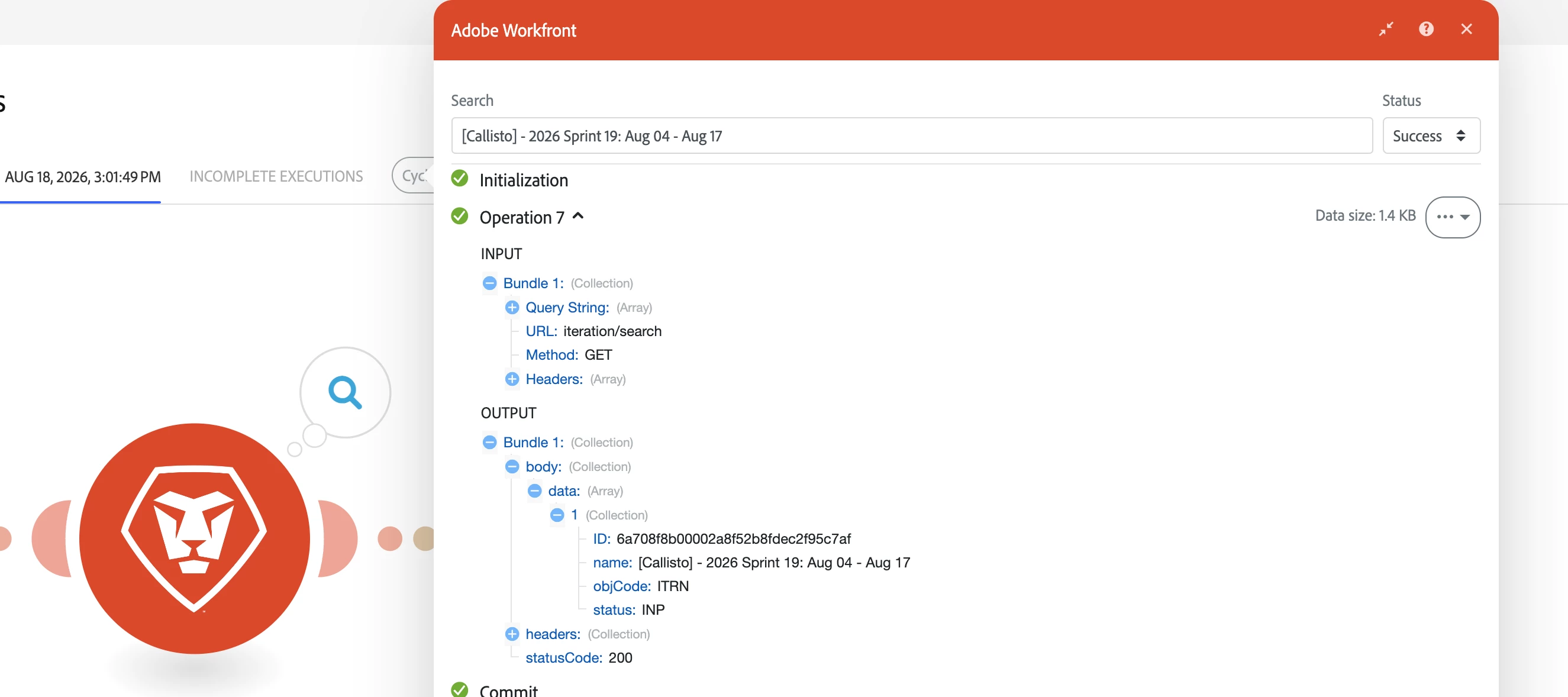
Search input and output bundles in scenario executionsPreviously you could not search the actual input and output bundles shown in an execution. Now you can search both input and output bundles directly from the execution UI — use the module/filter output search bars or the execution search to find specific bundle content, IDs, or events.OverviewWe’ve added the ability to search the text and metadata inside bundle payloads for both inputs and outputs in an execution. This makes it much faster to locate a particular bundle, debug processing logic, or verify that expected data passed through a specific step. You can search at the module/filter level or across the entire execution timeline.What’s newSearch the contents of input bundles shown for a module or filter. Search the contents of output bundles shown for a module or filter. Combine content searches with status filtering to surface only Success, Warning, Failed, Passed, or Failed bundles as applicable.How to search bundle contentO
Workfront Watch Event modules secured by default with authTokenEffective August 23, 2026, all Workfront Watch Event module subscriptions — including existing ones — will be protected by authToken-based verification by default. This ensures payloads delivered to your Fusion scenarios can be validated as originating from Workfront.OverviewTo improve webhook security, Fusion will be enabling authToken validation by default for the Watch Event modules. The authToken is a shared secret included with every webhook delivery so your receiving endpoint can verify the request before processing it. This change applies to both new subscriptions and any Watch Event modules you already have in active scenarios.What’s changingAll Workfront Watch Event module subscriptions will include an authToken with delivered payloads by default starting August 23, 2026. Fusion will automatically apply this security setting to existing Watch Event module webhooks — no manual migration or reconfiguration is requir
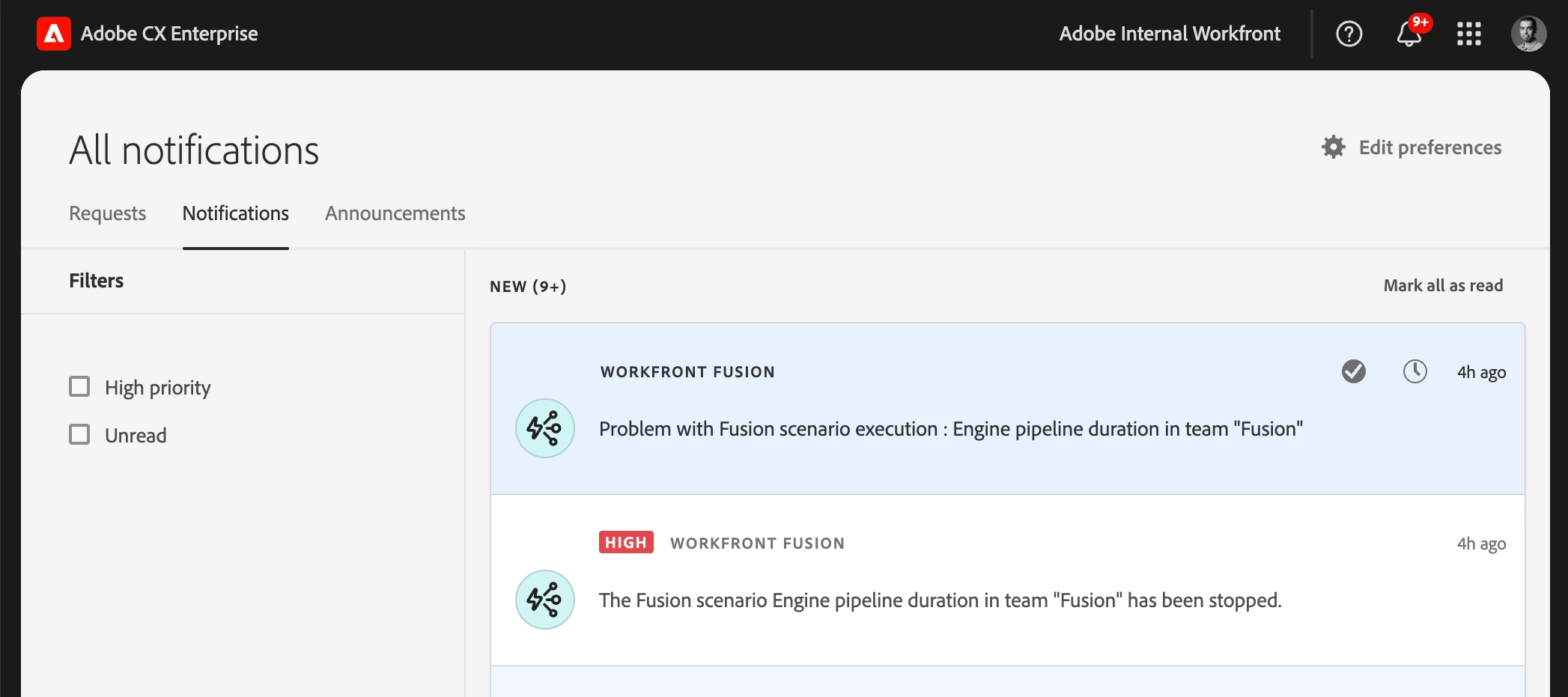
Set team or scenario notification options for IMS organizationsIMS organizations can now enable or disable each notification type independently at the team level — the same fine-grained controls previously available only to non‑IMS organizations. Scenario-level notification settings continue to override team settings when present.OverviewTo give teams finer control over the notifications they receive, administrators and team managers in IMS organizations can now choose which situations trigger Fusion notifications. Instead of a single on/off switch for all notifications, you can toggle each notification type independently:Notify on warning — Send a notification when a scenario execution logs a warning. Notify on error — Send a notification when a scenario execution fails. Notify when scenario is disabled — Send a notification when Fusion auto‑deactivates a scenario (for example, after too many consecutive errors).Scenario-level notification settings still take precedence over team-lev
We’re excited to announce the early access launch of our all-new Dynamic Media Video Player – a faster, smarter, and more accessible upgrade to our existing player. Reimagined from the ground up, this next-gen player is built to deliver a premium viewing experience while giving your brand the performance edge it deserves.We’re inviting select customers to join our VIP Early Access Program! What’s New?Blazing Fast PerformanceOur new lightweight player drastically reduces load times, keeping your site snappy and responsive – no matter the connection speed. We have noticed almost 20% reduction in load time and 55-65% reduction in LCP. . Savings of 70% bytes served for player images and 40% for player JS Adaptive Streaming for Seamless PlaybackComes with full adaptive bitrate streaming support through which the player dynamically adjusts video quality based on the viewer’s bandwidth and device capabilities. That means smoother playback, fewer interruptions, and
Already have an account? Login
Enter your E-mail address. We'll send you an e-mail with instructions to reset your password.