Well now I'm confused too after doing some testing on my end. Cannot find anything in Documentation about Ready vs. Can Start, it seems like we're experiencing that they are different to WF. @nicholevargas , my reporting guru, any thoughts on this?
@madalyn_destafney @laramienewbs @christinequick @shannon_walker
Based on the glossary of Adobe Workfront terminology:
- Ready - This field on a task report indicates whether an Agile task has been marked as Ready on the backlog. This flag only applies to Agile tasks, which are tasks assigned to an Agile team.
- Can Start - This field indicates whether a task is ready to start to be worked on. If the start is ready to be worked on the Can Start field on the task is set to True. For more information, see "Can Start" overview for tasks (the latter link covering all the nuances there such as predecessors, parents, etc.)
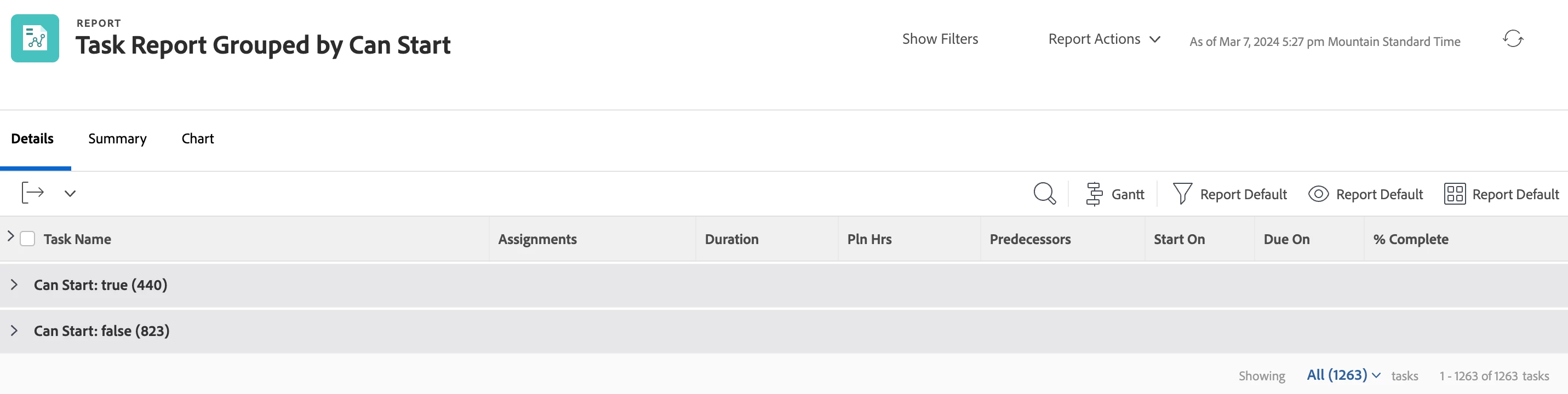
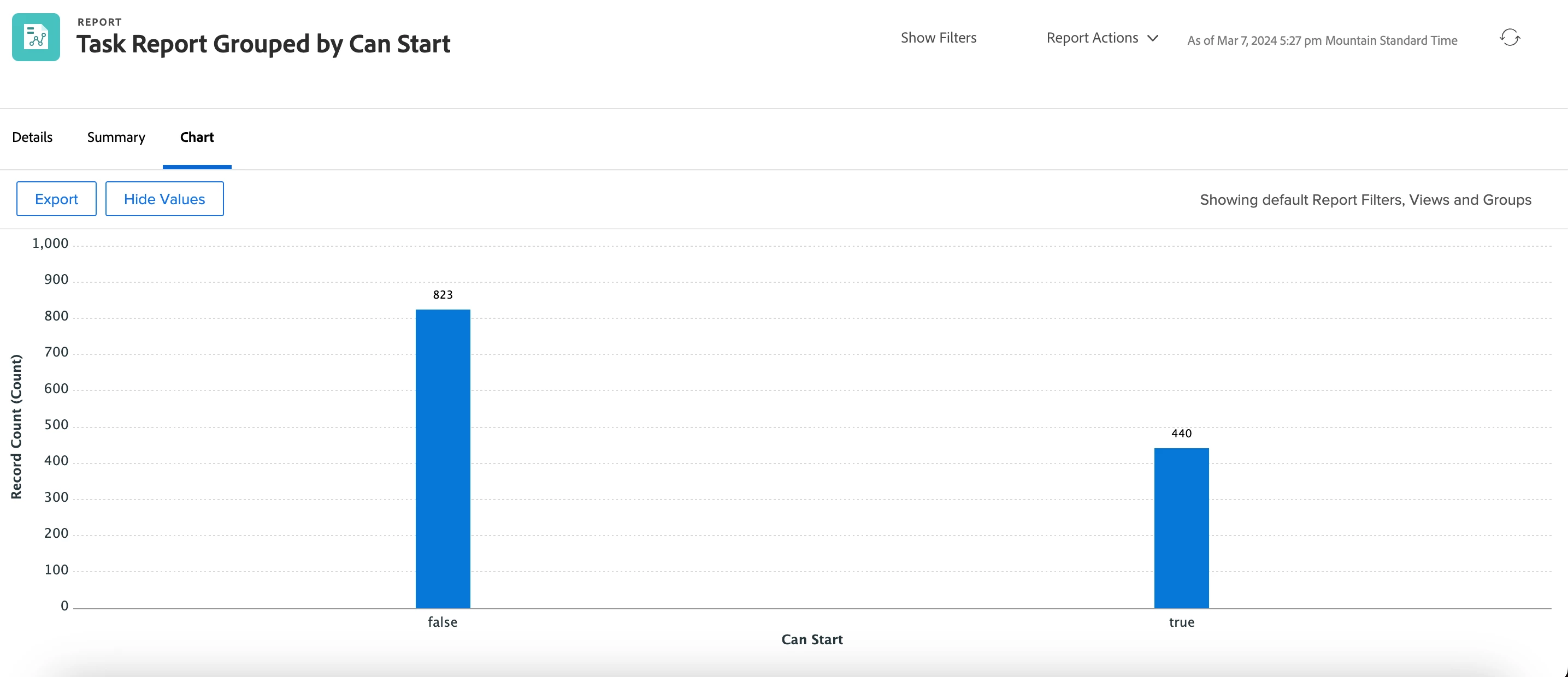
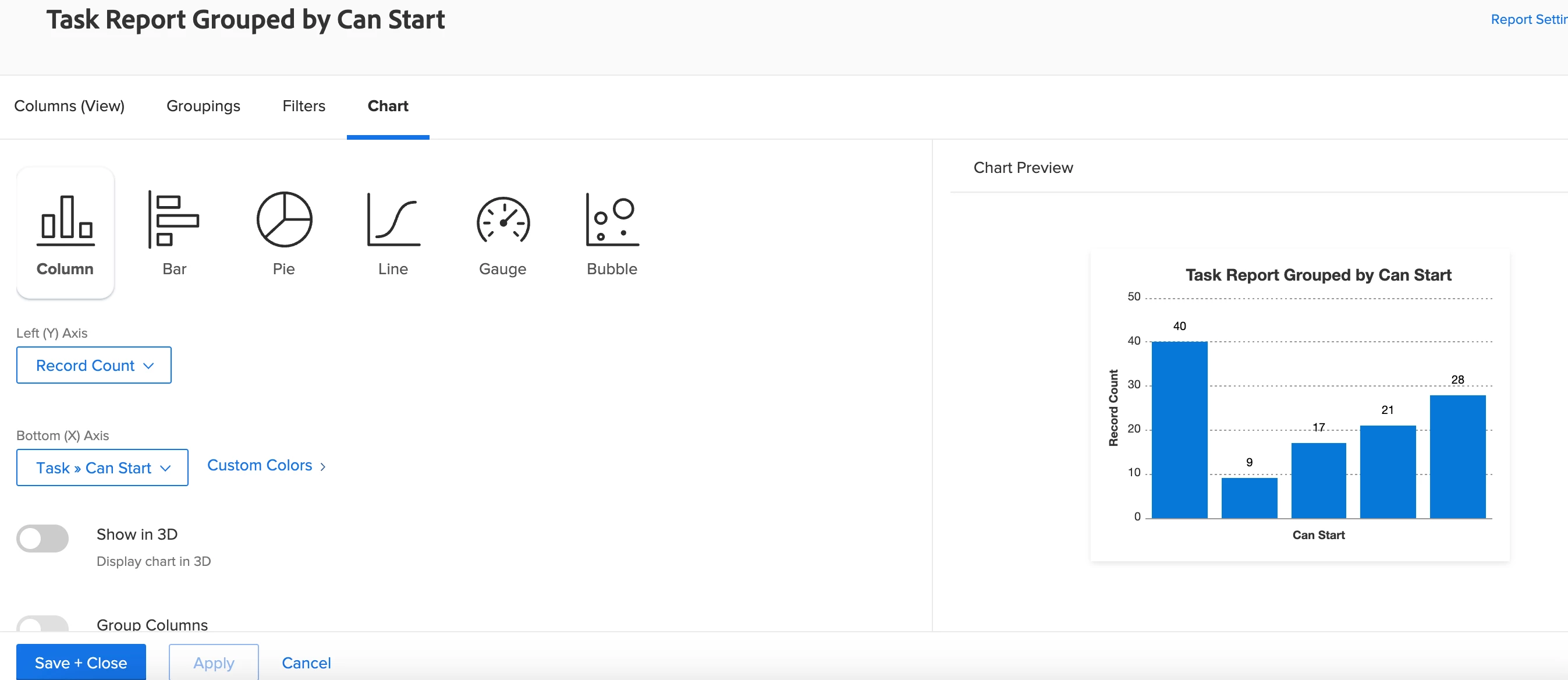
In the API Explorer, Can Start is called out as being not groupable - it is a boolean field. HOWEVER, on your task report if you switch to text mode in the grouping area, you can paste the following and that will group the results by Can Start = True or False. For whatever reason, you can still add a chart, and it will show as Can Start as your Bottom (x) axis. See example below
group.0.valueformat=HTML
group.0.valuefield=canStart
group.0.displayname=Can Start