Using Dashboards | Community
Skip to main content
November 4, 2024
Solved

Using Dashboards

  • November 4, 2024
  • 4 replies
  • 1180 views

What is the best training to sign up for to understand how to use Adobe dashboards in my organization?  

This post is no longer active and is closed to new replies. Need help? Start a new post to ask your question.
Best answer by Jennifer_Dungan

What is Global Netbenefits Self Service dashboard simplified is this a report in your organization? Are registrations tracked on your website, or in that context?


One of the beautiful things about Adobe Analytics is the ability to customize the implementation to suit a businesses needs... however, this means that when it comes to specific questions about your own site and implementation, and reports created by your team that we cannot see or have any knowledge about... we really can't help.


If this is a report that was created by someone on your team, the best place to start would be to ask them how to do this.


(Also note, I am moving this to questions, as this is a question and not a discussion) 

4 replies

Jennifer_Dungan
Community Advisor and Adobe Champion
Jennifer_DunganCommunity Advisor and Adobe ChampionAccepted solution
Community Advisor and Adobe Champion
November 4, 2024

What is Global Netbenefits Self Service dashboard simplified is this a report in your organization? Are registrations tracked on your website, or in that context?


One of the beautiful things about Adobe Analytics is the ability to customize the implementation to suit a businesses needs... however, this means that when it comes to specific questions about your own site and implementation, and reports created by your team that we cannot see or have any knowledge about... we really can't help.


If this is a report that was created by someone on your team, the best place to start would be to ask them how to do this.


(Also note, I am moving this to questions, as this is a question and not a discussion) 

bjoern__koth
Community Advisor and Adobe Champion
November 5, 2024

Hi Angela,


a good starting point are for sure the dashboard trainings you find in Analysis Workspace.


This playlist might also help.

https://experienceleague.adobe.com/en/playlists/analytics-get-started-with-analysis-workspace

But as @jennifer_dungan mentioned, the beautiful AA comes with the implementation of your KPI sincerely fuel your visualizations.

Cheers from Switzerland!
MandyGeorge
Community Advisor and Adobe Champion
November 5, 2024

The playlist that @bjoern__koth shared is a great resource! Another one is https://experienceleague.adobe.com/en/playlists/analytics-build-freeform-tables


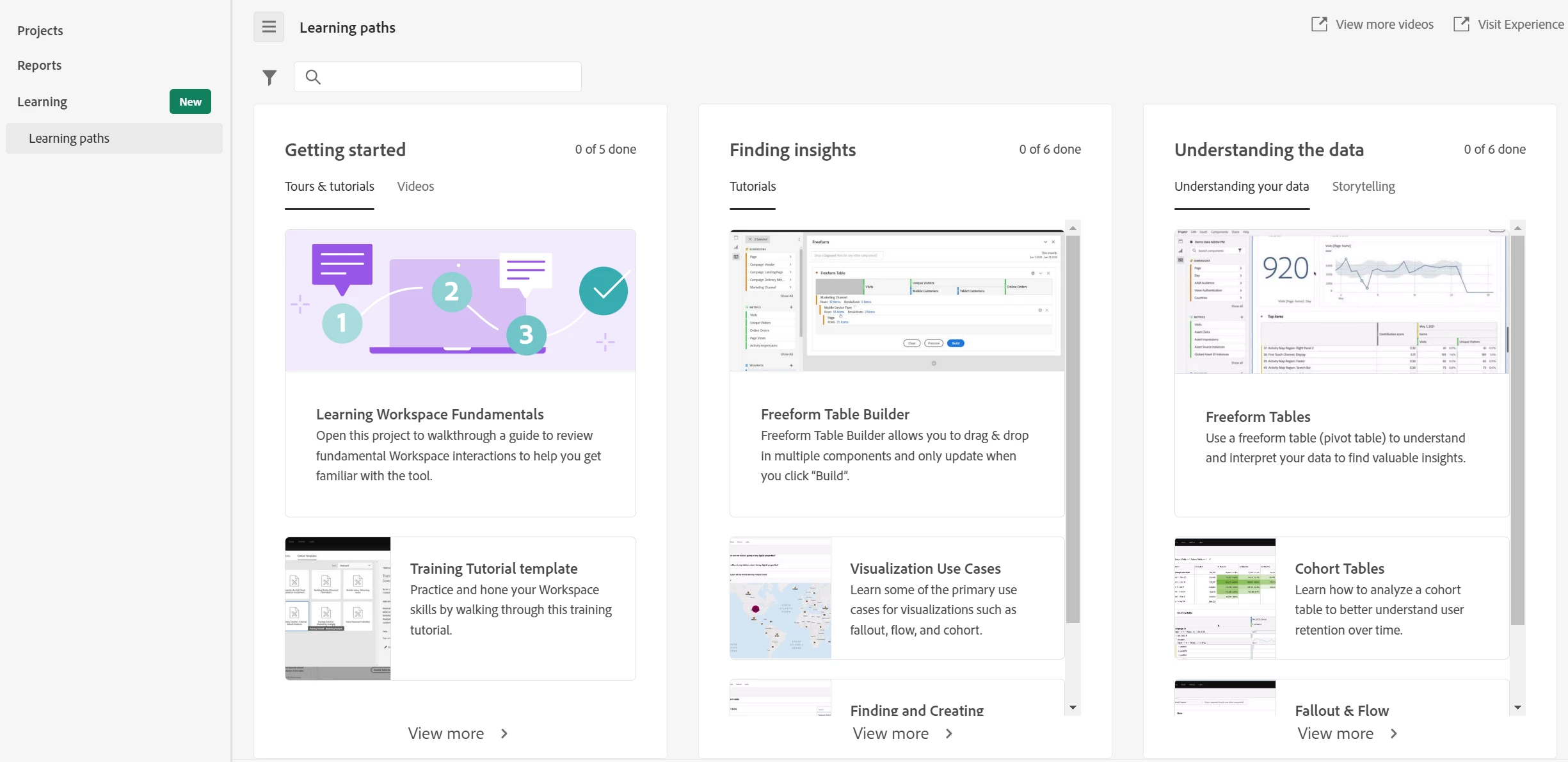
You can also go to the "learning" tab of the landing page in Workspace, there are guided tutorials in there that can really help walk you through the steps of building tables.


Jennifer_Dungan
Community Advisor and Adobe Champion
November 5, 2024

You should check with your Analytics team to see if they have any internal training sessions or materials available for organization specific dashboards.


Other than that, the documentation provided by @bjoern__koth and @mandygeorge would be good places to start, but also you should look at the recorded User Group sessions, while I am not sure if there is specifically "how to use a dashboard" sessions, you will see dashboard usage in some of the examples, particularly in the Office Hours sessions:


https://www.youtube.com/channel/UCQOHnCs7KZgsuFHVzwboQuA


There is also a playlist for Workspaces created by Adobe here: 
https://www.youtube.com/watch?v=So9ZFkr1ZDY&list=PL2tCx83mn7GualC5iviwQppctJ7RK0ono

(it's 4 years old, and while there have been some minor updates, a lot of this will still be relevant)


Good Luck!


Jagpreet_Singh_
Community Manager
Community Manager
November 18, 2024

@angelarios  Did you find the suggestion helpful? Please let us know if you require more information. Otherwise, please mark the answer as correct for posterity. If you've discovered a solution yourself, we would appreciate it if you could share it with the community. Thank you!