Found an issue on report magnifying glass, it cannot filter the style number | Community
Skip to main content
Level 2
April 1, 2024
Solved

Found an issue on report magnifying glass, it cannot filter the style number

  • April 1, 2024
  • 1 reply
  • 687 views

Hello Friends, 

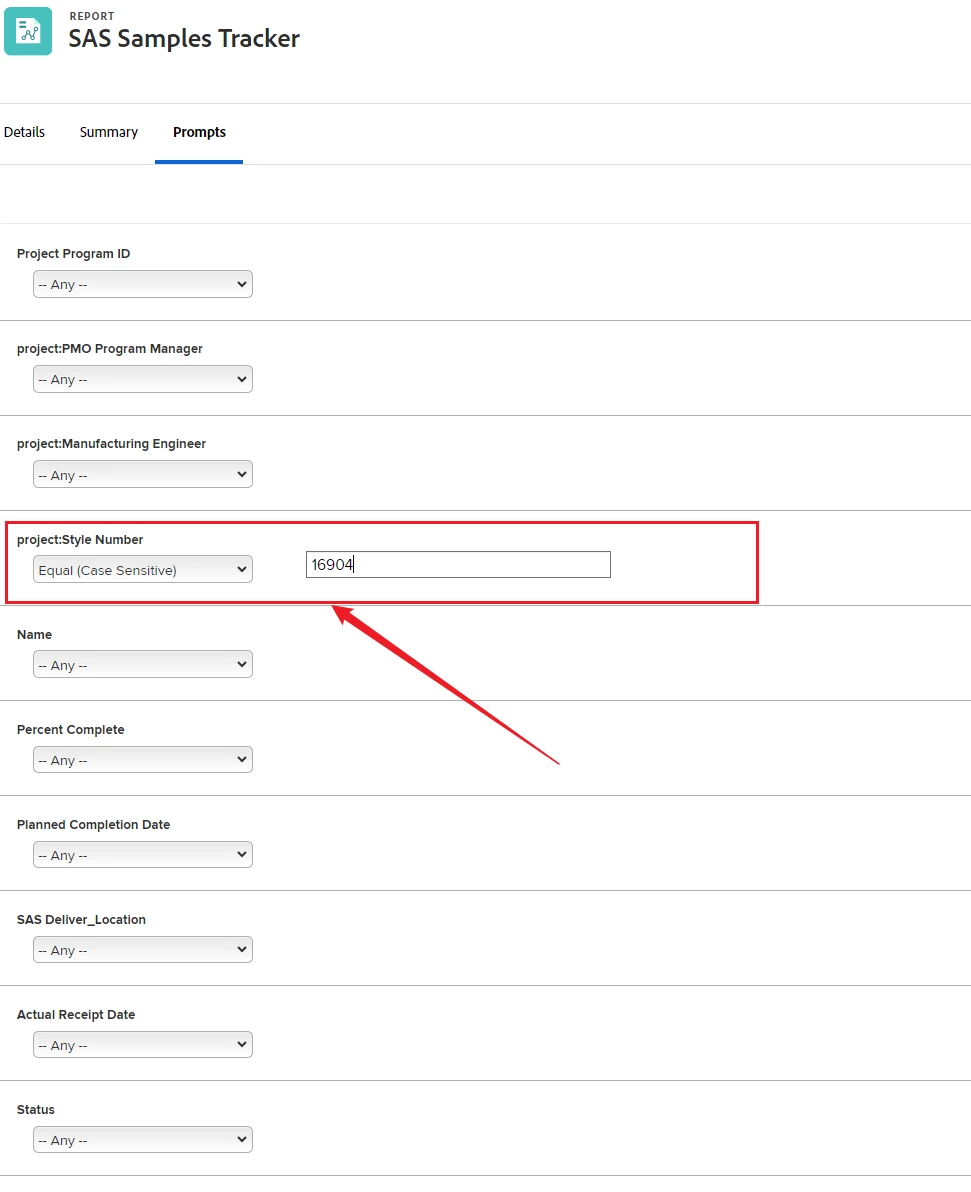
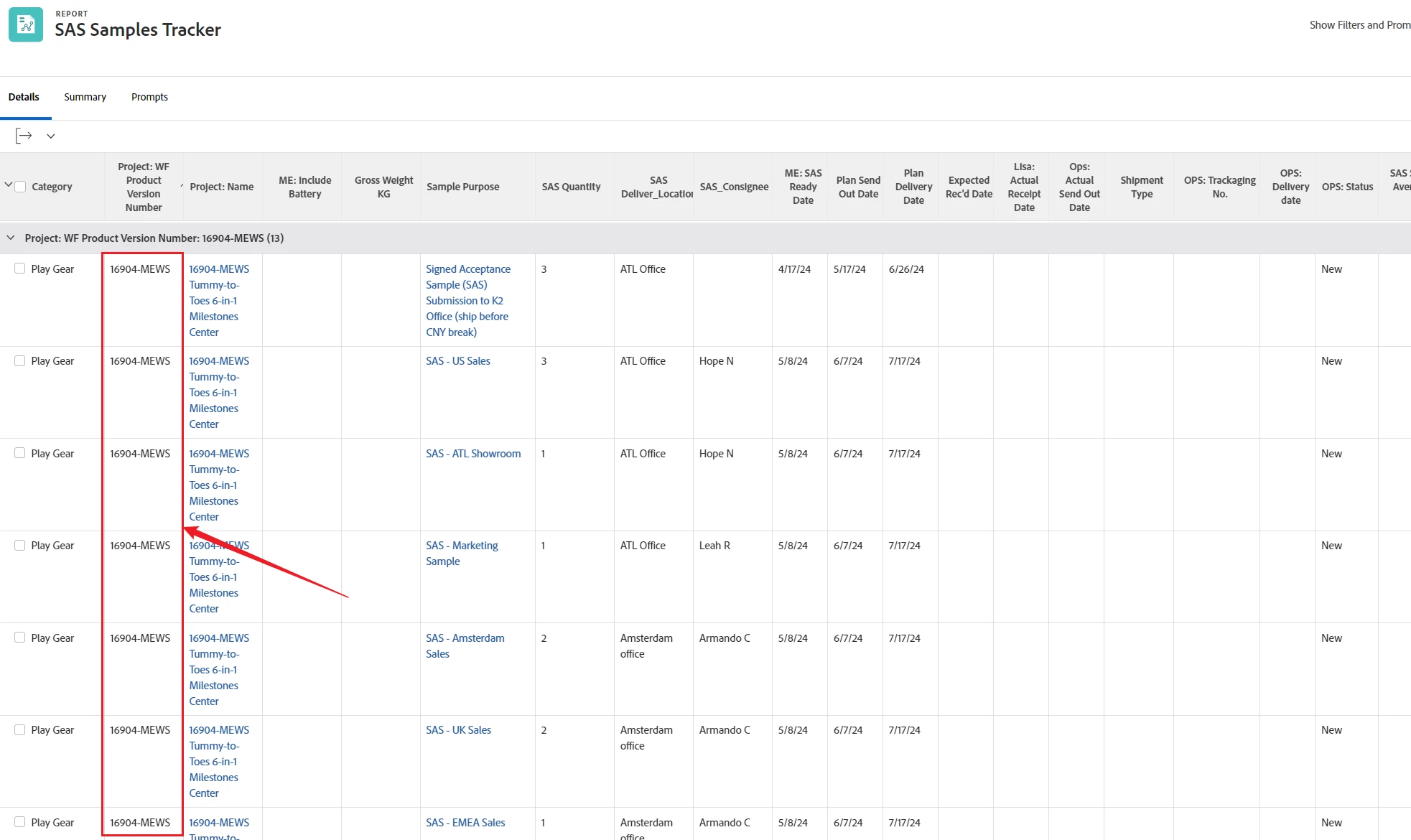
When I used the Workfront report with magnifying glass, I typed style number with searching, it didn't find anything (no matches). But I used the prompts with searching "style number", it did show up the things I wanted. see below screen shot.


Not sure if this is a bug, or something wrong. it was the same report.

Do you have encountered  this issue before? if yes, please provide some guidance, appreciate your help. thanks!



This post is no longer active and is closed to new replies. Need help? Start a new post to ask your question.
Best answer by imgrund

Hi @jerrywu - You have more than 2,000 items in your list. If you click to the next set of 36 items and then do the quick filter, do they appear?  Remember quick filter is like Ctrl+F, it can only show items that are in the view, so just the first 2,000. 

1 reply

imgrund
Adobe Employee
imgrundAdobe EmployeeAccepted solution
Adobe Employee
April 1, 2024

Hi @jerrywu - You have more than 2,000 items in your list. If you click to the next set of 36 items and then do the quick filter, do they appear?  Remember quick filter is like Ctrl+F, it can only show items that are in the view, so just the first 2,000. 

JerryWuAuthor
Level 2
April 2, 2024

thanks for your feedback, I tried using quick filter in 2nd page, but it doesn't work. only with prompt filter, it can show up the items I wanted. Not sure if this is a bug or not.