Redundant data in dataset. | Community
Skip to main content
arpan-garg
Community Advisor
Community Advisor
April 18, 2023
Solved

Redundant data in dataset.

  • April 18, 2023
  • 2 replies
  • 1420 views

Hi,


I am ingesting some data from Amazon S3 bucket every 15 mins and i noticed that the data which is already ingested is getting ingested again and again as a separate row in the dataset.


Is there a way to make sure that data already ingested is not ingested again? 
 

This post is no longer active and is closed to new replies. Need help? Start a new post to ask your question.
Best answer by ChetanyaJain-1

Hi @arpan-garg, that says the reason for duplication. 


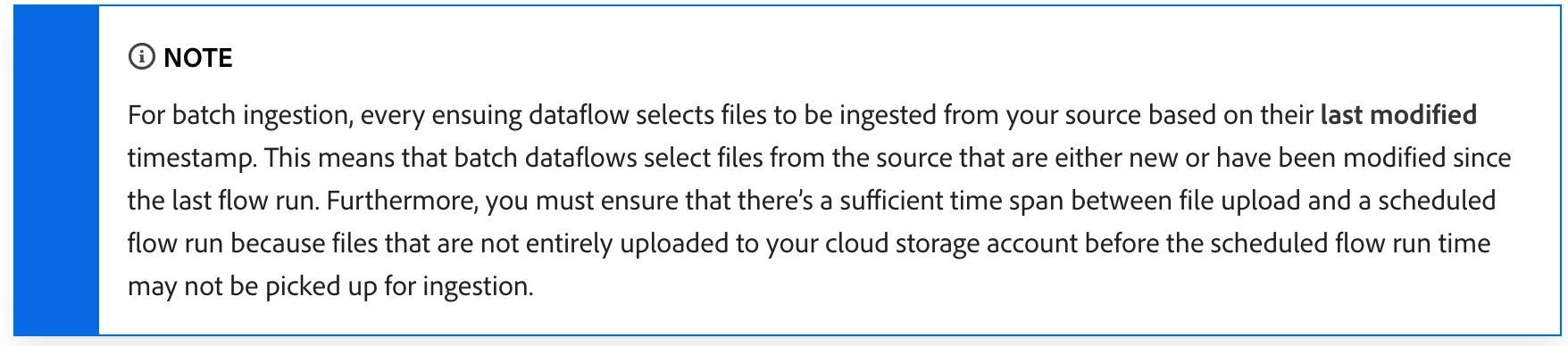
Since the file is getting modified, it loads the file again and ingests the records since you cannot filter based on a field. See the note below:


The best way to handle this is as follows:

  • Select the folder instead of the file
  • Select the backfill option to load the existing files from the folder; otherwise, skip.
  • Add a new file with the increment changes in the folder
  • The job will automatically pick the new files (based on the file modification timestamp and the job's last run time).

2 replies

ChetanyaJain-1
Community Advisor
Community Advisor
April 18, 2023

Hi @arpan-garg, quick questions :

  • In your data selection step, did you select a particular file or folder?
  • How is the delta data fed into S3 - Does a new file in a folder or an existing file gets updated?
  • What's the value of backfill?

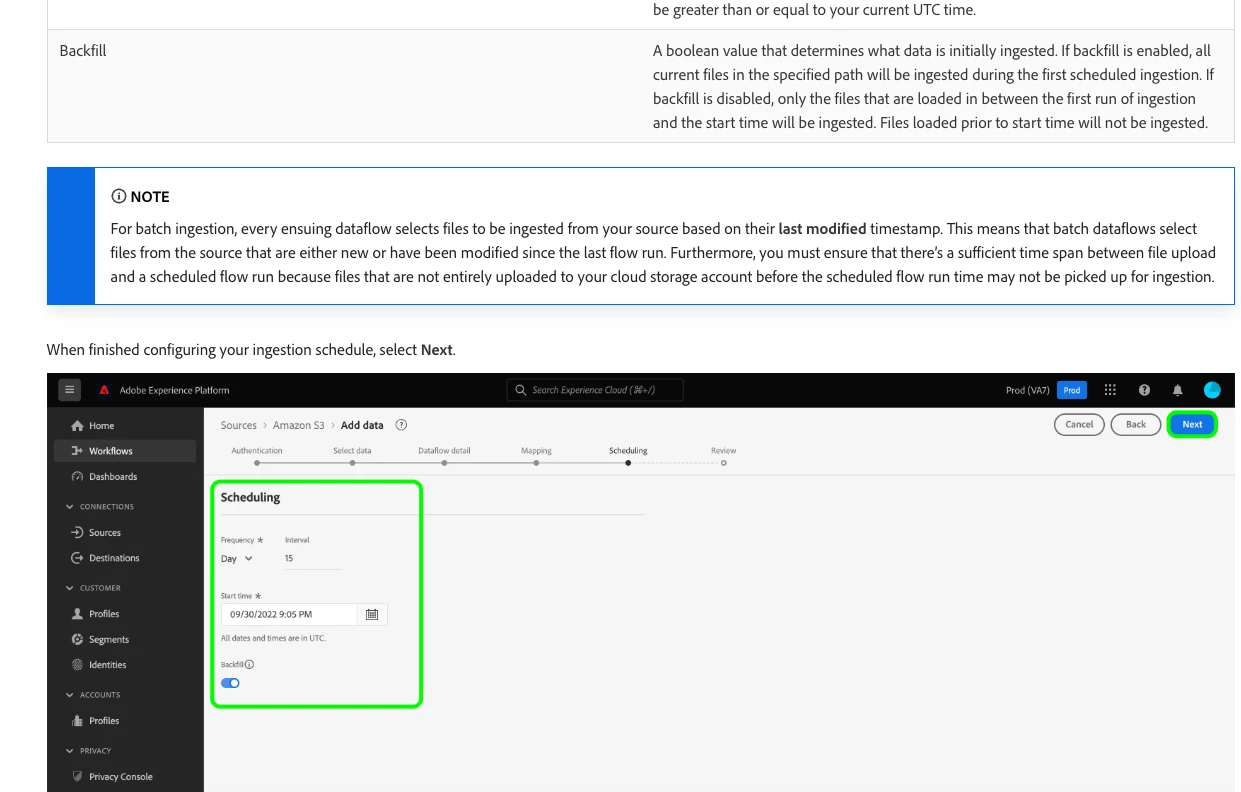
Here's an important thing to look for - https://experienceleague.adobe.com/docs/experience-platform/sources/ui-tutorials/dataflow/cloud-storage.html?lang=en#schedule-ingestion-runs 

Thanks,

Chetanya

arpan-garg
Community Advisor
Community Advisor
April 19, 2023

Hi @chetanyajain-1 - Yes, i selected a particular file while ingesting data.

An existing file gets updated with the new values but it also contains the old values.

One things to notice is when ingesting data via S3 bucket we don't see an option for selecting a incremental load field so it backfills all the data again.

ChetanyaJain-1
Community Advisor
ChetanyaJain-1Community AdvisorAccepted solution
Community Advisor
April 20, 2023

Hi @arpan-garg, that says the reason for duplication. 


Since the file is getting modified, it loads the file again and ingests the records since you cannot filter based on a field. See the note below:


The best way to handle this is as follows:

  • Select the folder instead of the file
  • Select the backfill option to load the existing files from the folder; otherwise, skip.
  • Add a new file with the increment changes in the folder
  • The job will automatically pick the new files (based on the file modification timestamp and the job's last run time).
arpan-garg
Community Advisor
Community Advisor
April 20, 2023

Thank you, @chetanyajain-1 , for the information provided. I will definitely give it a try. Based on the information, it appears that data cleaning should be handled separately, and only newly modified or updated data should be included in the new file. If a file with new timestamp contains the old data as well, AEP will ingest everything again.