Unable to edit pages and templates / No root layout container when creating template | Community
Skip to main content
May 25, 2021
Solved

Unable to edit pages and templates / No root layout container when creating template
  • May 25, 2021
  • 1 reply
  • 3081 views

I'm following the tutorial to create a new site https://helpx.adobe.com/experience-manager/using/first_aem64_website.html. However I'm not able to edit template as there's no layout container.
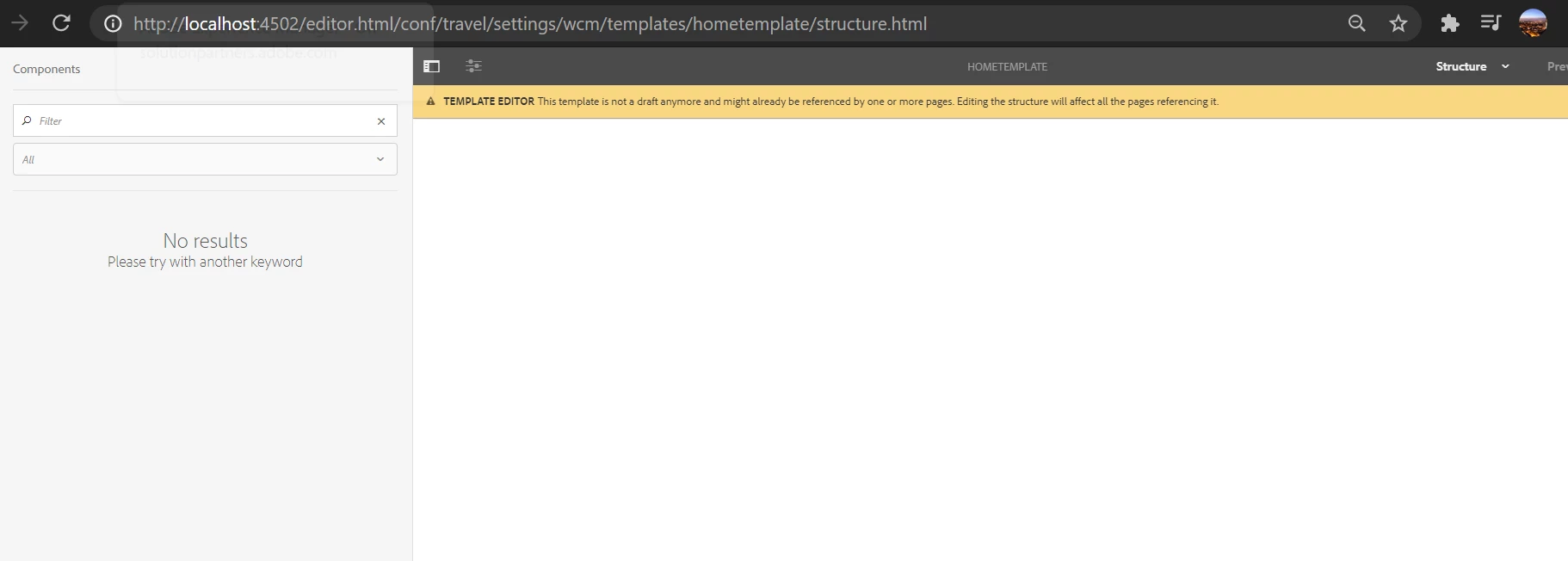
 

Edit:

I creted a new page in we-retail website, which uses page-content template:
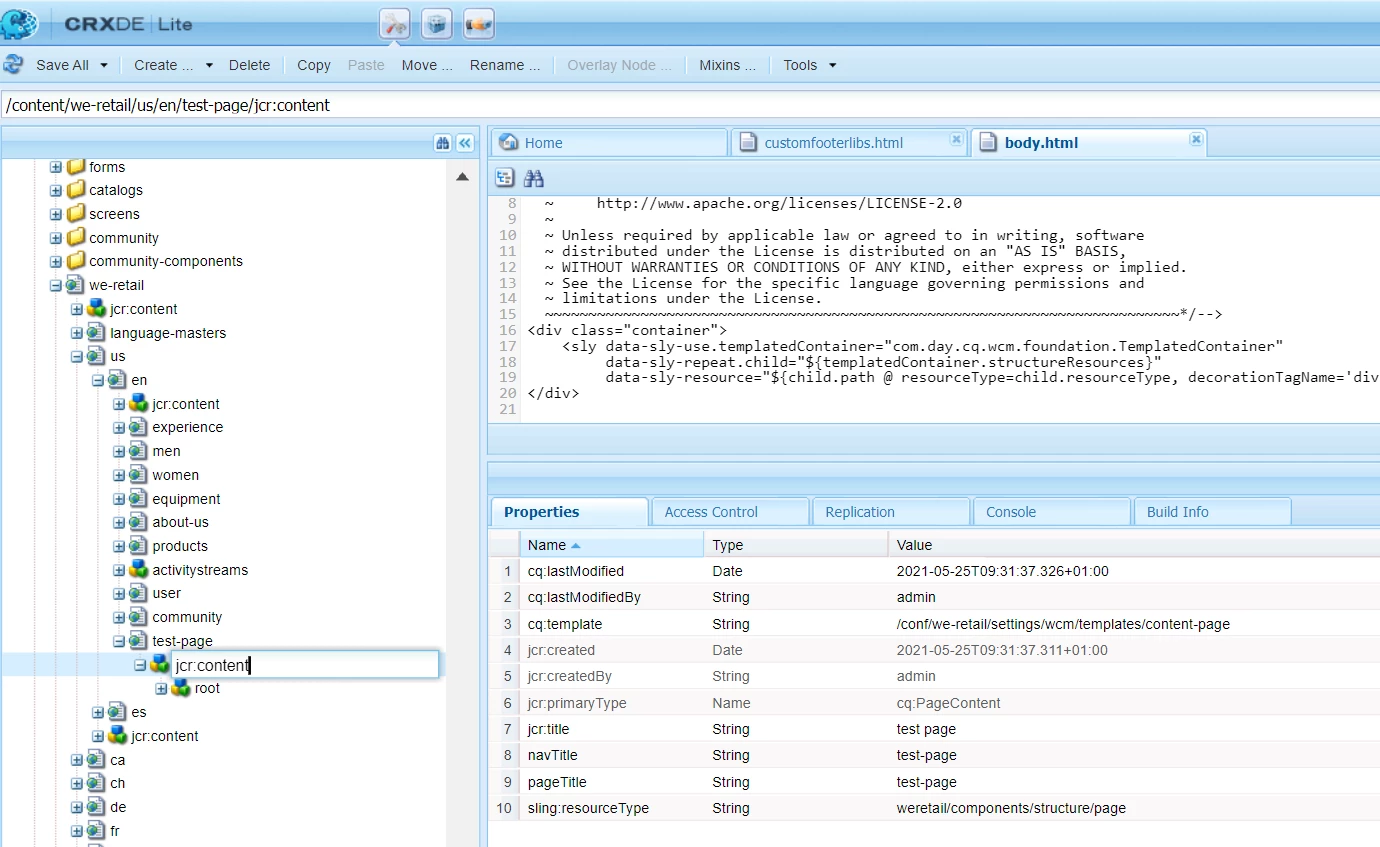


But it's still not editable. Anything what's created even existing we-retail templates and pages are not editable

Please help,

Kind regards,

Patryk
This post is no longer active and is closed to new replies. Need help? Start a new post to ask your question.
Best answer by Asutosh_Jena_

Hi @patrykmaryn 


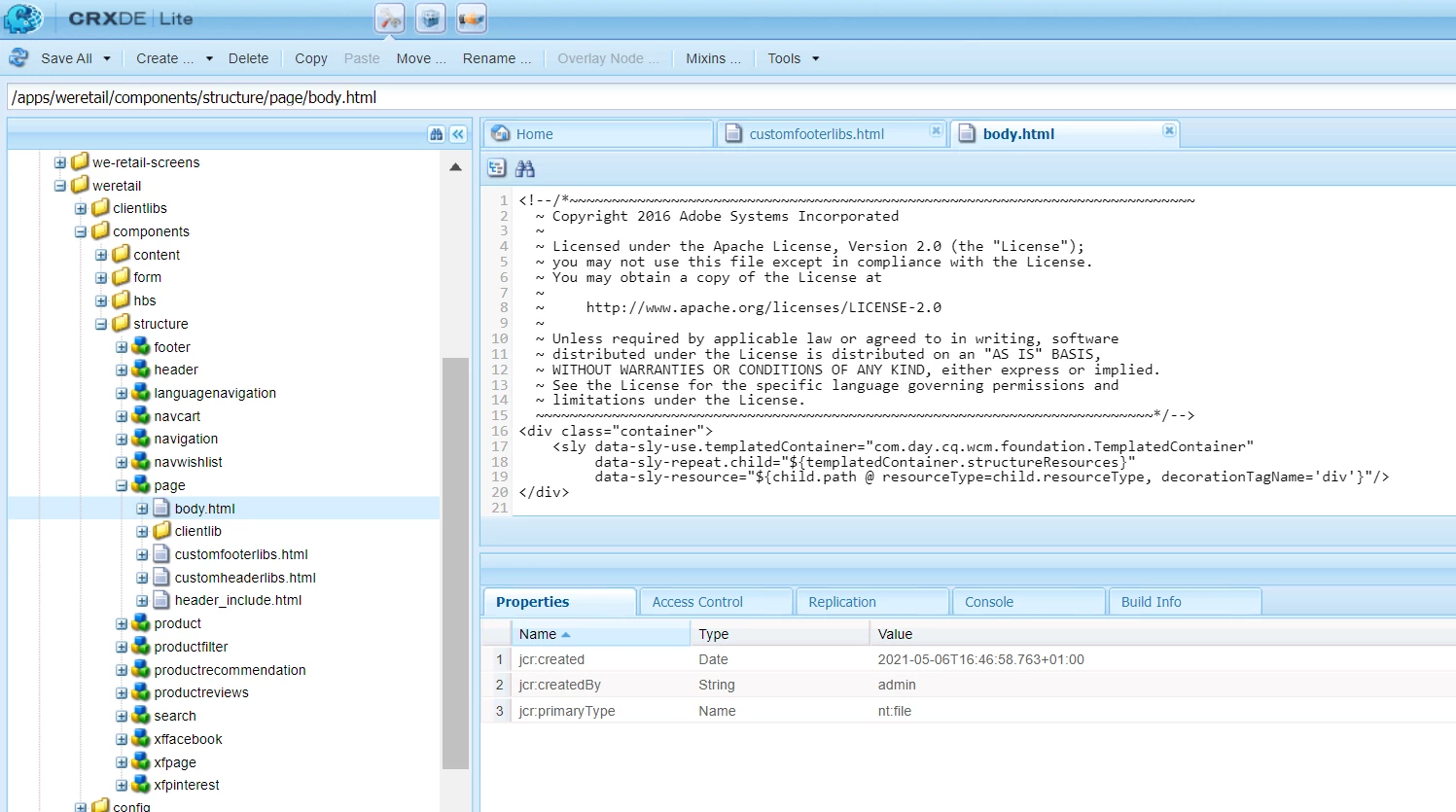
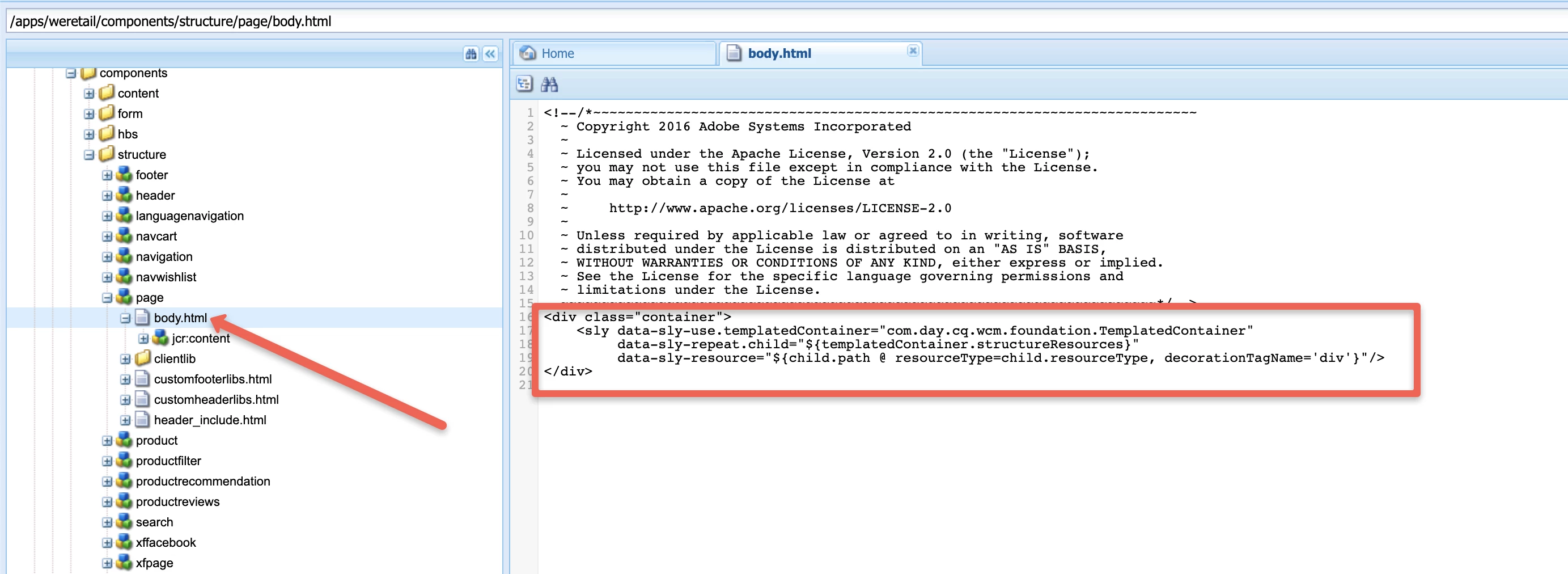
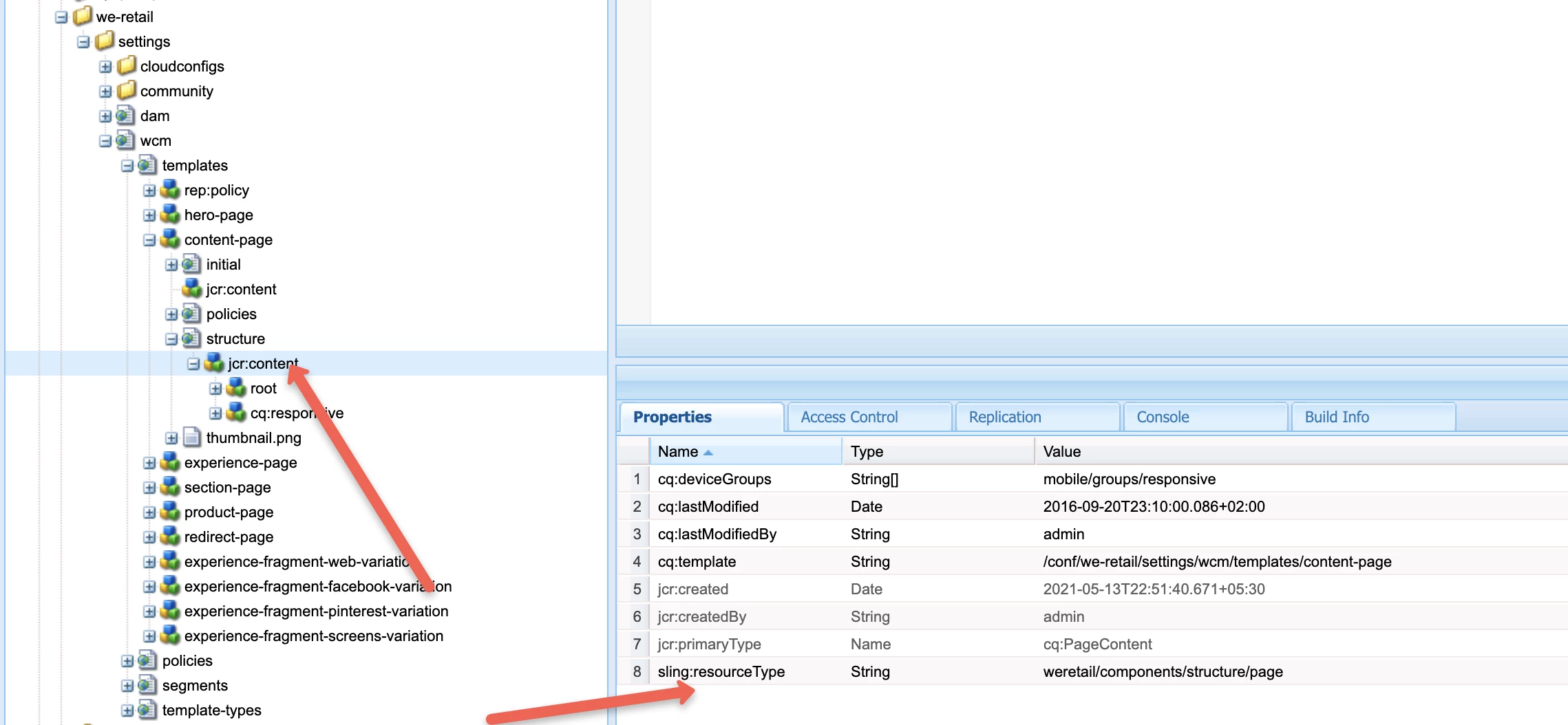
Check if your template page component has the layout container included in it or not.

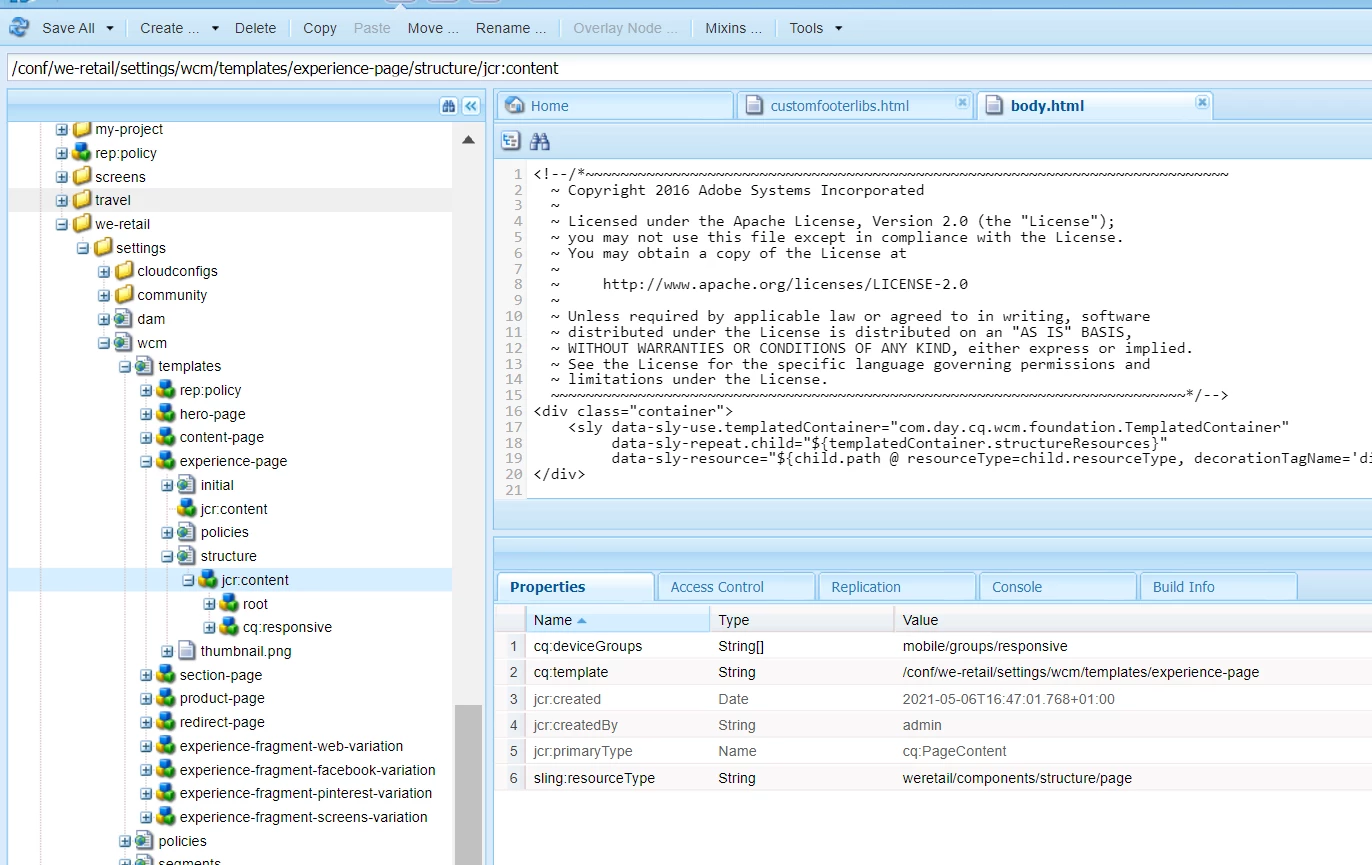
Navigate to editable tempalte jcr:content node within structure node and find the sling:resourceType and then look for the path in /apps.


1 reply

Asutosh_Jena_
Community Advisor
Asutosh_Jena_Community AdvisorAccepted solution
Community Advisor
May 25, 2021

Hi @patrykmaryn 


Check if your template page component has the layout container included in it or not.

Navigate to editable tempalte jcr:content node within structure node and find the sling:resourceType and then look for the path in /apps.


May 25, 2021
Many thanks @asutosh_jena_