Content Finder Assets Edit Button | Community
Skip to main content
June 21, 2018
Solved

Content Finder Assets Edit Button

  • June 21, 2018
  • 1 reply
  • 1135 views

Hi Community!

Could you please help identify whether the following is correct behavior?

Having installed AEM 6.4 env with samplecontent mode, when I open any page, say (/content/we-retail/us/en.html)

and I open assets content finder panel, then I'm able to click the marker on asset's preview logo to begin editing
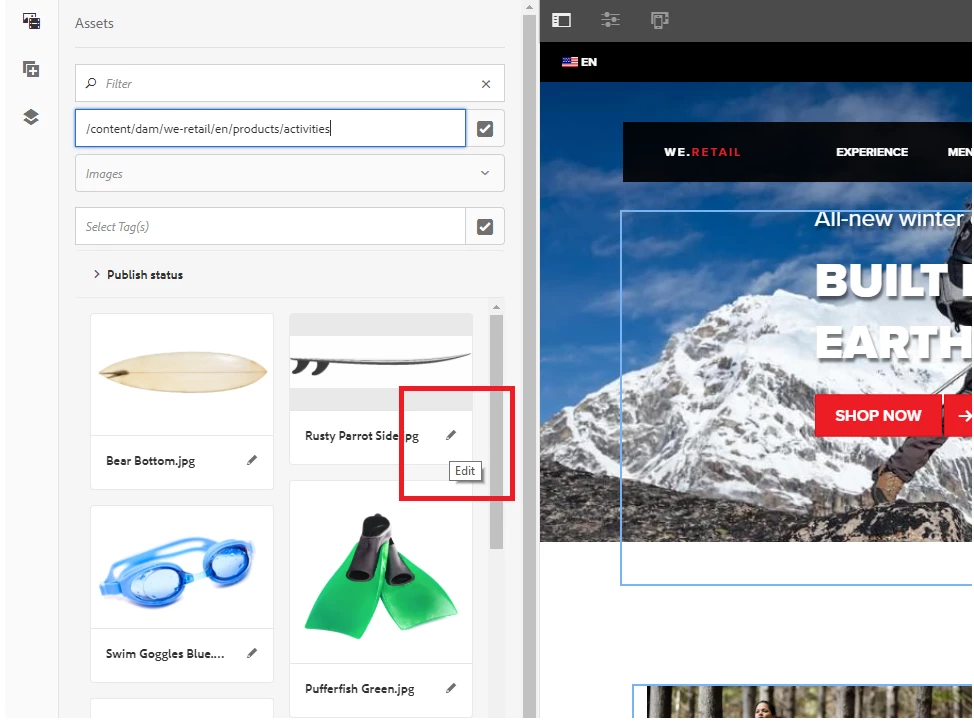
However, if I upload a new asset and open any page, then asset's preview logo gets marked with a label 'NEW' and I'm no longer able to click the marker icon

to start editing. Still, the logo is presented, moreover other assets' marker icon are still available and clickable.
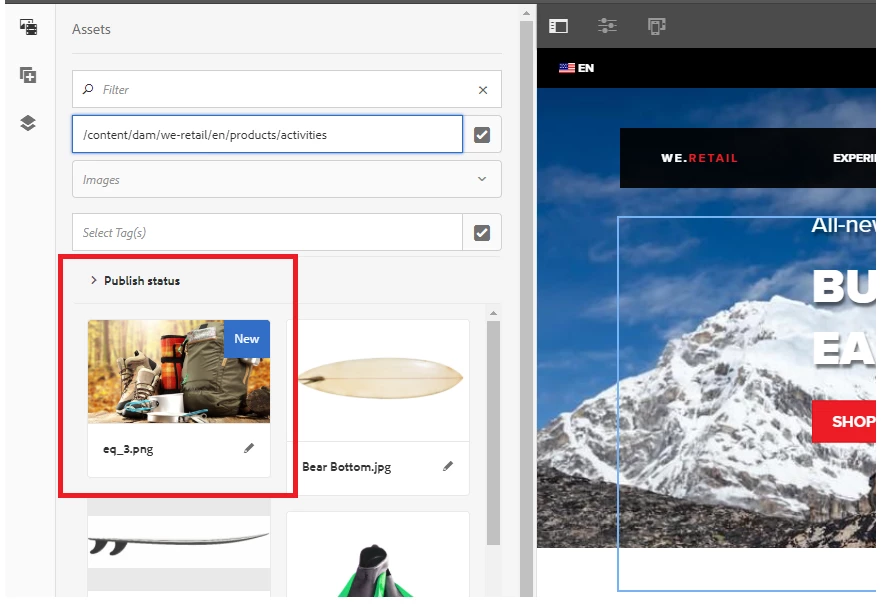
I'd like to know if you have the same experience.

Thank you for the attention.

This post is no longer active and is closed to new replies. Need help? Start a new post to ask your question.
Best answer by user05162

Hi Sergei,

I am able to reproduce the issue on 6.4 instance and looks like a bug. Can you please raise a daycare ticket for this issue and we can work with Engineering team for the fix.

1 reply

user05162Adobe EmployeeAccepted solution
Adobe Employee
June 25, 2018

Hi Sergei,

I am able to reproduce the issue on 6.4 instance and looks like a bug. Can you please raise a daycare ticket for this issue and we can work with Engineering team for the fix.