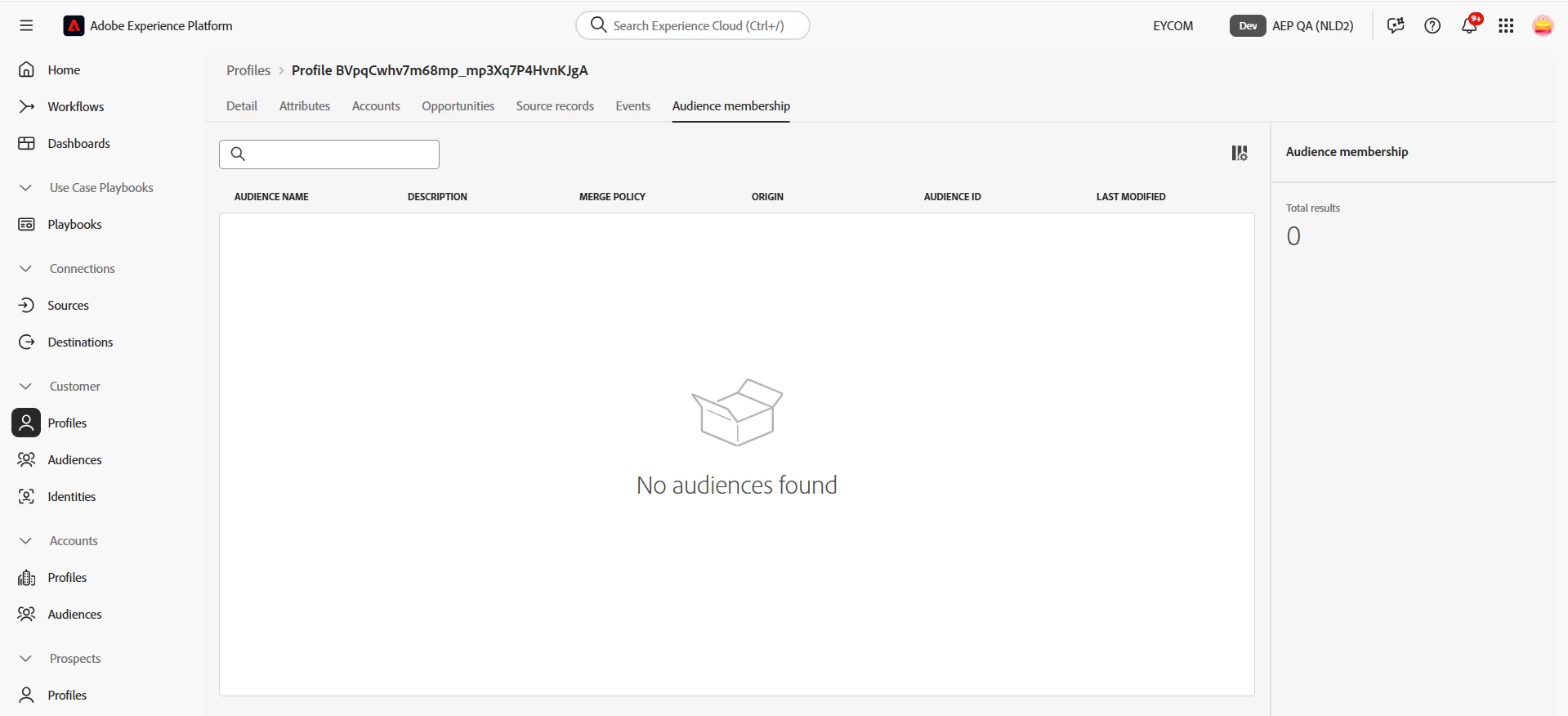
This situation you're describing involves Adobe Experience Platform (AEP), where a profile appears in the exported destination files, yet does not show any audience membership in the Profile tab of the AEP UI. This seem confusing, but there can be a potential reasons here:
Possible Causes and How This Can Happen
1. Audience Was Qualified at the Time of Activation, But Later Fell Out
Explanation : The profile previously qualified for a segment, and was exported to the destination , but then the segment conditions changed or the profile’s attributes changed, and now it no longer qualifies .
Result : In the AEP UI (real-time), you won't see current membership in that segment, but the destination file may still have that user if it was exported when they did qualify.
2. Data Sync/Latency Issues
The UI may not reflect real-time status due to sync delays .
Sometimes the destination export happens faster than the Audience UI refresh.
3. Profile Fragmentation (Identity Issues)
The destination export might be using a different identity namespace (e.g., email, phone, ECID) than what you're checking in the AEP UI.
If the identity graph isn’t stitched correctly, you may see "missing" audience info in the UI.
What You Can Do to Investigate
1. Check the Segment Definition:
Is it a batch or streaming segment? or Is “Profile Store” enabled?
2. Look at the Segment Evaluation Time:
When was the last evaluation? and Compare it to the export time.
3. Use the Identity Graph Viewer (AEP Tools):
Confirm if the profile is fully stitched and has the right identities.
4. Review Destination Configuration:
Was the destination set to export all qualified profiles even if they later fall out? or Are there suppression rules?
5. Look into Historical Audience Membership:
Audience membership shown in the UI is current; historical qualification might require using Segment Job History or exporting from Query Service.
Optionally you can use the SQL query for further debugging.
If you have access to Query Service.