Replicate i18n file | Community
Skip to main content
This post is no longer active and is closed to new replies. Need help? Start a new post to ask your question.
Best answer by Jagadeesh_Prakash

when I browse the url its throwing site cant be reached everytime


@vani1012  

 I am expecting that you are referring to AEMaaCS. In cloud environment no one will have access to replication tree.  

But in local SDK if you are logged in as Admin you will defiantly have access. 

In cloud only way to replicate i18N is through "Publish Content Tree" workflow or else push it via cloud (Suggested way) 

Note: In AEM cloud authors will not be having any window to edit the i18N nodes. Hope you know that 


https://experienceleaguecommunities.adobe.com/t5/adobe-experience-manager/where-is-the-i18n-translator-ui-for-aem-cloud/td-p/400530


3 replies

lukasz-m
Community Advisor
Community Advisor
January 17, 2023

Hi @vani1012,

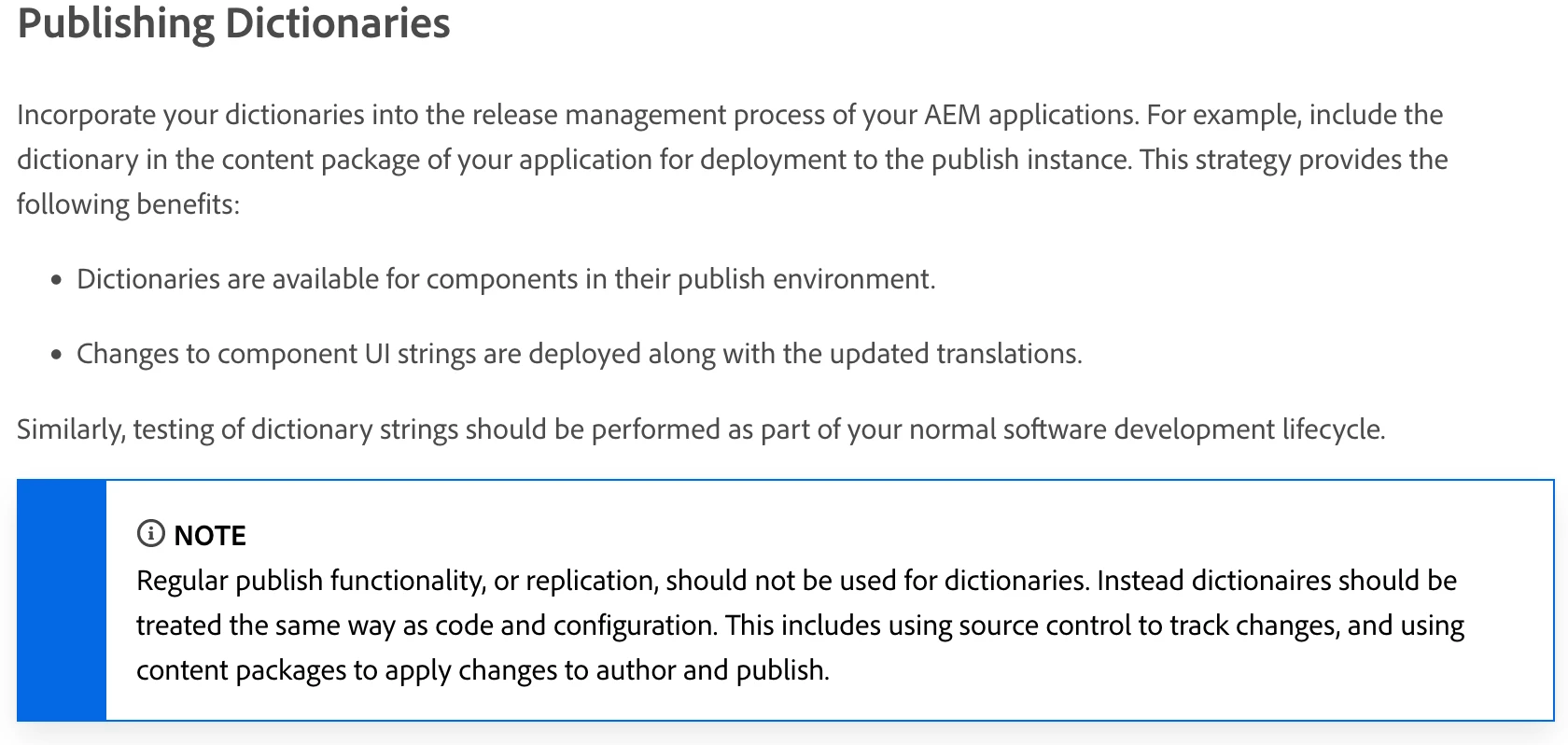
According to documentation and best practices you should incorporate your dictionary as part of your application code and deployed to publish instance via content package.

As a workaround, you can use Activate Tree tool (/libs/replication/treeactivation.html) that will allow you to publish any path in AEM. Nevertheless this option should not be used as a long term solution.

Jagadeesh_Prakash
Community Advisor
Community Advisor
January 17, 2023

@vani1012  What is the challenge on using tree activation? 

Vani1012Author
January 17, 2023

I am not able to access that path /libs/replication/treeactivation.html

BrijeshYadav
January 17, 2023

@vani1012  How do you mean not able to access ?

You dont have access rights or its not appear to console ?
http://localhost:4502/libs/replication/treeactivation.html

BrianKasingli
Community Advisor and Adobe Champion
January 18, 2023

From my experience, there are two ways of doing this. I would list the preferred way as the first item, and the rest are alternatives.

  1. Replication Tree, http://localhost:4502/libs/replication/treeactivation.html
  2. Package Manger
  3. Custom Servlet

Also make sure the filter.xml in your project is set to "merge", so that it will not overwrite author configurations. And these tasks should be performed by super users.