Recompile JSPs not available in AEM 6.5 | Community
Skip to main content
koenve
Level 2
July 3, 2019
Solved

Recompile JSPs not available in AEM 6.5

  • July 3, 2019
  • 6 replies
  • 20030 views

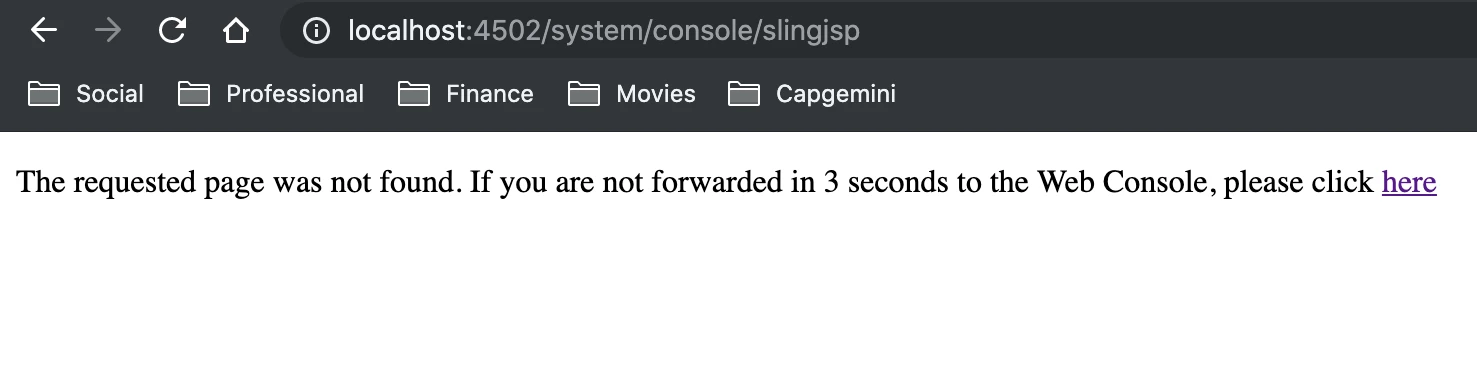
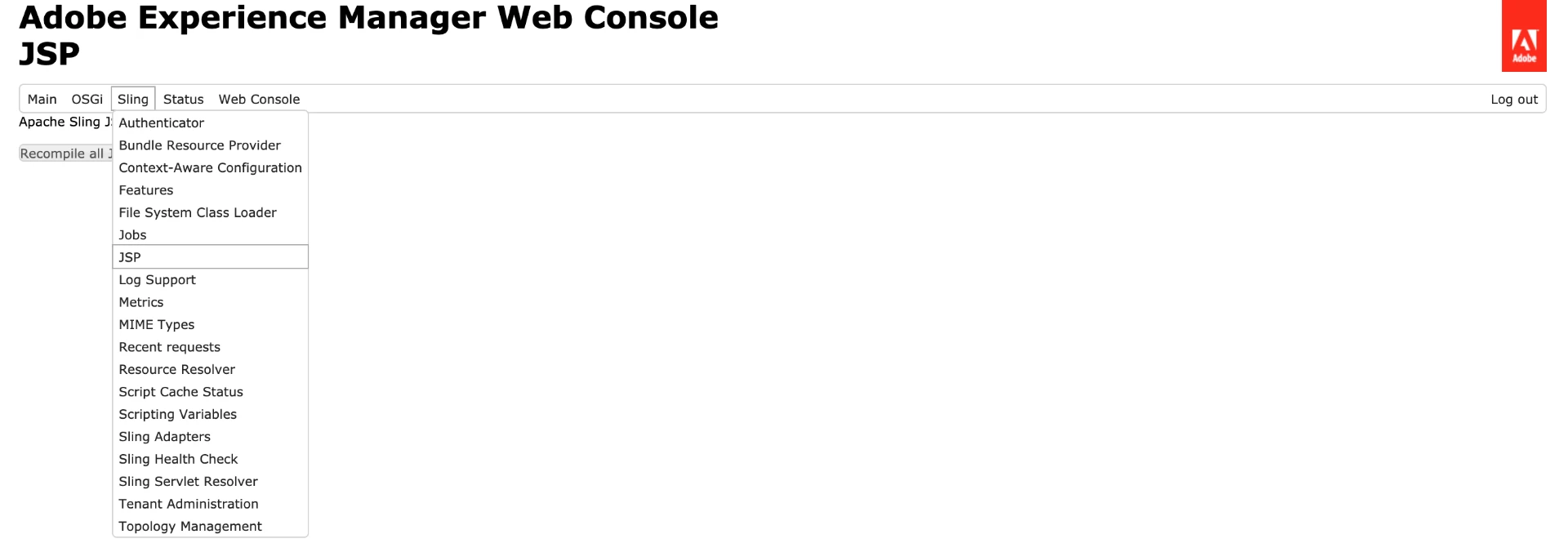
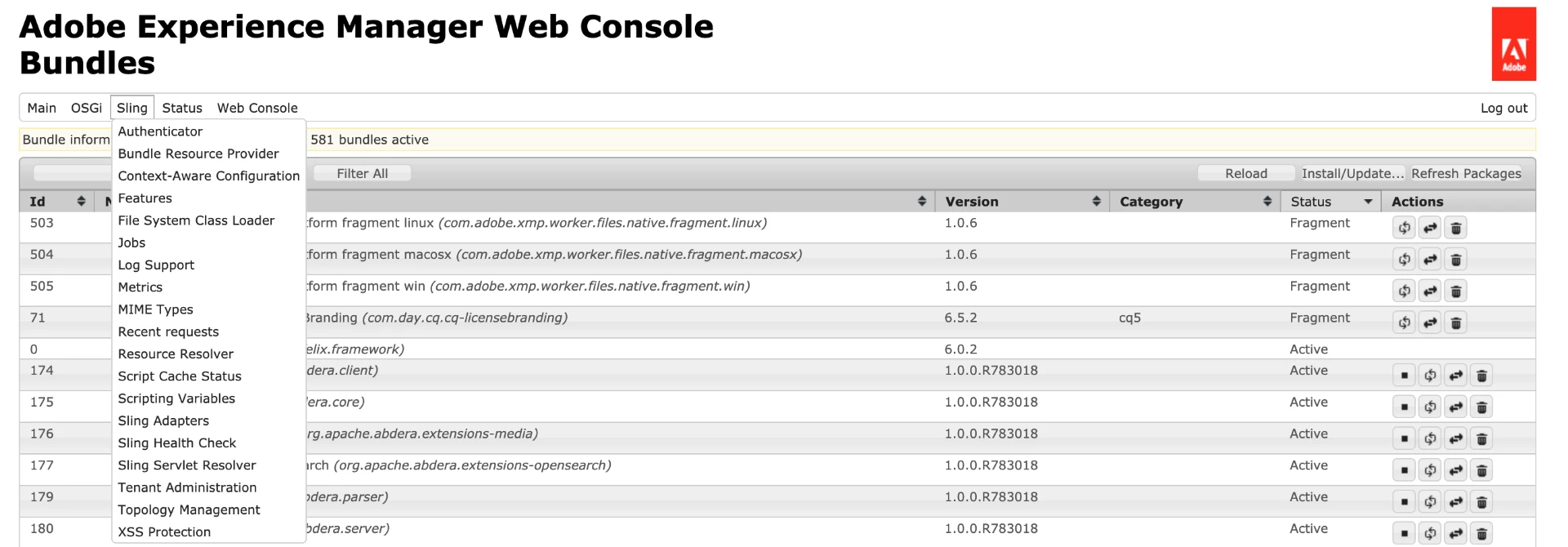
Some UI issues need a recompilation of the JSPs in order to be resolved (/system/console/slingjsp). However, in AEM 6.5 (tested on an OOTB installation with no additional packages installed) the console with which this is usually done is no longer available. It is not present in the menu, nor is the URL accessible directly.

AEM 6.3:
AEM 6.5:
Is there an other way to recompile the JSPs?

Thanks in advance for your feedback!

This post is no longer active and is closed to new replies. Need help? Start a new post to ask your question.
Best answer by user05162

That option was removed in 6.5. Now, Classes and Slightly cache is stored in the Apache Sling Commons FileSystem ClassLoader. Check point 2 at [1] on how to clear classes and sightly cache

[1] How to force a recompilation of all Sling scripts jsps, java, and sightly in AEM 6.4

6 replies

user05162Adobe EmployeeAccepted solution
Adobe Employee
July 3, 2019

That option was removed in 6.5. Now, Classes and Slightly cache is stored in the Apache Sling Commons FileSystem ClassLoader. Check point 2 at [1] on how to clear classes and sightly cache

[1] How to force a recompilation of all Sling scripts jsps, java, and sightly in AEM 6.4

koenve
koenveAuthor
Level 2
July 3, 2019

Thanks!

Level 4
January 15, 2020

I found this issue with AEM 6.5.3.


Having a custom component under Apps. Change the widget.jsp and the change in the jsp is NOT captured in the refresh page when added a simple static div

<div>testing</div>


Edit the adaptive form and it is captured, but "localhost:4502/content/forms/.../.../...html?wcmmode=disabled" is not reflecting the change.


On author (Windows based instance)

1. /libs/granite/ui/content/dumplibs.rebuild.html ==> Not working (both options)

2. for file system, find bundle.../data/classes and delete "classes" folder ==> Not working

3. for file system, find bundle.../data/outputcache and delete "outputcache" folder ==> Not working

4. Clear browser cache ==> Not working


Any combination of the above ==> Not working


Only thing that made it work ==> Restart Author.

Level 4
February 15, 2021
No, I have not found a solution for this. Not sure how we did resolve this issue as it was too long ago.
Level 2
January 31, 2020

In AEM 6.5, we have to navigate to /system/console/fsclassloader and click on "Clear Class Loader" button.

kautuk_sahni
Community Manager
Community Manager
August 10, 2020

See: https://techrevel.blog/2020/05/06/how-to-recompile-jsp-in-aem/

Verified on AEM 6.5

  • Navigate to http://<host&gt;:<port>/system/console/fsclassloader
  • Click on “Clear Class Loader” button
Kautuk Sahni
abhigyanswaroop
Level 2
April 2, 2021

You may also need to restart 
"org.apache.sling.commons.fsclassloader​" from felix bundle console.