Rearranging Buttons in AEM Table Component Rich Text Editor Toolbar
Hello everyone,
I'm currently working with AEM's table component, and I have a question regarding the toolbar buttons in the rich text editor that appears when I open the component toolbar's settings dialog.
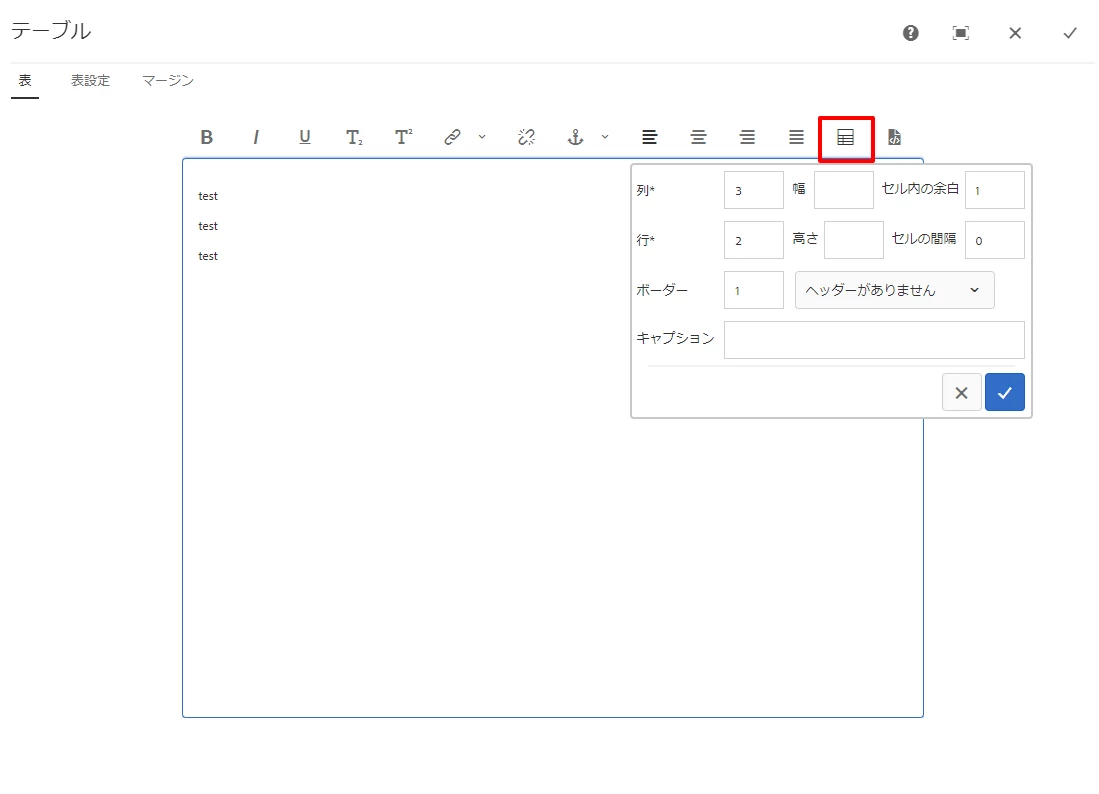
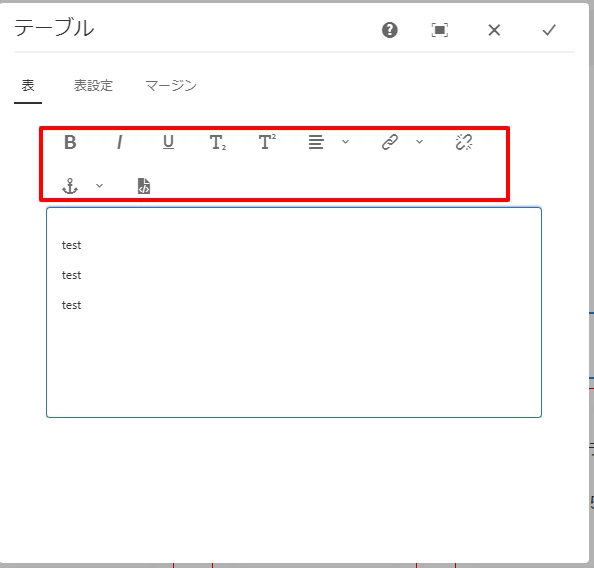
I would like to rearrange the buttons in this toolbar. However, I've noticed that some buttons, particularly the ones related to table creation, are not displayed unless I go into full-screen mode, which is a bit inconvenient.
Is there a way to customize the order of buttons in the rich text editor toolbar without going into full-screen mode? Your insights and suggestions would be greatly appreciated!
Thank you in advance.
normal mode
full-screen mode