Path field throwing error in AEM 6.4 Touch UI | Community
Skip to main content
Level 2
April 24, 2018

Path field throwing error in AEM 6.4 Touch UI

  • April 24, 2018
  • 3 replies
  • 11667 views

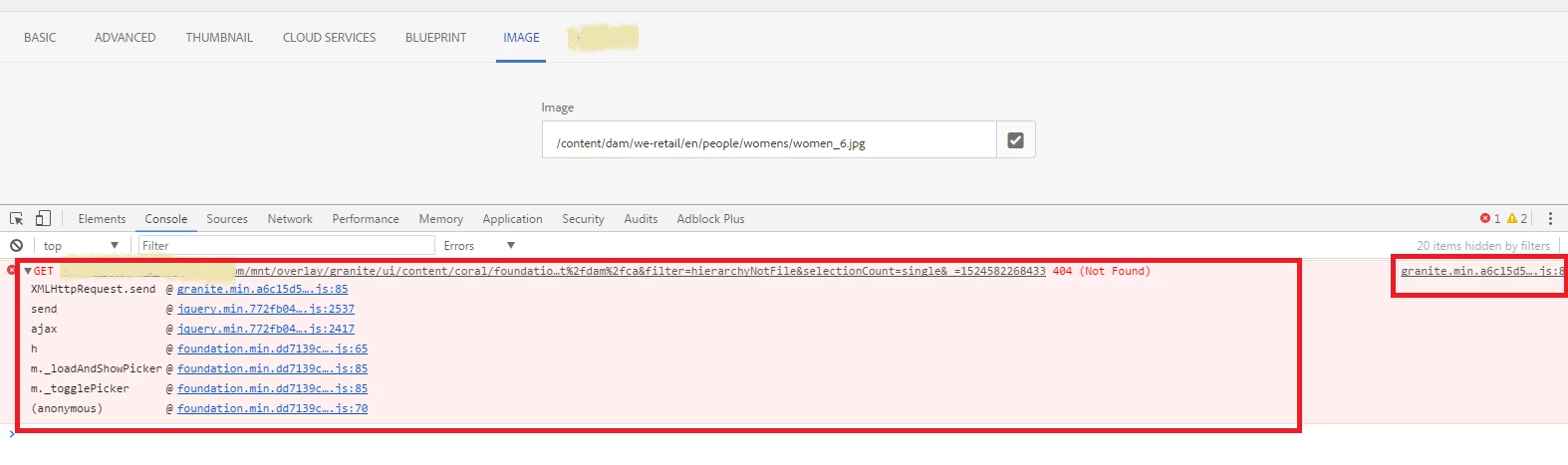
I am using granite/ui/components/coral/foundation/form/pathfield and when I click on the icon, it doesn't open the window but throws an error in the console.

/mnt/overlay/granite/ui/content/coral/foundation/form/pathfield/picker.html…t%2fdam%2fca&filter=hierarchyNotFile&selectionCount=single&_=1524569289626 Failed to load resource: the server responded with a status of 404 (Not Found)

I see that the image is present in the dam but still the path field fails to load it.

If I delete the selected image from the field and then click on path field icon, then it opens up.

Is there some other settings or properties I need to add for the pathfield?

Can you provide a solution for same?

Thanks,

Anuradha

This post is no longer active and is closed to new replies. Need help? Start a new post to ask your question.

3 replies

smacdonald2008
Level 10
April 24, 2018

I am going to test the path field by adding it to the same project that can be installed from this article - that uses other granite/coral types.

Building Experience Manager Components using Granite/Coral Resource Types

smacdonald2008
Level 10
April 24, 2018

I tested the Pathfield on AEM 6.4 and works fine, Here it is...

To test this - install the package in the third section of the article above. The section is titled -- Add additional resource types to your component

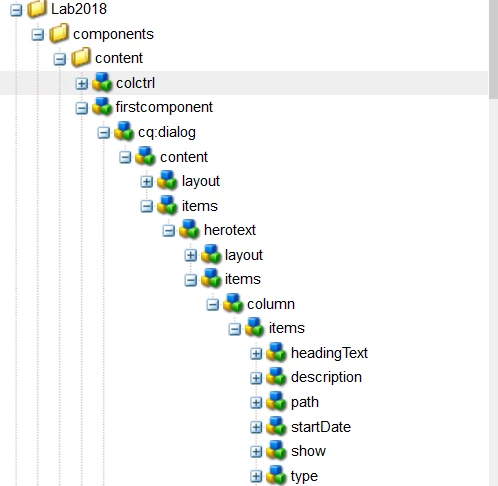
This will give you this structure under /apps.

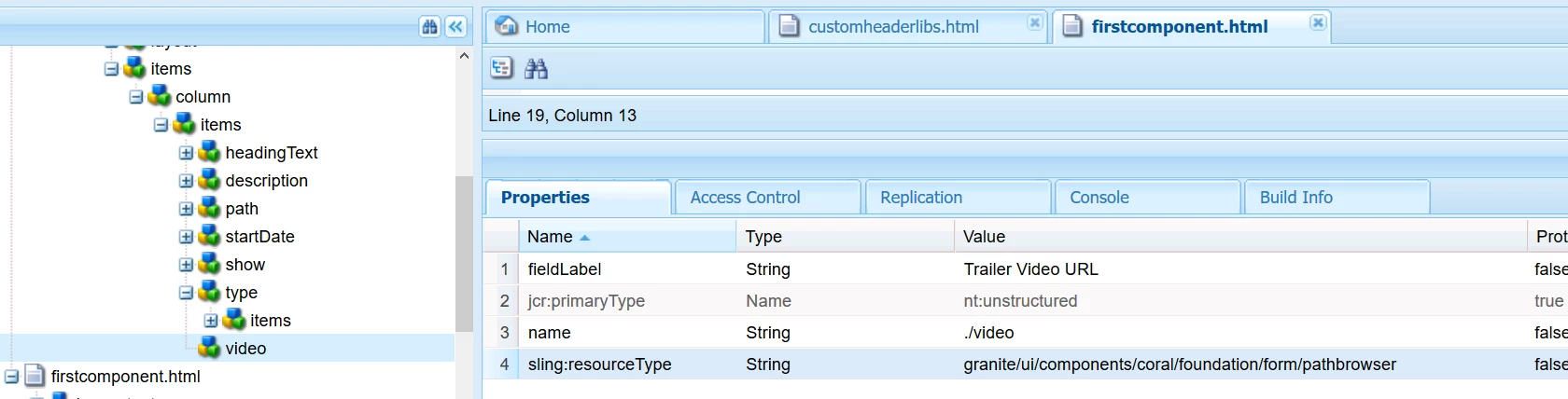
Add a new node under items named video with the following Props:

Open the Page here --

http://localhost:4502/editor.html/content/Lab2018/en.html

Update the /apps/Lab2018/components/content/firstcomponent/firstcomponent.html. Include these lines of code at end -- before closing </div>

         <p>

            <b>path finder:</b> ${properties.video}

        </p>

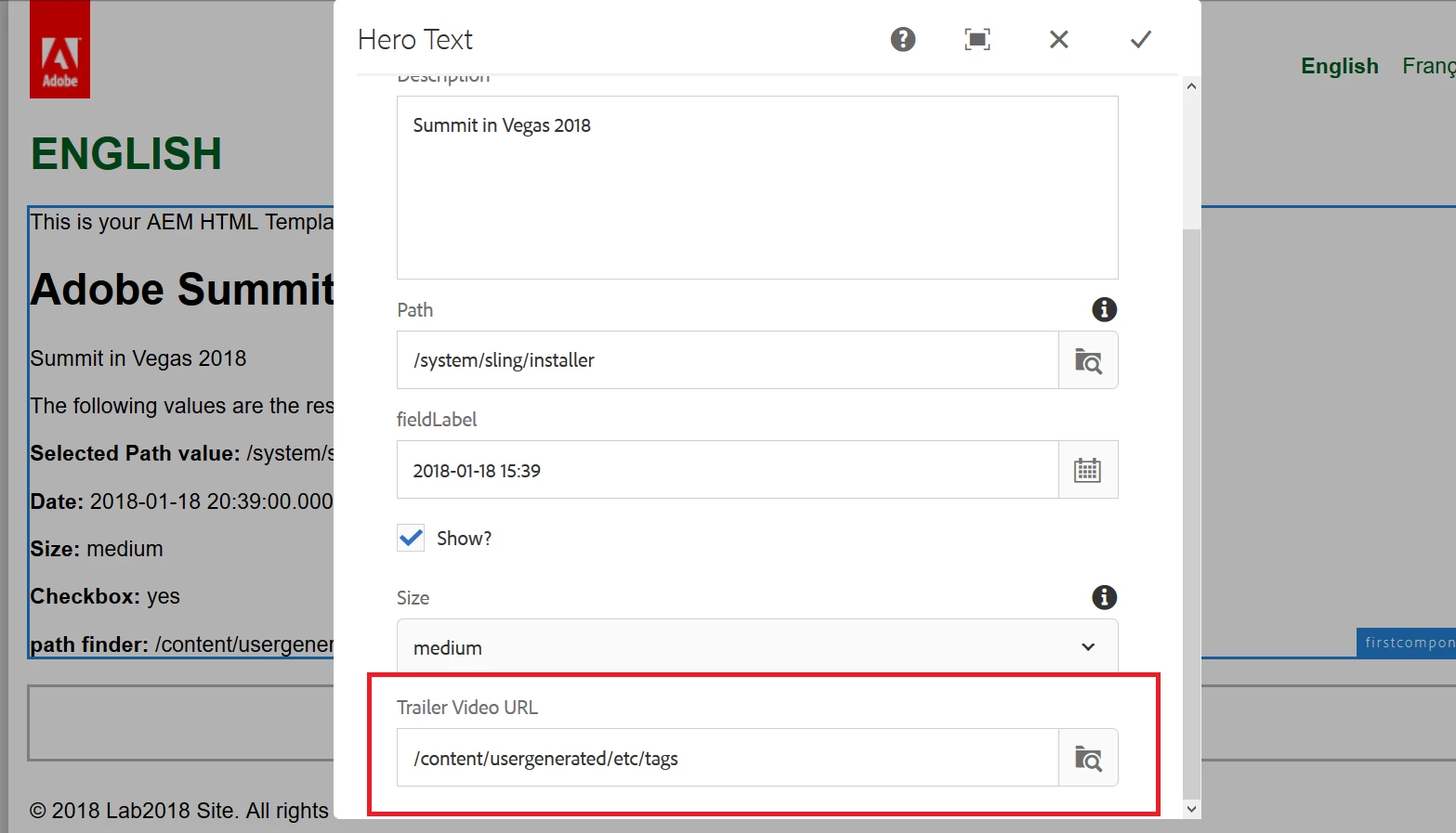
Now open the dialog and you will see the pathfinder:

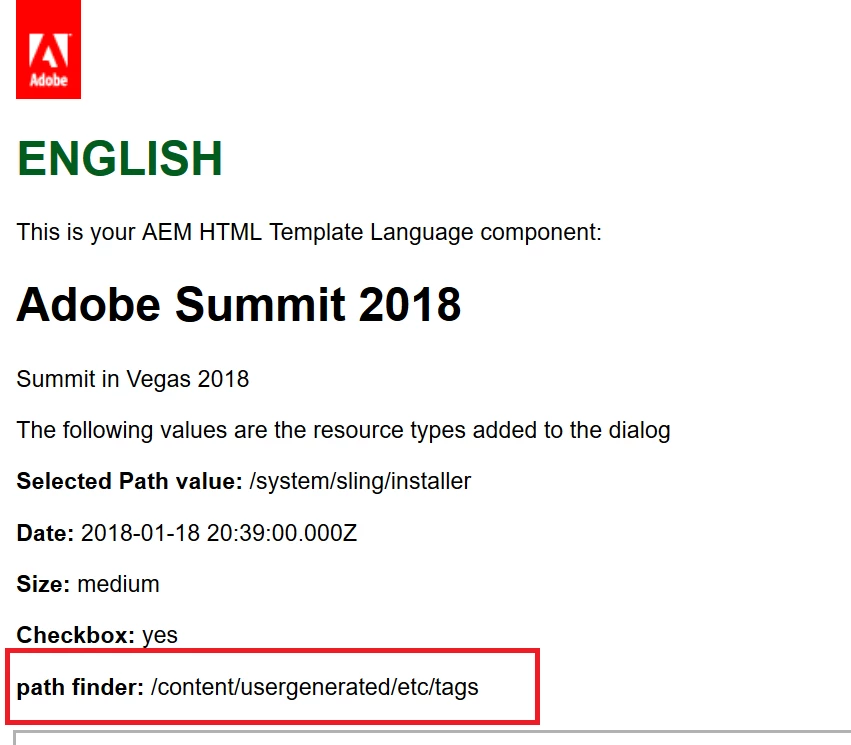
This value now prints out on the page --

Try this all on a fresh AEM 6.4 DEV instance and i am sure you will get the same results.

Adobe Employee
April 24, 2018

anuradhar46910715​ Do the below and let me know if it doesn't work

Level 2
April 25, 2018

Thanks for the solution will apply it if reinstallation doesnt work fine.

Level 4
May 15, 2018

15.05.2018 14:31:39.784 WARN [81.128.191.42 GET /editor.html/content/myapp/undefined.2.json HTTP/1.1] com.adobe.cq.xf.impl.servlet.rendercondition.EditorRenderCondition Page at path /content/myapp/undefined.2.json doesn't have a jcr:content node

Why is it triggering an undefined for your myapp and pages under it ?


Hi Kunwar

sorry it wasn't very helpful to include that WARN message.  It's something that was there before i joined the project, doesn't seem to affect operation of our custom code and to be honest i've ignored it (i think it's related to some vue.js custom javascript we include but I don't work on that part of the dev effort at the moment haven't looked into what causes it!)

Level 4
June 19, 2019

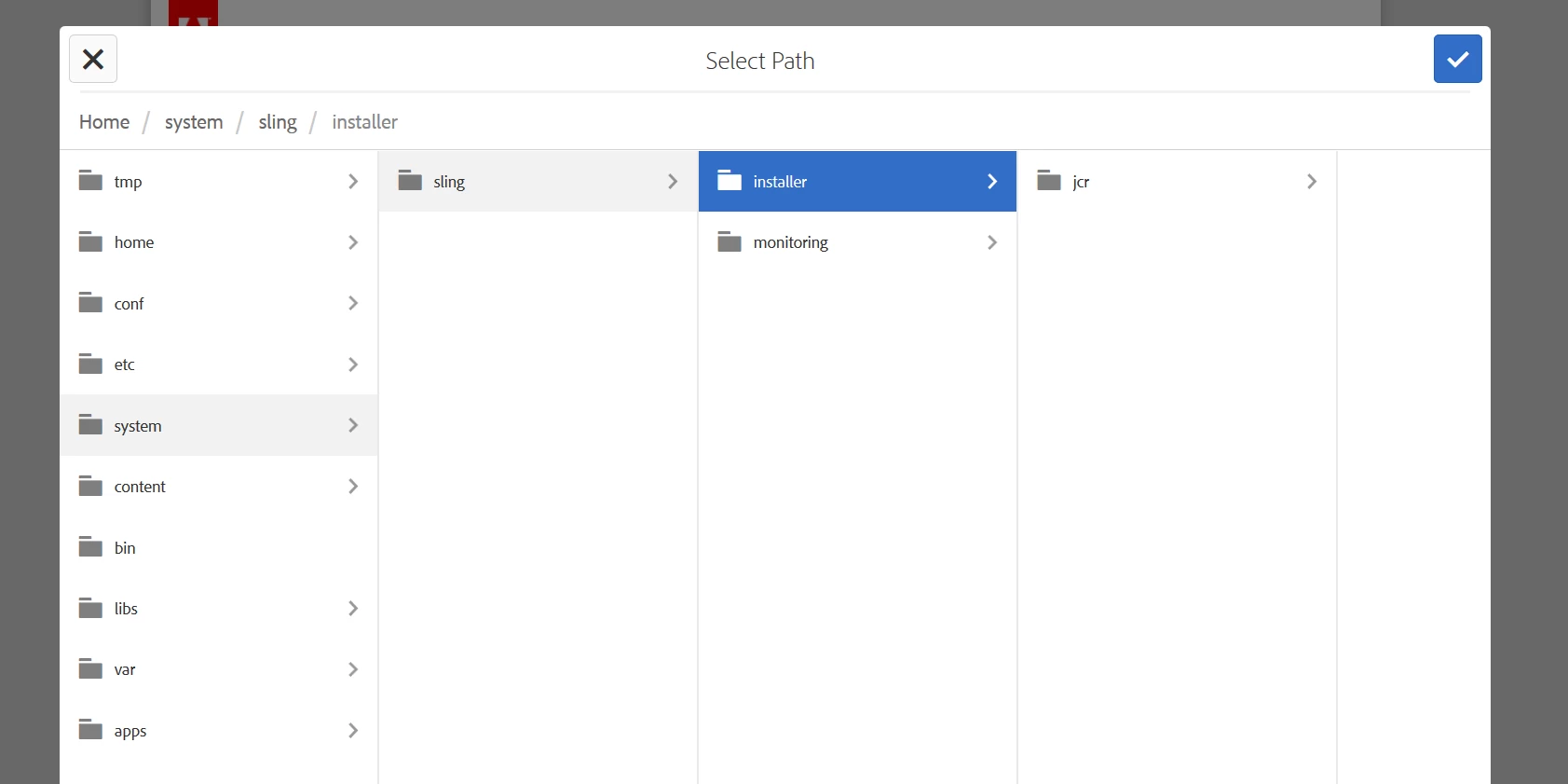
Whats the fix for this issue? smacdonald2008Kunwardorianhallward anuradhar46910715 I've upgraded from 6.3.2 to 6.4.4 and I see below error for Pathfield - this is only happening on QA environments and not on a fresh local instance.

19.06.2019 *ERROR* [10.43.32.88 [1560969487301] GET /mnt/overlay/granite/ui/content/coral/foundation/form/pathfield/picker.html HTTP/1.1] org.apache.sling.engine.impl.SlingRequestProcessorImpl service: Uncaught SlingException

org.apache.sling.scripting.java.impl.ServletWrapper$CompilerException: Compilation errors in /libs/granite/ui/components/coral/foundation/form/pathfield/datasources/children/children.java:

Line 105, column 4458 : '<>' operator is not allowed for source level below 1.7

Line 113, column 4811 : The method evaluate(Resource) of type new Predicate<Resource>(){} must override a superclass method

Line 125, column 5379 : '<>' operator is not allowed for source level below 1.7

Line 129, column 5574 : The method compare(Resource, Resource) of type new Comparator<Resource>(){} must override a superclass method

Line 134, column 5765 : '<>' operator is not allowed for source level below 1.7

Line 134, column 5789 : '<>' operator is not allowed for source level below 1.7

Line 160, column 6671 : The method transform(Resource) of type new Transformer<Resource,Resource>(){} must override a superclass method

Line 185, column 7521 : The method evaluate(Resource) of type children.FolderPredicate must override a superclass method

Line 202, column 7991 : The method evaluate(Resource) of type children.HierarchyPredicate must override a superclass method

Line 219, column 8467 : The method evaluate(Resource) of type children.NoSystemPredicate must override a superclass method

Line 236, column 8990 : The method evaluate(Resource) of type children.HierarchyNotFilePredicate must override a superclass method

Line 273, column 10149 : '<>' operator is not allowed for source level below 1.7

Line 273, column 10173 : '<>' operator is not allowed for source level below 1.7

Line 275, column 10322 : The method transform(Resource) of type new Transformer<Resource,Resource>(){} must override a superclass method
Level 4
June 19, 2019