Local Env with VSCode AEM Sync Issue | Community
Skip to main content
July 11, 2022
Solved

Local Env with VSCode AEM Sync Issue

  • July 11, 2022
  • 3 replies
  • 8674 views

Hi all, new AEM developer here.


I have my local environment up and running but I'm having issues syncing changes from VSCode to my local environment.  I'm using the AEM Sync extension here: https://marketplace.visualstudio.com/items?itemName=yamato-ltd.vscode-aem-sync


When I try and import or export I get the following error: Cannot establish a connection to server http://localhost:4502: ERR_HTTP_HEADERS_SENT.


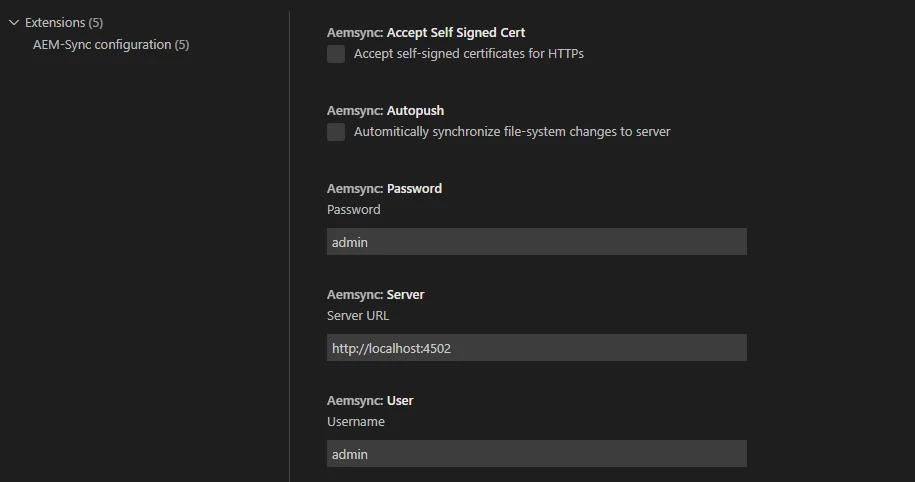
I verified the settings of the extension which is setup for http://localhost:4502 and with the correct credentials.  Has anyone encountered this issue before? Or is there a log in AEM somewhere that I may be able to look at that may have more information as far as why the connection couldn't be established?


Thanks!

 

This post is no longer active and is closed to new replies. Need help? Start a new post to ask your question.
Best answer by Dusty

FYI, in case anyone else runs into similar issues.  Working with a co-worker we discovered our proxy had a network route for localhost that was causing issues.  You can check this by opening a command prompt and doing a "nslookup localhost".


Once we discovered that, the fix was a matter of removing the windows system environment variables for http/s proxies and restarting VS-code.  Issue was then solved.

3 replies

SantoshSai
Community Advisor
Community Advisor
July 11, 2022

Hi @dusty ,

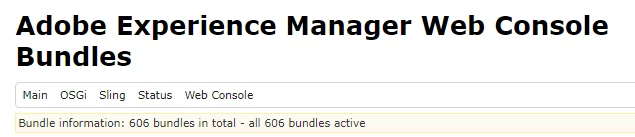
Try to open the system console (http://localhost:4502/system/console/bundles ) first and see whether all bundles are in active mode or not. If you are able to open the system/console and all the bundles are in active then there is no issue with the server. 

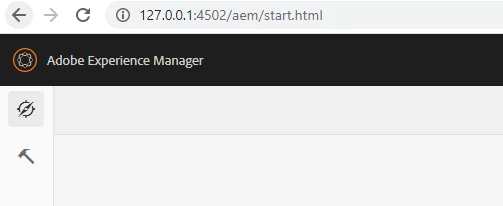
Check if it can be accessed via 127.0.0.1:4502 or with your IP?

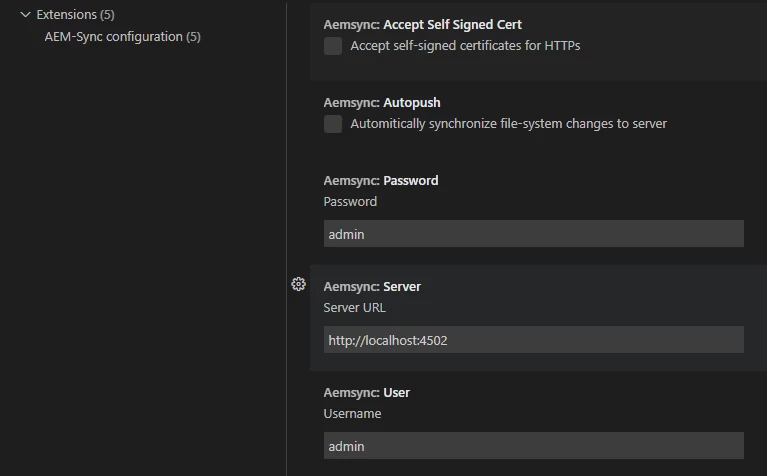
I have tried it it works well. Verify your configurations are in place as below

Regards,

Santosh

Santosh Sai
DustyAuthor
July 11, 2022

Thanks for your reply Santosh.


Confirming all bundles are active:


Confirming I can access the environment via IP:


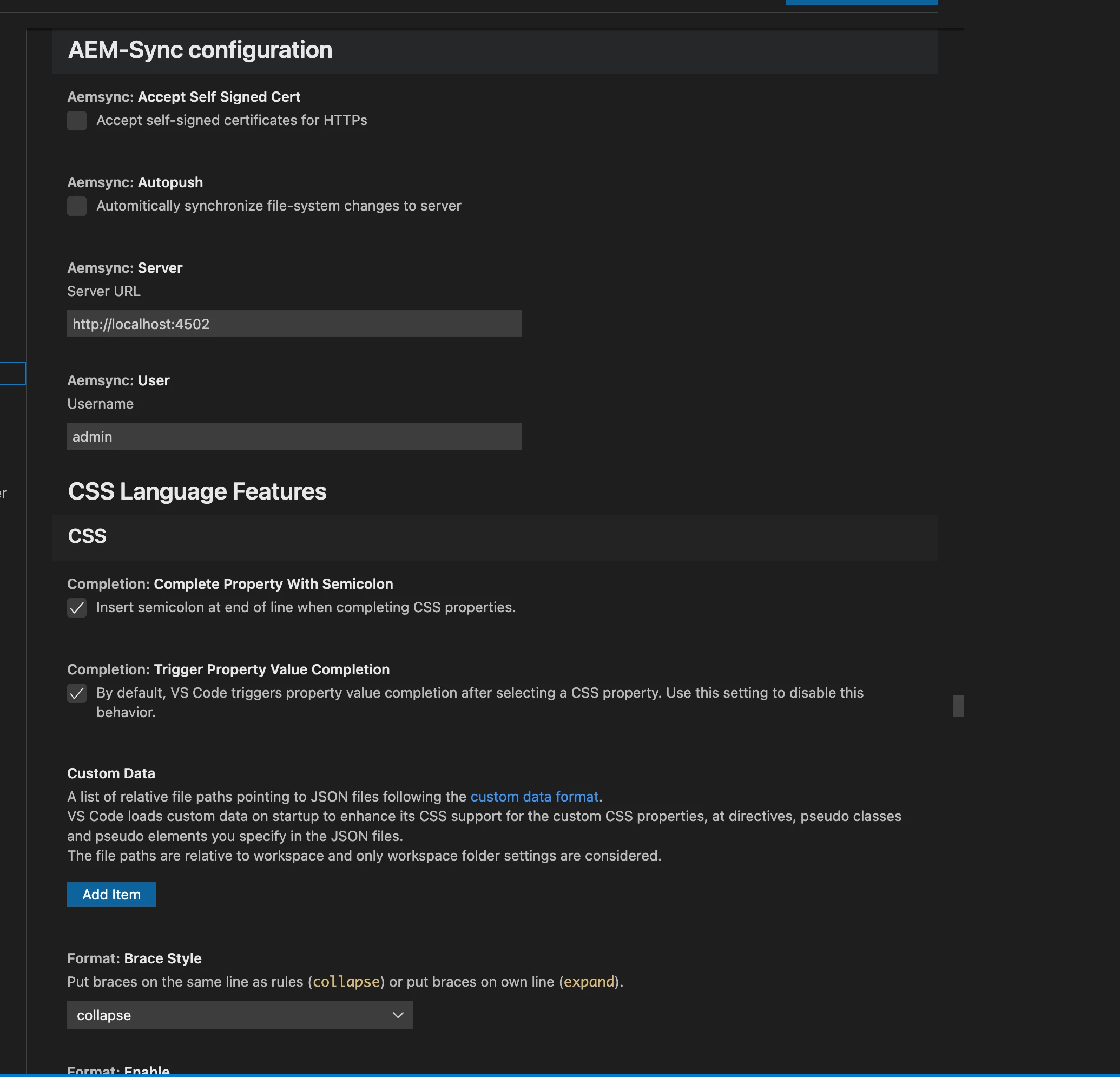
And confirming my AEM Sync settings


Shubham_borole
Community Advisor
Community Advisor
July 11, 2022

It looks like your settings are correct. Adding mine for reference


When I set this up recently, I noticed that my sync to AEM was not working and found that there was another vscode extension I had installed too (AEM Sync) I uninstalled this one and after that the (VS Code AEM Sync) started working. So we can check settings or extensions that might be hindering this.

Just want to make sure this is not the case for you. If so we can try that.


Other reasons I can think of are local instance is not up (not likely) and the file you are trying to sync is not allowed via filter xml

DustyAuthor
July 11, 2022

Hi Shubham,


I disabled all other extensions and reloaded VSCode and the issue still persists. I do not have the other AEM Sync extension installed but I had previously tried that extension, it did not work either.


Thanks for your reply.

Shubham_borole
Community Advisor
Community Advisor
July 13, 2022

You may have already tried this but worth a shot. But just after I posted the reply earlier my sync was not working, there was no error or pop up notification. I saw it happening couple times and had to uninstall and install the extension back to make it work.

Any more info on your vscode version may be? I will check mine and update

DustyAuthorAccepted solution
July 18, 2022

FYI, in case anyone else runs into similar issues.  Working with a co-worker we discovered our proxy had a network route for localhost that was causing issues.  You can check this by opening a command prompt and doing a "nslookup localhost".


Once we discovered that, the fix was a matter of removing the windows system environment variables for http/s proxies and restarting VS-code.  Issue was then solved.