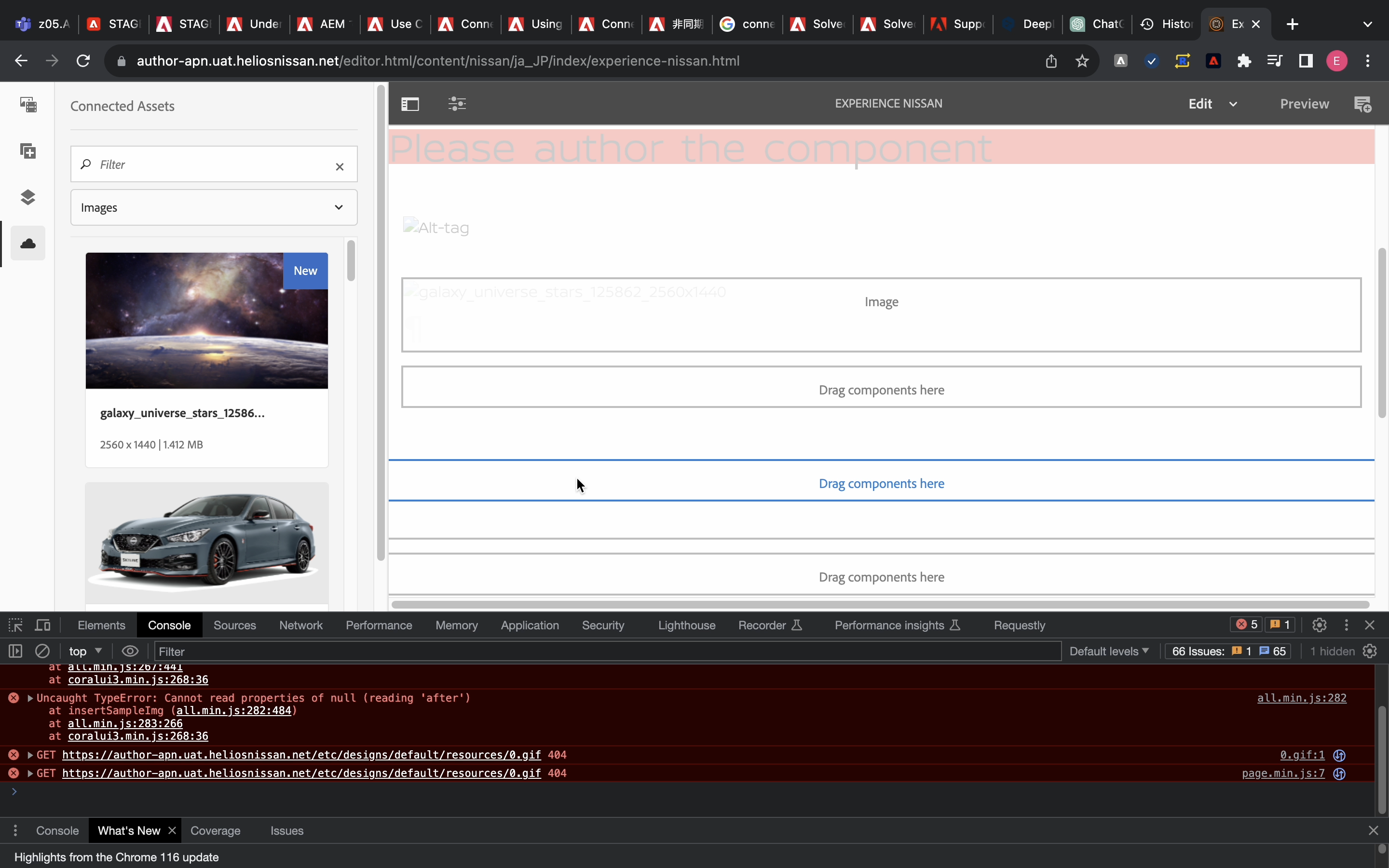
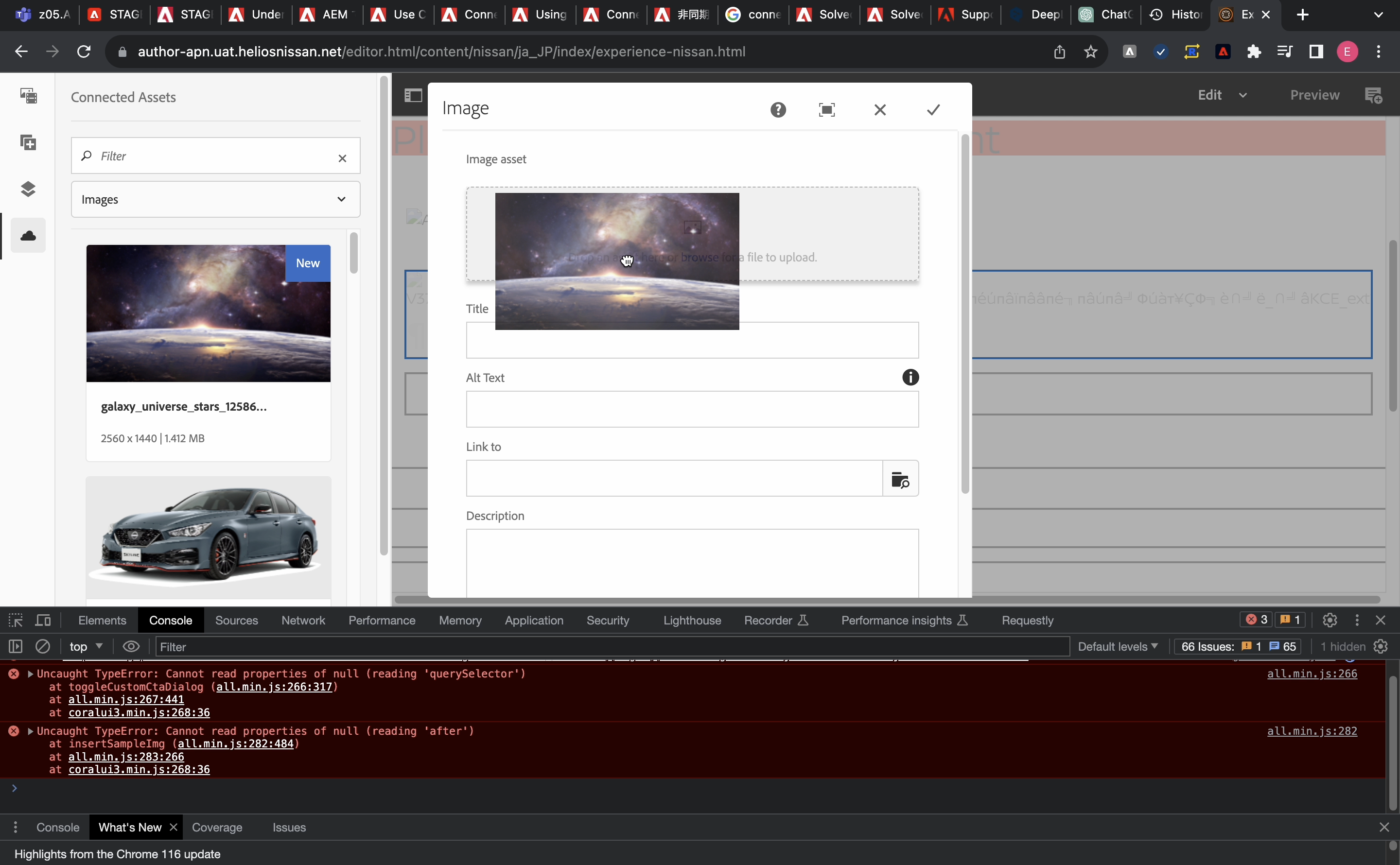
@eobaseki @The way connected assets work is when an asset from connected assets rail of sites is dragged and dropped on a page, You get a pop up notifying that asset is getting synced to AEM sites instance under the connected assets folder. If you didn’t get this pop up, it means that sync job hasn’t got triggered.
Looking at the error you mentioned, It could be the case that asset is not synced to Connected Assets folder of Sites Instance.
Try dragging and dropping the asset to the placeholder on page instead of doing it on a component dialog and see if you are seeing this issue.
Do please note that asset sync to AEM sites instance takes time depending on the size of the asset.