How to Show Custom Error Messages for AEM Console Errors | Community
Skip to main content
sayalichougale
Level 2
January 11, 2021
Solved

How to Show Custom Error Messages for AEM Console Errors

  • January 11, 2021
  • 1 reply
  • 1424 views

Hi,

I am facing a security audit issue.

On the author instance of AEM 6.1 we have restricted user access to AEM communities, as communities is not used in our project.

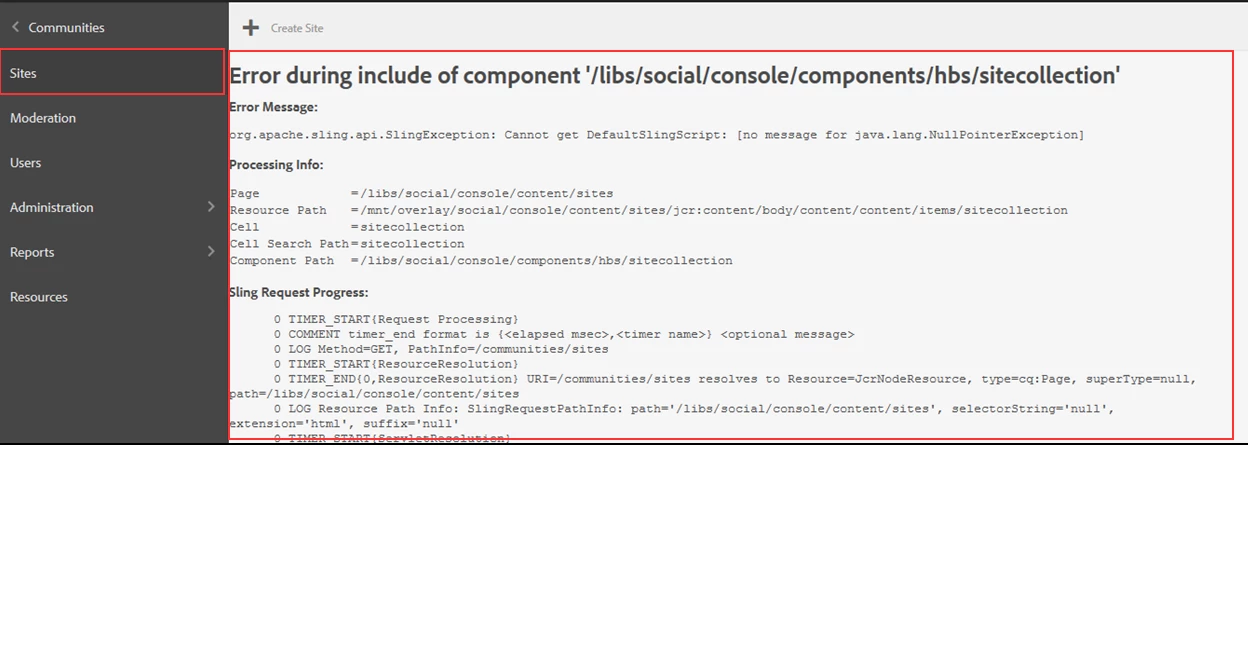
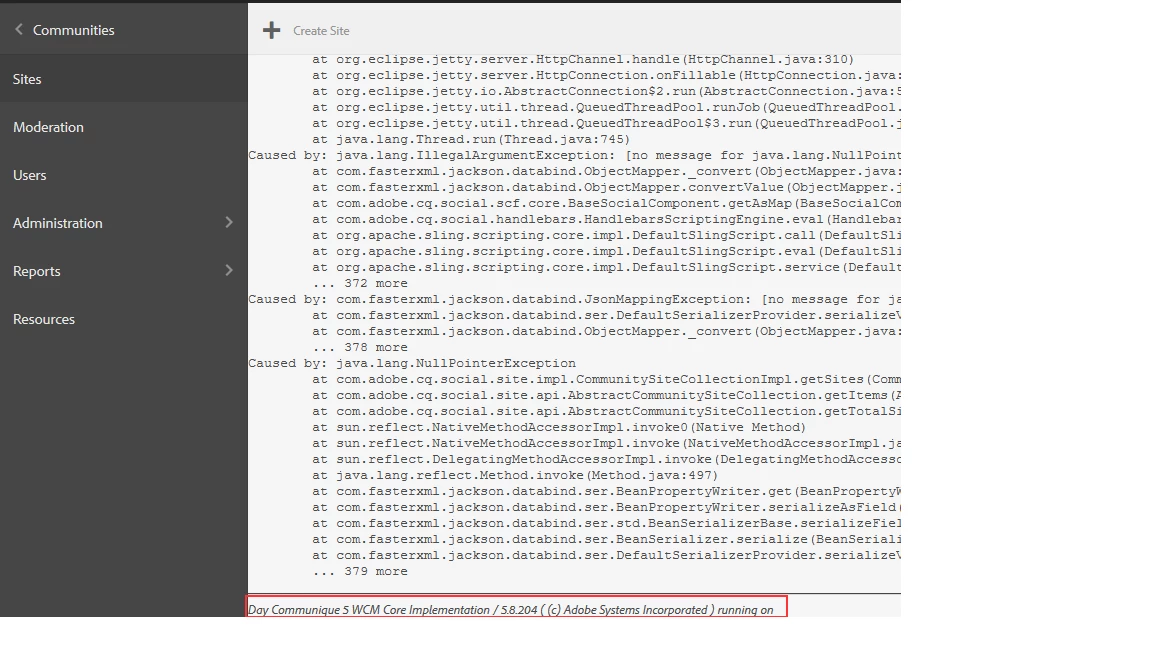
But the error show by AEM reveals all the details of paths and components which we need to hide due to security concerns.

Is there any possible way, were we can hide this error message and show a customized access denied message to the users who are restricted from using Communities > Sites.

Please find the attached image for details about the error show which I need to hide as the security team has raised concerns over the internal paths shown in this errors.


This post is no longer active and is closed to new replies. Need help? Start a new post to ask your question.
Best answer by Kiran_Vedantam

Hi @sayalichougale,


Can I know how are you restricting the users to not access the communities' sites? The error in the screenshot says "NPE". If you are using any custom code, you need to handle the exception, add a better message to be shown to the end-user.


Also check if the component shown in the error "/libs/social/console/components/hbs/sitecollection" is available in your instance. 


In addition to the above steps, checking the error.log would also help you understand the reason for the error thrown on the page


Check this for more info https://experienceleague.adobe.com/docs/experience-manager-65/communities/develop/scf.html?lang=en#overview


Thanks,

Kiran Vedantam.

1 reply

Kiran_Vedantam
Community Advisor
Kiran_VedantamCommunity AdvisorAccepted solution
Community Advisor
January 12, 2021

Hi @sayalichougale,


Can I know how are you restricting the users to not access the communities' sites? The error in the screenshot says "NPE". If you are using any custom code, you need to handle the exception, add a better message to be shown to the end-user.


Also check if the component shown in the error "/libs/social/console/components/hbs/sitecollection" is available in your instance. 


In addition to the above steps, checking the error.log would also help you understand the reason for the error thrown on the page


Check this for more info https://experienceleague.adobe.com/docs/experience-manager-65/communities/develop/scf.html?lang=en#overview


Thanks,

Kiran Vedantam.