How to implement save button on a page | Community
Skip to main content
Level 4
June 26, 2022
Solved

How to implement save button on a page

  • June 26, 2022
  • 2 replies
  • 1550 views

I'm extending AEM Tools menu to create a custom Cloud Service. When I click on it, it opens a blank page with the title as below: 
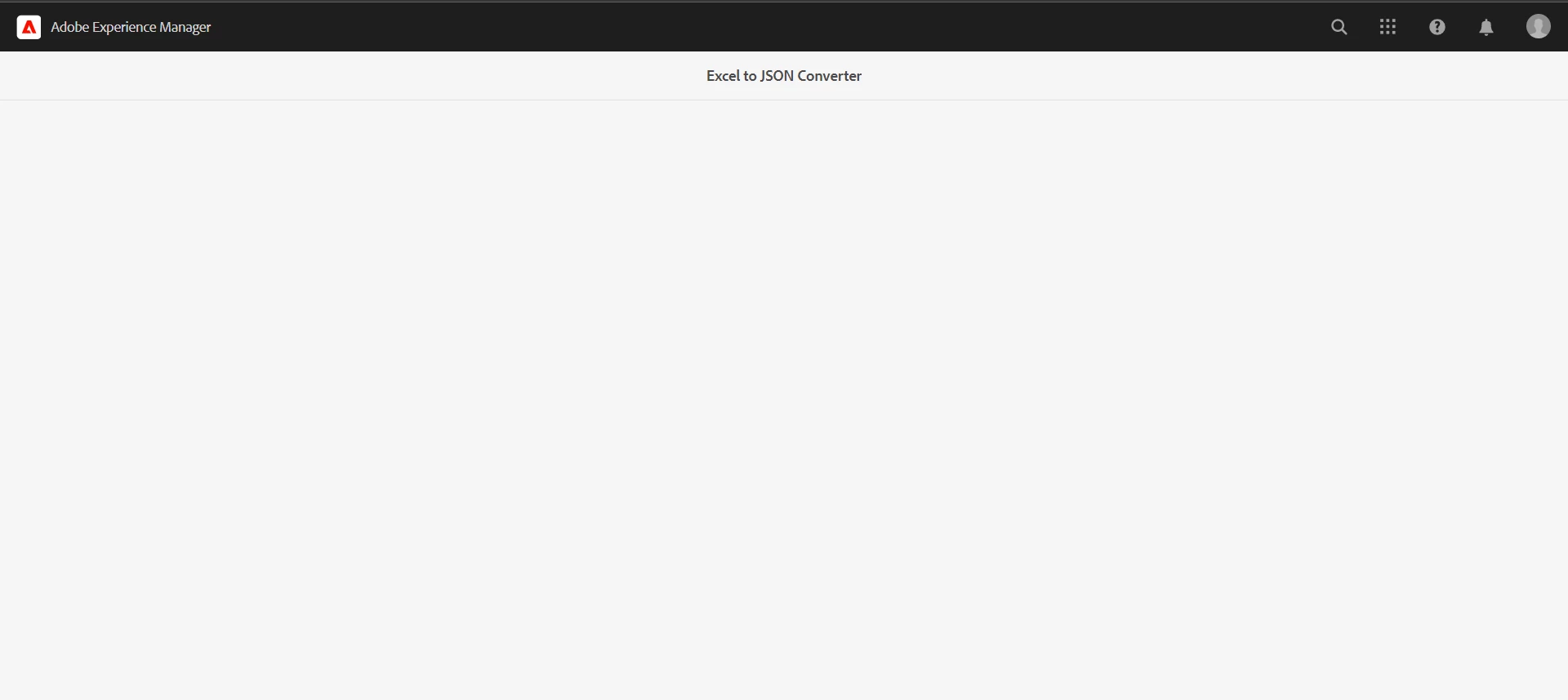
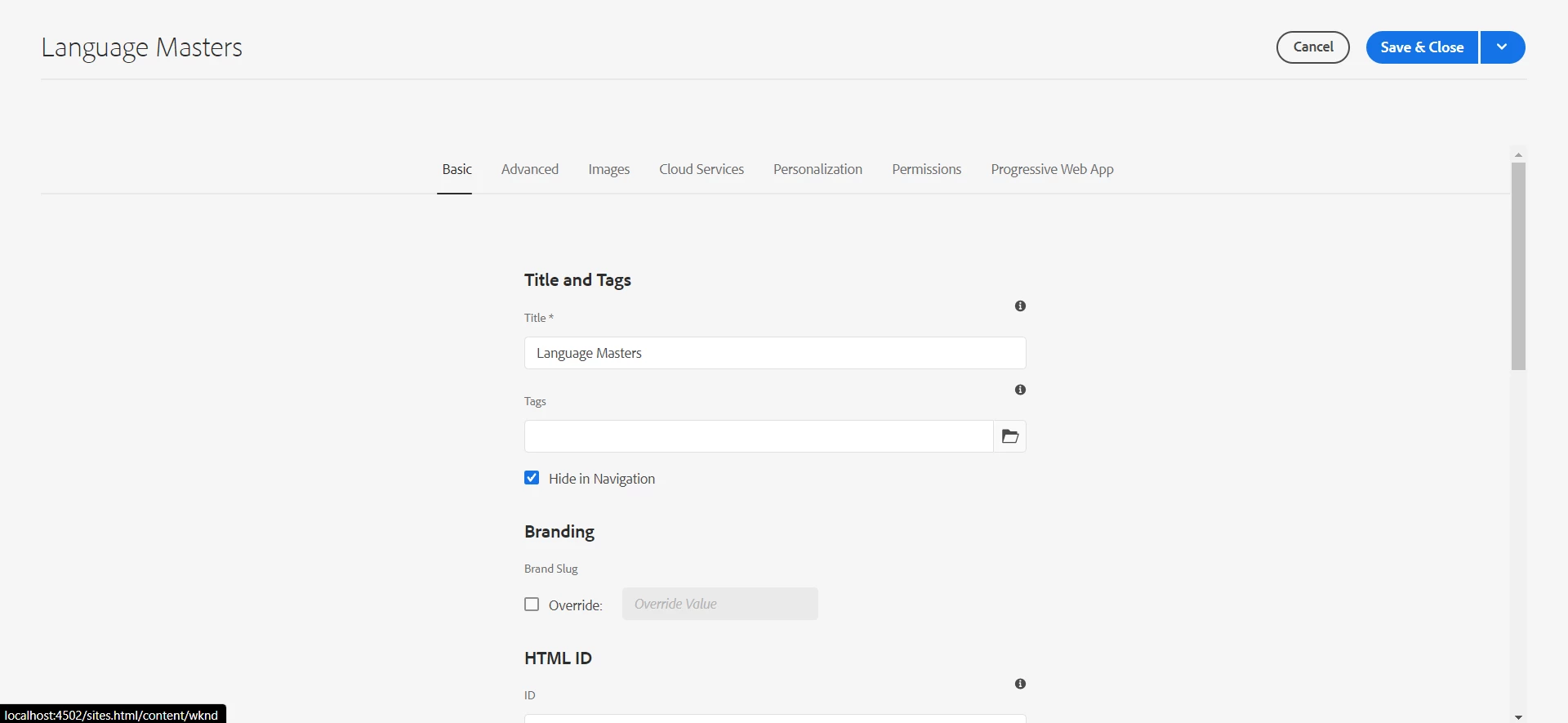
The problem is that there is no Save button on the page and I don't know how to implement it. I want it as below: 
This post is no longer active and is closed to new replies. Need help? Start a new post to ask your question.
Best answer by nikita24tailor

I got the solution. I changed the sling:resourceType to granite/ui/components/shell/propertiespage and in added formId in that node which adds the Cancel and Save button automatically for the page.

2 replies

SantoshSai
Community Advisor
Community Advisor
June 27, 2022

Hi @nikita24tailor ,

The actual content of the page seems missing here, you can add sling:resourceType for rendering script or use Granite UI Components.

For more details please refer: https://aem4beginner.blogspot.com/create-custom-aem-menu-tools-with

Hope that helps!

Regards,

Santosh

Santosh Sai
Level 4
June 27, 2022

I have not added any content for now. I just want the Save button on the right top most which comes on most of the windows.

arunpatidar
Community Advisor
Community Advisor
June 27, 2022

Hi,

You need to extend from the shell page to add action, this will be supertype of your component

/libs/granite/ui/components/shell/page/page.jsp  

Arun Patidar
Level 4
June 27, 2022

Yes, I'm using Shell page only but don't know how to add this action in the page.