GraphQL Endpoint not working on Preview tier of AEM as a cloud Service | Community
Skip to main content
Level 3
February 29, 2024
Solved

GraphQL Endpoint not working on Preview tier of AEM as a cloud Service

  • February 29, 2024
  • 1 reply
  • 1350 views

Hi ,


I have published my Graphql and CF to preview tier , also i have published my Graphql endpoint and CF models ( these do not give explicit option to publish to preview tier , but simply gives publish). when i am trying to access my GraphqL endpoint , I am getting below errors in the preview tier logs. The Graphql endpoint is working fine in author tier and publish tier


com.adobe.aem.graphql.impl.servlet.PersistedQueryServlet Error processing persisted query: status code - 500, details - {"errors":[{"errorType":"ServletError","message":"Internal Servlet Failure","details":"No suitable endpoint found."}]}


I checked the documentation and it says that publish the Graphql endpoint will publish to all the environments which i feel means both preview and publish tier
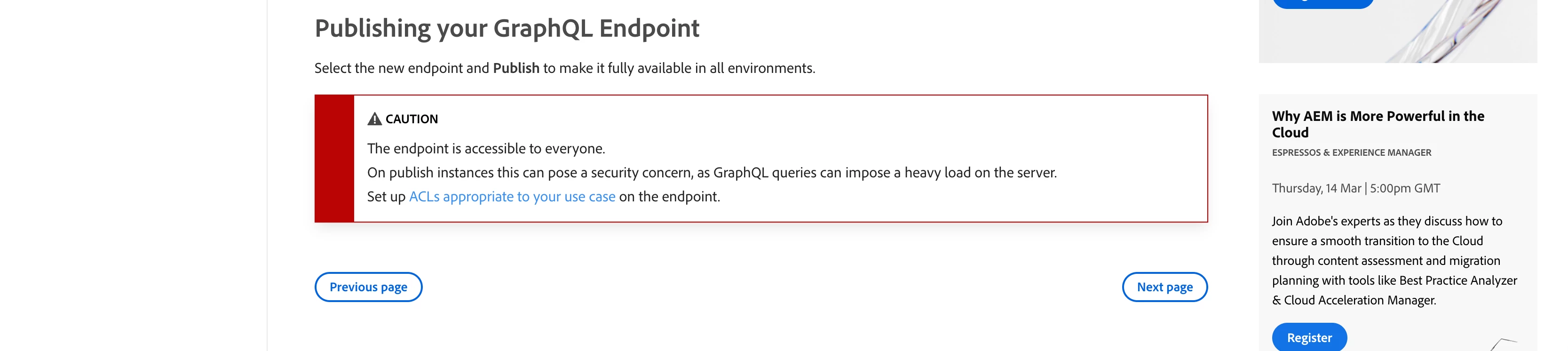
Can you please help on this and what step am i missing to make it work on the preview tier of the environment


Thanks,

This post is no longer active and is closed to new replies. Need help? Start a new post to ask your question.
Best answer by tnik

Hi All,


I could resolve the issue by feeding CF models path to preview sling distribution queue on the distribute tab and then selecting "add node" and giving path of the models

1 reply

tnikAuthor
Level 3
February 29, 2024

I can see the endpoint as published in preview distribution queue with below message

 - INFO - Successfully applied package with id dstrpck-XXXXX, type ADD, paths [/content/cq:graphql/project-A/endpoint]


Thanks,

tnikAuthorAccepted solution
Level 3
March 1, 2024

Hi All,


I could resolve the issue by feeding CF models path to preview sling distribution queue on the distribute tab and then selecting "add node" and giving path of the models

May 23, 2024

Can you give a more detailed step by step on how to do this? Was this only accomplished in your local or on the cloud?

looked in the logs and I see this 

"errorType":"QueryValidationError","message":"Persisted Query Validation Error","details":"invalid schema:\n\"QueryType\" must define one or more fields."


I opened a separate question here https://experienceleaguecommunities.adobe.com/t5/adobe-experience-manager/graphql-endpoint-for-preview-service-throwing-querytype-invalid/m-p/675519#M168912