Custom component with Parsys not working after page save
I have a custom component I have created which has a parsys on it. My component is an extension of the core image component:
<?xml version="1.0" encoding="UTF-8"?>
<jcr:root xmlns:sling="http://sling.apache.org/jcr/sling/1.0" xmlns:cq="http://www.day.com/jcr/cq/1.0" xmlns:jcr="http://www.jcp.org/jcr/1.0"
    cq:icon="image"
    cq:isContainer="{Boolean}true"
    jcr:description="Full Width Hero featuring a Smart Adaptive Image"
    jcr:primaryType="cq:Component"
    jcr:title="Full Width Hero"
    sling:resourceSuperType="core/wcm/components/image/v3/image"
    componentGroup="MyApp - Content"/>
And in the HTML for the component, I have:
<sly ...>
  <!-- other markup as necessary -->

  <sly data-sly-resource="${resource.path @ resourceType='foundation/components/parsys/new', appendPath='/*', decorationTagName='div', cssClassName='new section aem-Grid-newComponent'}"
        data-sly-test="${(wcmmode.edit || wcmmode.preview)}"></sly>

  <!-- other markup as necessary -->
</sly>
Within the policy for the component, I added:
                    <allowedcomponents
                        jcr:primaryType="nt:unstructured"
                        jcr:title="Allowed Components"
                        sling:resourceType="granite/ui/components/coral/foundation/container"
                        margin="{Boolean}true">
                        <items jcr:primaryType="nt:unstructured">
                            <components
                                jcr:primaryType="nt:unstructured"
                                sling:resourceType="cq/gui/components/authoring/allowedcomponents"
                                name="./components"/>
                        </items>
                    </allowedcomponents>
And everything works fine up until this point. I have configured the policy and it works, and the component renders correctly. When I create an instance of this component, I can see the placeholder to insert the necessary child components (in this case, I am allowing different types of buttons within a custom Hero component).
When the page is saved or changed, however, these nested components "disappear".
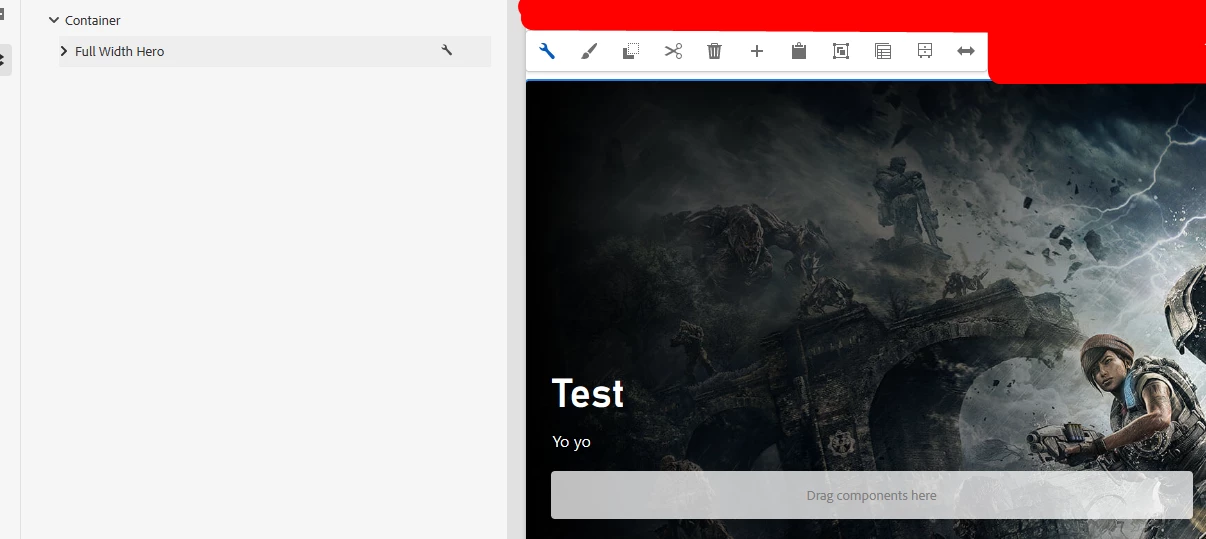
With the component on the page:
I can then add a Button component to this parsys:
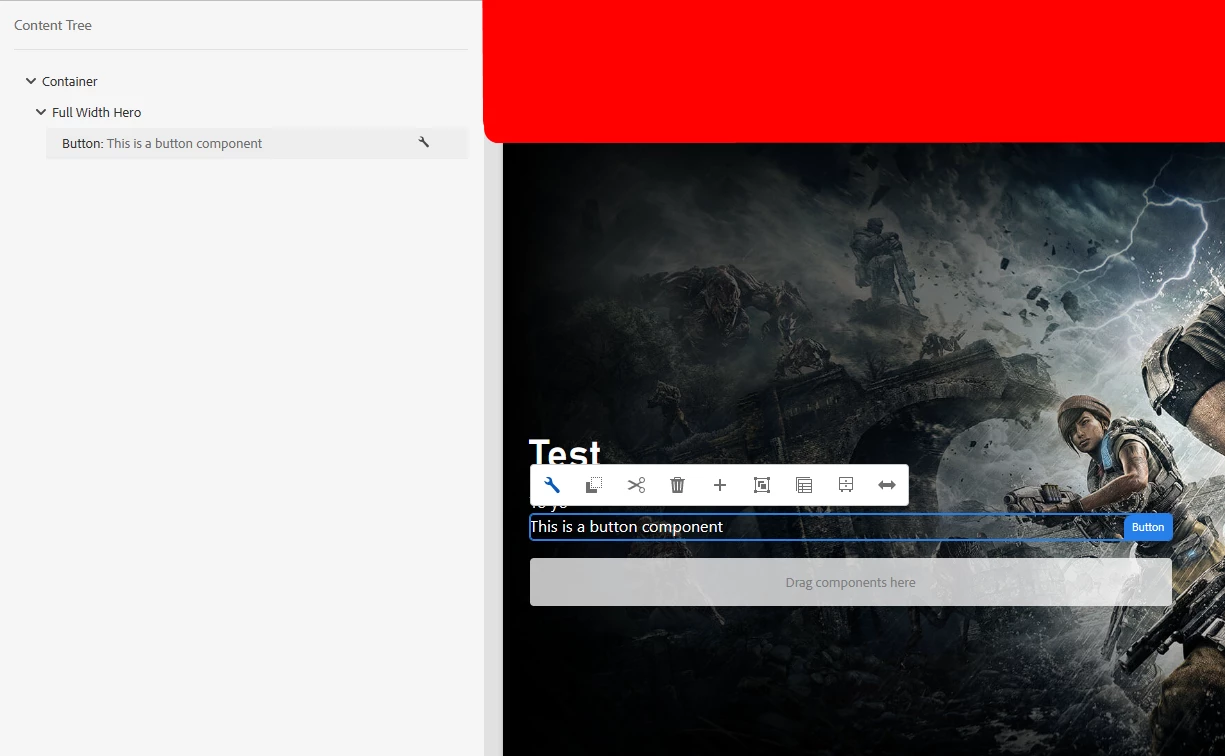
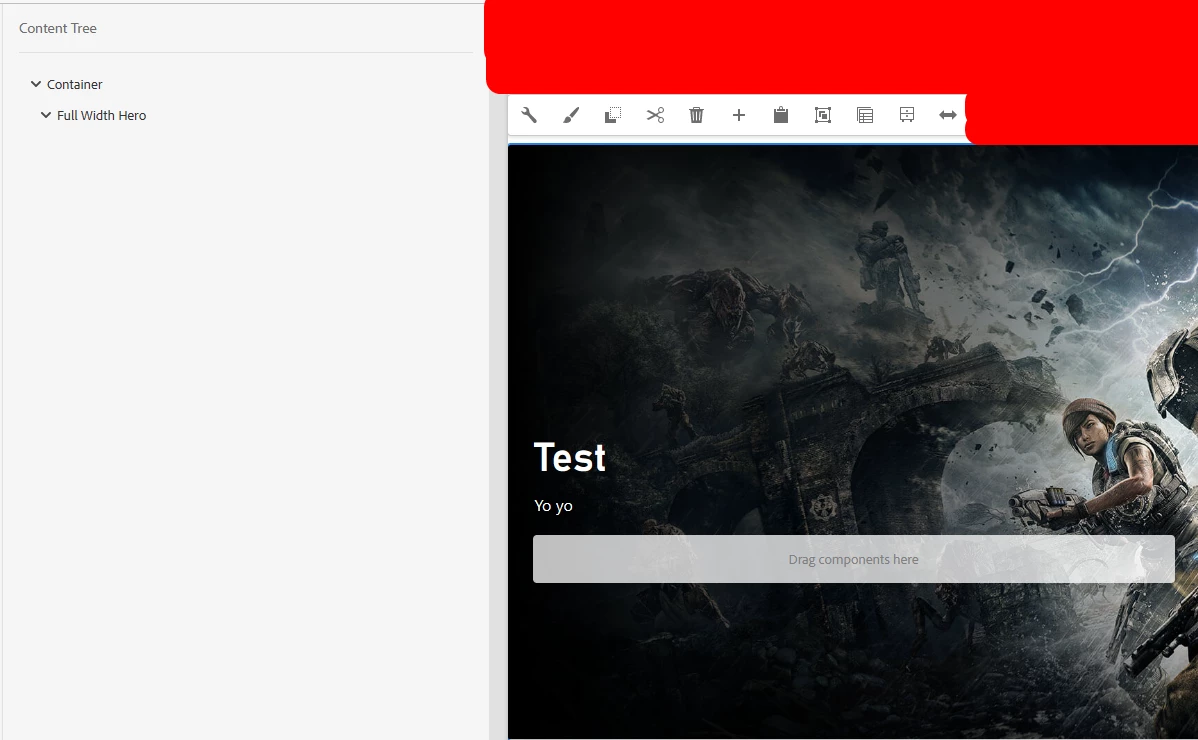
However, when the page is refreshed (adding a style somewhere, viewing as published, changing properties, whatever), the component disappears:
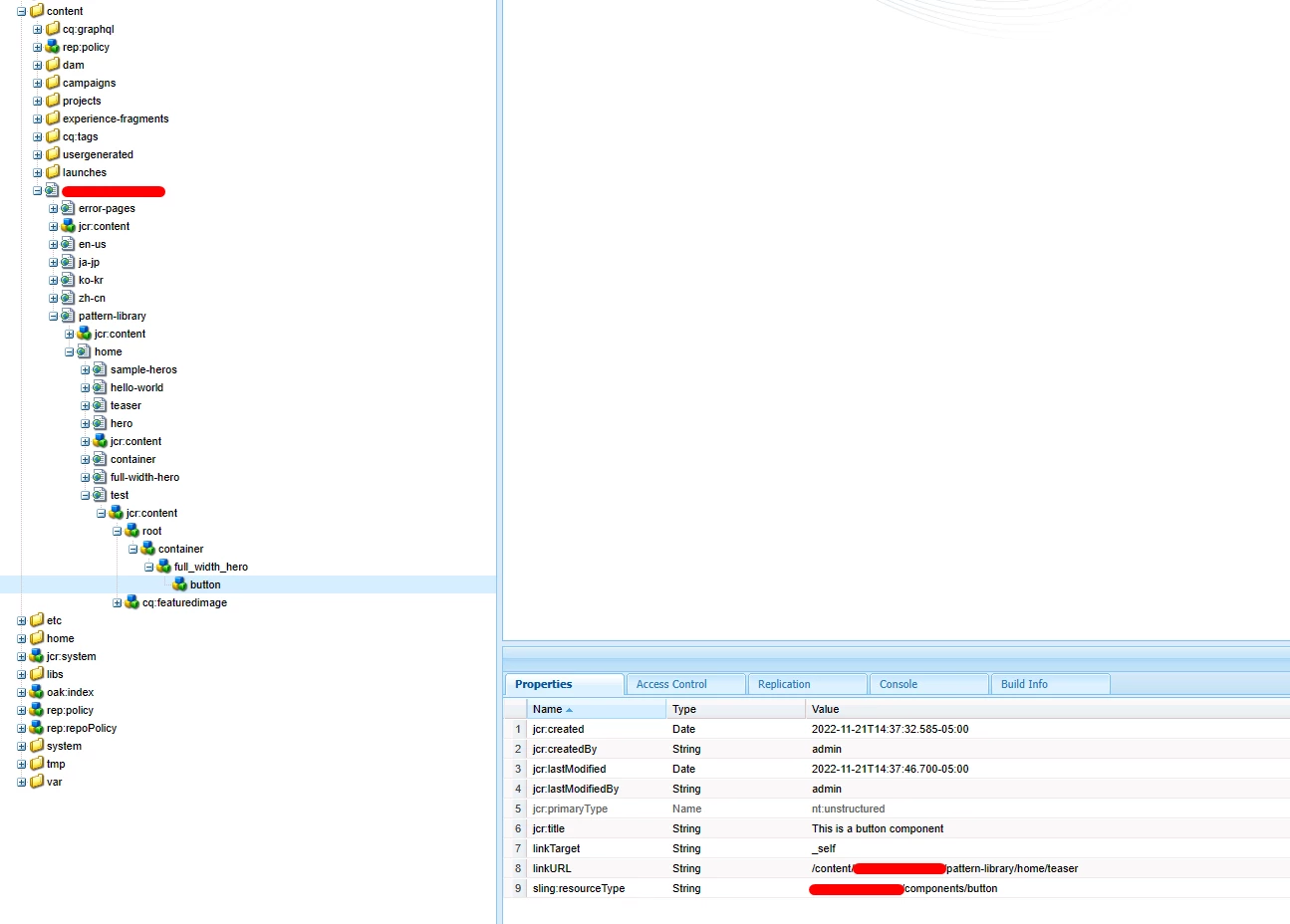
However, it is visible in the JCR:
What am I missing? How can I get a custom parsys on a component which allows me to nest child components?