Changing default folder icons in assets.html | Community
Skip to main content
January 4, 2019

Changing default folder icons in assets.html

  • January 4, 2019
  • 3 replies
  • 7868 views

Hi,

Can anyone one point out to any reference or let me know how the default dam folder icons can be replaced? I know that following are the list of icons that are available. But how can I change default folder icon to the icon of my choice? Any help is really appreciated!

https://helpx.adobe.com/experience-manager/6-3/sites/developing/using/reference-materials/coral-ui/coralui3/Coral.Icon.html#availableIcons

Thanks,

Lavanya Malyala

This post is no longer active and is closed to new replies. Need help? Start a new post to ask your question.

3 replies

edubey
January 4, 2019

I am bit unclear on which specific icon you are trying to replace. Is it this one?

If not, can you add a screenshot?

January 4, 2019

Hi,

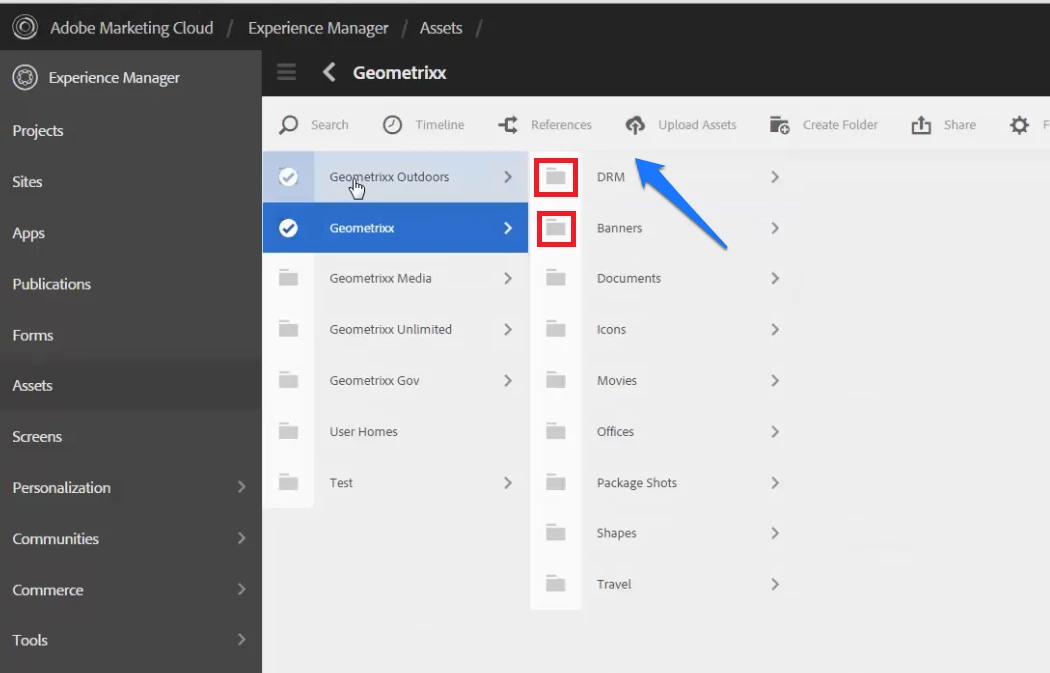
Please find the below image. I've highlighted the folder icon that I'm talking about.

FYI: I'm currently working on AEM 6.3 version. Please let me know if you've any idea on how to achieve my use-case.

Thanks,

Lavanya Malyala

Ravi_Pampana
Community Advisor
Community Advisor
January 4, 2019

Folder icon is coming from /libs/clientlibs/granite/coralui3/css/coral.css to overwrite we need to overwrite the file in apps folder and update the css to have custom icon.

The above will have impact while upgrading to new versions of AEM.

So we can add a css file and update the styles and add the css file with below category

categories

String[]

coralui3

Which will add new css file to coralui3 so that there wont be much affect while upgrading to new versions of AEM and only effect the styles added.

Note: I checked in AEM 6.4 the files path or category might be different in AEM 6.3 but the procedure will be the same

January 7, 2019

Hi Ravi,

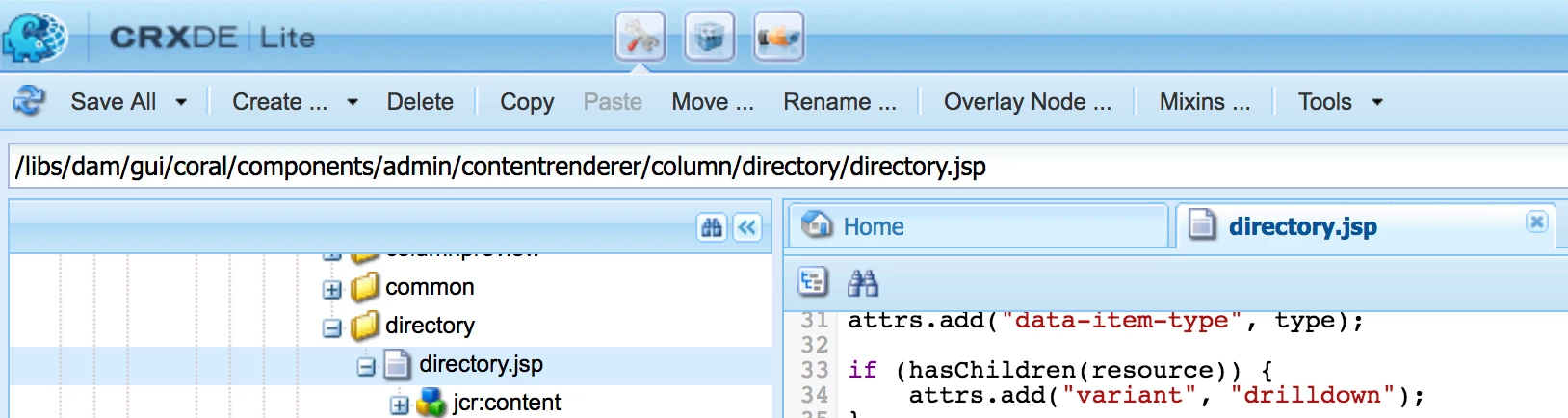
Thanks for the quick reply! I was looking for the file from which icon="folder" is getting applied, so that I can overlay the same file and modify the folder icon as per my requirement. However, after little bit of more research I could find the file I was looking for. Here is the file path:

/libs/dam/gui/coral/components/admin/contentrenderer/column/directory/directory.jsp

Thanks,

Lavanya Malyala

Ravi_Pampana
Community Advisor
Community Advisor
January 7, 2019

HI Lavanya,

I see directory.jsp in both AEM 6.2 and AEM 6.4

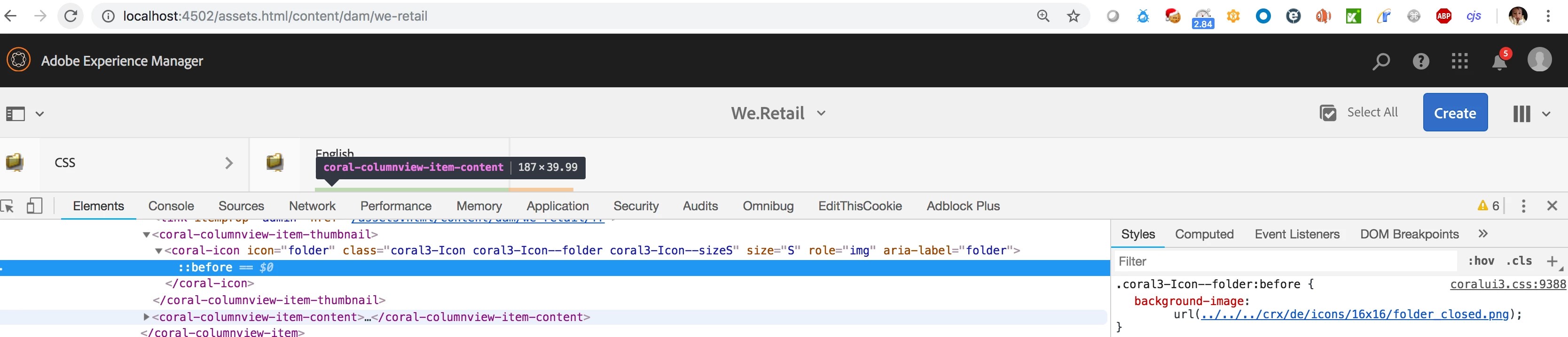
For testing I changed css file "/libs/clientlibs/granite/coralui3/css/all.css" from

.coral3-Icon--folder:before {

  content: "\f231";

}

to

.coral3-Icon--folder:before {

     background-image: url(/crx/de/icons/16x16/folder_closed.png);

}

and able to see the new folder image

It needs additional css changes as per your requirement

Hope it helps..