After deploying sample project into AEM6.5 Drag components here is not appearing even in we retail project | Community
Skip to main content
Level 3
May 7, 2023
Solved

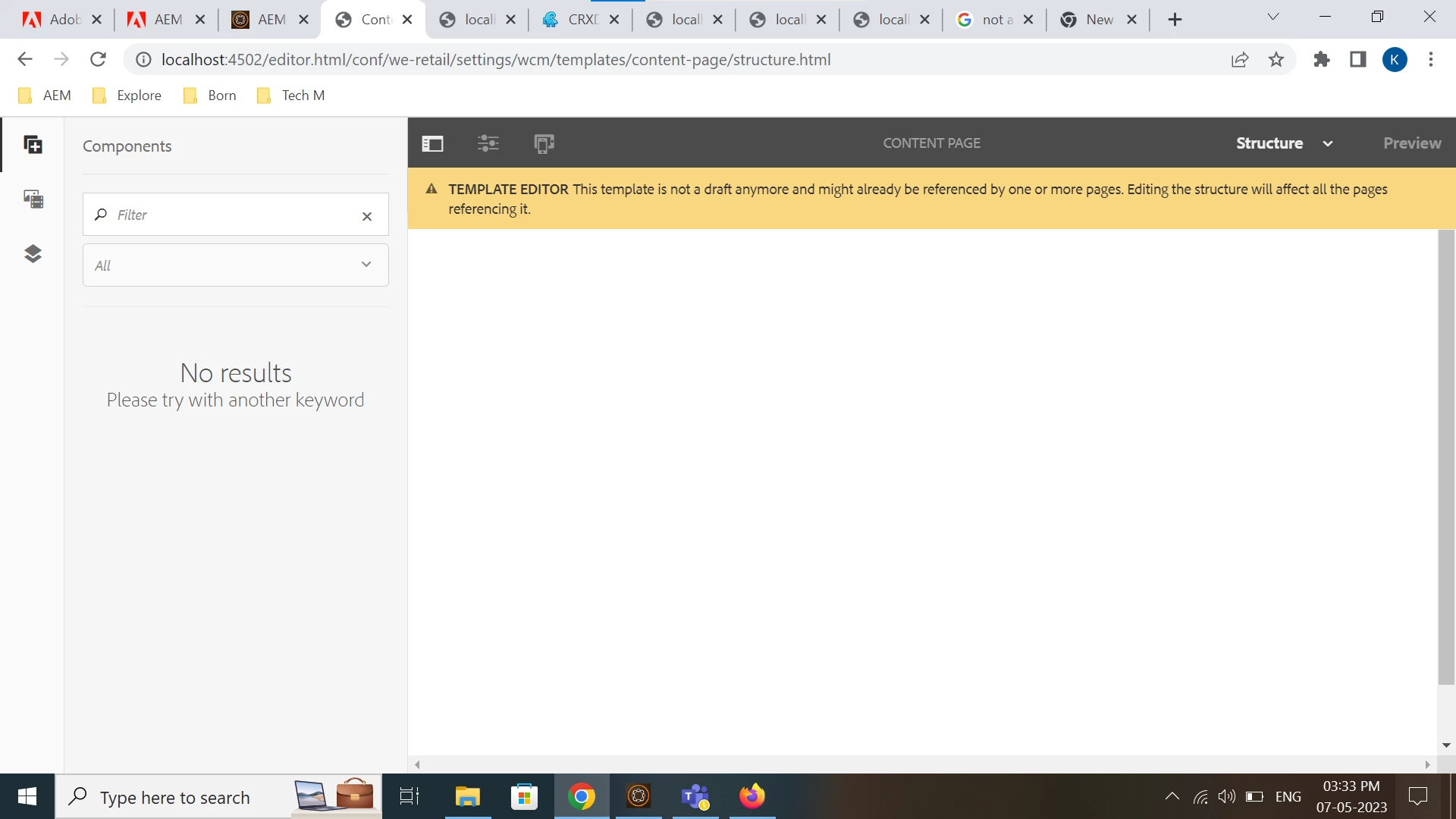
After deploying sample project into AEM6.5 Drag components here is not appearing even in we retail project

  • May 7, 2023
  • 2 replies
  • 806 views

I have AEM 6.5.0 instance with We-Retail project everything is good. But I created a my sample project using below cmd

mvn -B archetype:generate -D archetypeGroupId=com.adobe.aem -D archetypeArtifactId=aem-project-archetype -D archetypeVersion=41 -D appTitle="My Site" -D appId="mysite" -D groupId="com.mysite" -D aemVersion="6.5.0" -D includeDispatcherConfig=n -D frontendModule="general"

after this I deployed project using below cmds

mvn clean install mvn clean install -PautoInstallPackage -Padobe-public

Now all the projects in the instance is being displayed as blank pages, even we retail project pages are also showing as blank.
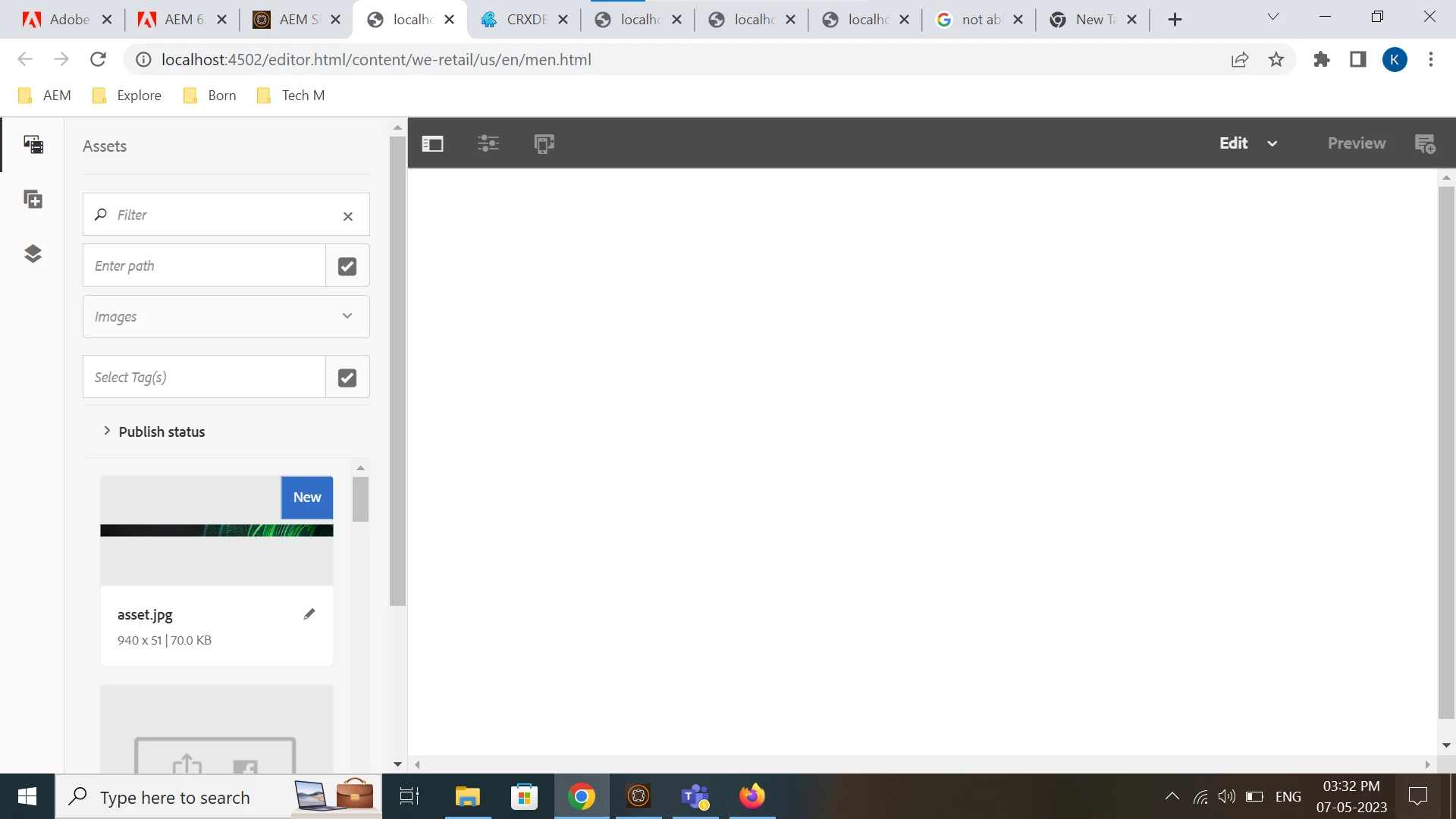
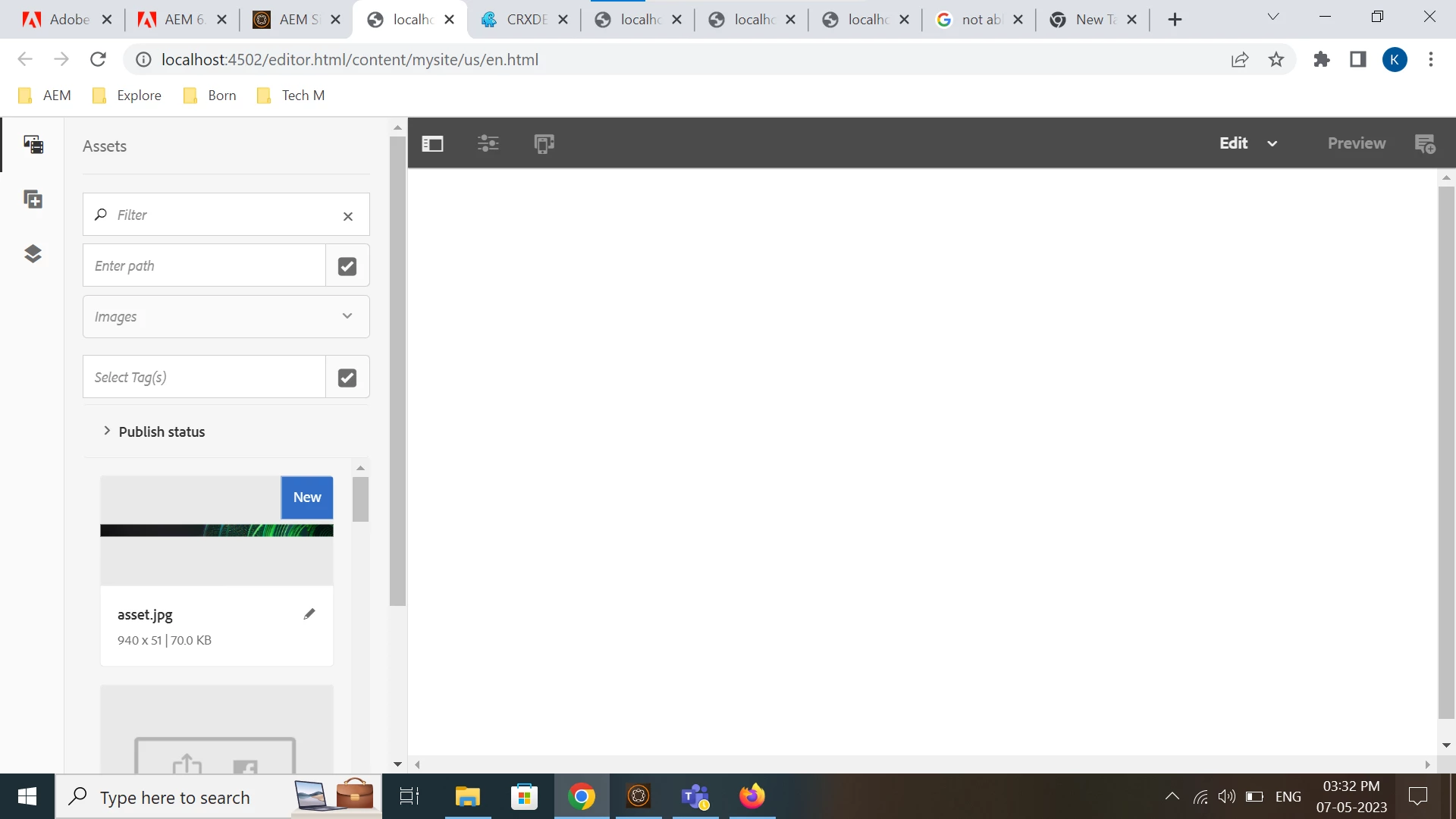
Maven version used - 3.8.6

Java version used - 11.0.11

Help me to get Drag components here option in the page. Thank you.

This post is no longer active and is closed to new replies. Need help? Start a new post to ask your question.
Best answer by Sady_Rifat

Hello @vedhasri ,
The problem is the archetypeVersion=41 version you provided. This is not compatible with your AEM version.
When you deploy the new project, it actually deploys the latest core.wcm.components 2.21.2. which actually breaks the dependency tree. See your http://localhost:4502/system/console/bundles you will see the core bundle and your new project bundle is inactive.

See this compatible version archetype: https://github.com/adobe/aem-project-archetype/blob/develop/VERSIONS.md 

According to this doc, you can use Archetypes 20, 21, 22.

However, its recommended to use the latest version of AEM. Because in newer archetype many new things is come up. 


Hope this helps you. 🙂

2 replies

krati_garg
Adobe Employee
Adobe Employee
May 8, 2023

@vedhasri You must check error logs to troubleshoot. There could be many possibilities. 

Sady_Rifat
Community Advisor
Sady_RifatCommunity AdvisorAccepted solution
Community Advisor
May 8, 2023

Hello @vedhasri ,
The problem is the archetypeVersion=41 version you provided. This is not compatible with your AEM version.
When you deploy the new project, it actually deploys the latest core.wcm.components 2.21.2. which actually breaks the dependency tree. See your http://localhost:4502/system/console/bundles you will see the core bundle and your new project bundle is inactive.

See this compatible version archetype: https://github.com/adobe/aem-project-archetype/blob/develop/VERSIONS.md 

According to this doc, you can use Archetypes 20, 21, 22.

However, its recommended to use the latest version of AEM. Because in newer archetype many new things is come up. 


Hope this helps you. 🙂