AEM license and installation | Community
Skip to main content
Level 2
February 15, 2021
Solved

AEM license and installation

  • February 15, 2021
  • 5 replies
  • 16115 views

Hello all, 


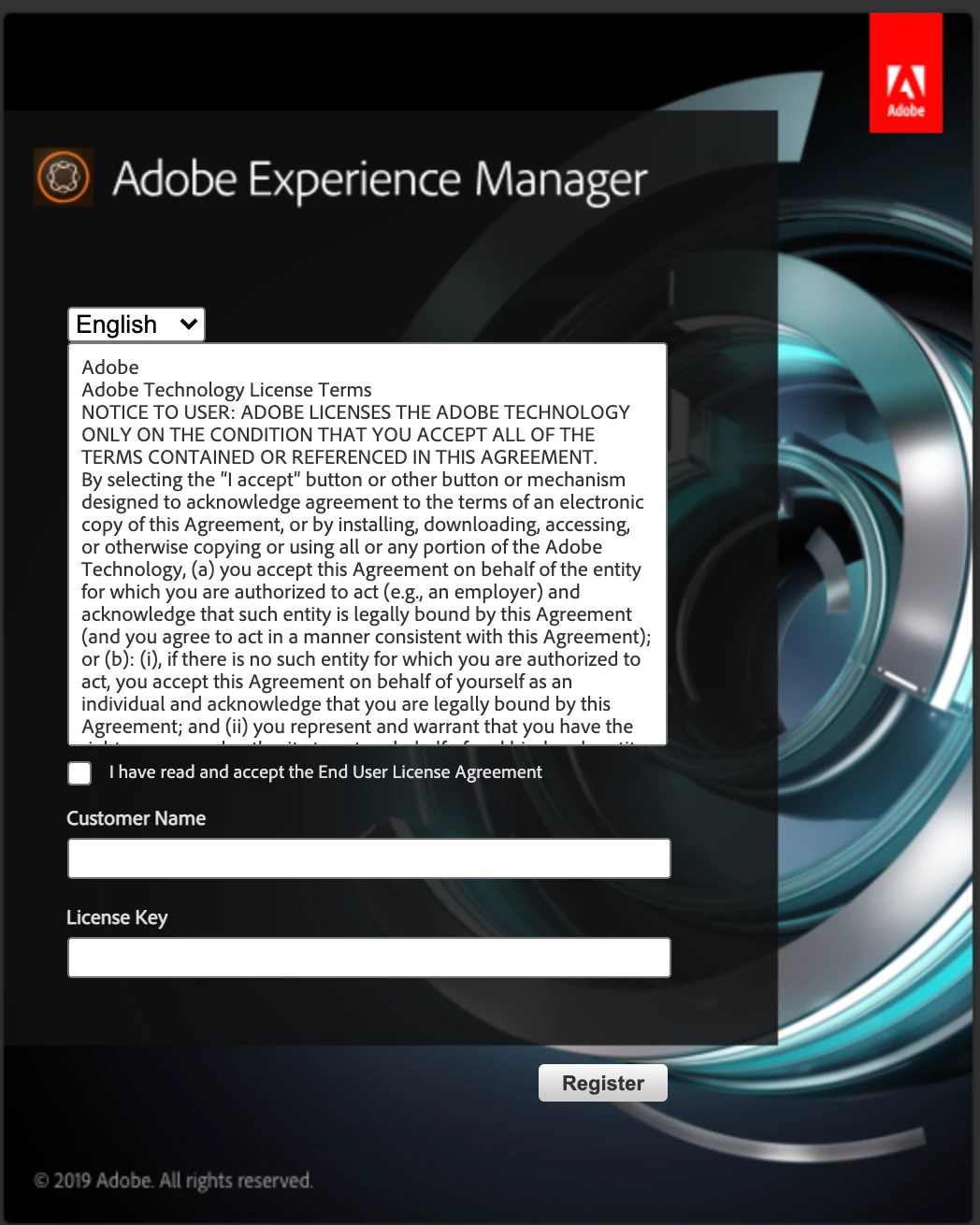
I am trying to install an instance of AEM to my local mac book. I have the license.properties file properly placed in my folder. Everything is in its right place. However, after the installation, I was directed to a window to enter my license key. I am using a company-wide installation package/file. I installed the same instance on another computer which was fine.  Everyone in my company is using the same installation file and it seems to be fine to everyone. I am not sure why this wouldn't install on a second computer for me. Any ideas would be greatly appreciated!
This post is no longer active and is closed to new replies. Need help? Start a new post to ask your question.
Best answer by Anudeep_Garnepudi

@lucy.wang 

[Updated] Don't worry. This issue is specific to Mac. Just open your license.properties file in text editor and copy paste the license.customer.name and license.downloadID values in to the dialog box and submit.

If still not working copy the license.customer.name and license.downloadID values and delete the license.properties and then try to give values in dialog dox(no need of server restart). A new license.properties file will be created and you will be directed to login page.

5 replies

SureshDhulipudi
Community Advisor
Community Advisor
February 15, 2021

did you try by entering the license key available in license file?

lucy.wangAuthor
Level 2
February 15, 2021
I tried - there is a download key in the license file and it didn't work.
Kiran_Vedantam
Community Advisor
Community Advisor
February 16, 2021

Hi @lucy.wang,


Before starting the instance, delete the \crx-quickstart\logs folder. Later, start the instance, and check the error.log file and please share it.


Note: The license.properties file should be a properties file and not a text file.


Thanks,

Kiran Vedantam.

Anudeep_Garnepudi
Community Advisor
Anudeep_GarnepudiCommunity AdvisorAccepted solution
Community Advisor
February 16, 2021

@lucy.wang 

[Updated] Don't worry. This issue is specific to Mac. Just open your license.properties file in text editor and copy paste the license.customer.name and license.downloadID values in to the dialog box and submit.

If still not working copy the license.customer.name and license.downloadID values and delete the license.properties and then try to give values in dialog dox(no need of server restart). A new license.properties file will be created and you will be directed to login page.

Level 2
September 21, 2022

Thanks, this was exactly what I was looking for.

Level 2
June 3, 2021

This issue raised for me when I updated the Mac OS to the latest Big Sur. I have tried keeping the genuine license file but the issue is still the same. In error logs, an exception will be FileNotFoud Exception.

The solution is to take note of license.customer.name & license.downloadID from the license file and then delete the license file. remove the extracted crx-quick start folder. start the fresh instance by clicking aem jar. When it asks for license details, enter the username and licenseKey (downloadID). This will resolves the license issue.


August 2, 2022

Hi,

 I don't have any license property file in windows ,

 Do we need the license property file for run the Author mode ?

Level 2
March 30, 2023

Yes, you wont be able to install instance without license file