AEM Cloud: how to clone part of a site to another site - always get "Error". | Community
Skip to main content
Level 8
January 30, 2023
Solved

AEM Cloud: how to clone part of a site to another site - always get "Error".

  • January 30, 2023
  • 2 replies
  • 1786 views

we have several sites being served from one instance.

In the clouds website editor (not sure what its called), we have the structure:


Campaings (we dont use this)

OurCompnay

----SiteA (this is an SPA Root template)

--------uk

------------en

----------------home.html

----SiteB (this is an SPA Root template)


What we want to do is copy en and all its children from SiteA, to "de" on site B, with the desire to end up with this:


---- SiteB

--------- de

------------ home.html


The could only seems to have one option: you can click on "copy" at the top on the "en" node, then select the SiteB node, and hit paste.  This then has the option to copy what they call a "site" (its not a site, its just a subsite), to the new location, which we are calling "de". However, when we do this, after about 30s, it always comes back with "Error!"
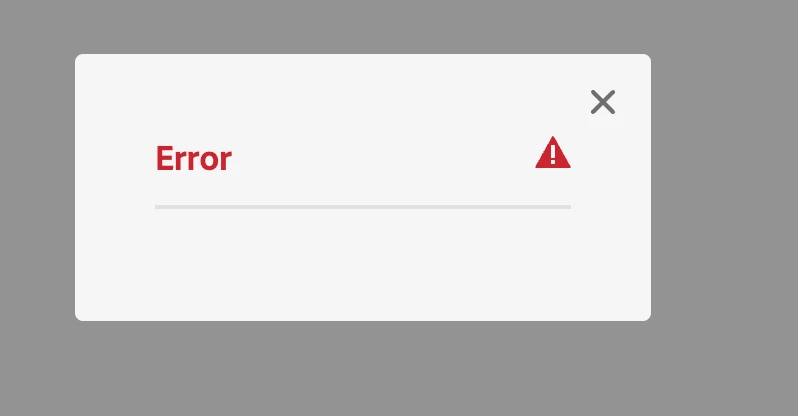


Then when we try to delete "SiteB", even though it has no pages, and no references, the deletion fails with "Selected items are referenced by 32 pages" which is not possible - there are no references to this site.


How can we copy or clone the site to a new site (which has a slightly different structure, no "country" folder.)


Maybe what we are trying to do is not possible with AEM Cloud?

This post is no longer active and is closed to new replies. Need help? Start a new post to ask your question.
Best answer by Nitin_laad

Hi @tb3dock 

You can copy content from one location to another in various ways. One option is to package the content and transfer it to a different location using CRX/DE access, for which you need to modify the filter. Another possibility is to write a groovy script to copy the content to the desired location.

2 replies

Nirmal_Jose
Adobe Employee
Adobe Employee
January 30, 2023

Hi @tb3dock ,


Thats indeed not a very helpful error feedback.


When I check the logs - 

30.01.2023 12:32:50.547 [cm-p67702-e602992-aem-author-65848b5f55-fmlsg] *ERROR* [82.29.175.157 [1675081970545] POST /bin/wcmcommand HTTP/1.1] com.day.cq.wcm.core.impl.commands.CopyCommand Error during copy move command. com.day.cq.wcm.command.api.CommandException: /content/wknd/en/errors (Content Page Template) not allowed below /content/language-masters/errors


I was able to replicate the issue when NO allowed template configs was attached to the site. You can verify this with 


1. Select Site B 

2. Go to properties

3. Go to Advanced.

4. Validate Template Settings > Allowed Templates field


This field should list down the page templates from Site A you are trying to copy over. 

Hope this helps.

Nitin_laad
Community Advisor
Nitin_laadCommunity AdvisorAccepted solution
Community Advisor
January 30, 2023

Hi @tb3dock 

You can copy content from one location to another in various ways. One option is to package the content and transfer it to a different location using CRX/DE access, for which you need to modify the filter. Another possibility is to write a groovy script to copy the content to the desired location.

TB3dockAuthor
Level 8
January 31, 2023

Interesting, I didnt think that AEM Cloud let you do any manipulation in CRX lite, ill try this.


Would you by chance have an example groovy script? This is also a great idea given limitations of the UI.  We have the groovy console installed.