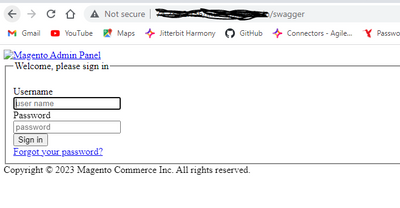
Certainly, Chetna! It seems like you're encountering an issue with authentication when trying to access Swagger with Magento. Here's a possible solution:
Log in to the Admin Panel: First, log in to your Magento Admin account.
Navigate to Integration Section: Go to System > Extensions > Integrations.
Add New Integration: Click on Add New Integration, fill in the required details, and make sure to allow the specific resources needed for Swagger.
Activate Integration: After saving the integration, activate it. You will be provided with an API key.
Configure Swagger: You might need to configure Swagger to use this key. Follow the documentation specific to your Magento version to correctly implement it.
Clear Cache: Clear the Magento cache if needed by running php bin/magento cache:clean.
If you are still encountering an issue, make sure that your Magento version is compatible with the steps given in the document you've followed, and that the necessary permissions are properly set for the admin user accessing Swagger. for more information, you can check this : https://developer.adobe.com/commerce/webapi/splunk