New
Write calculated metric formulas
I would like the ability to write calculated metrics. This is for two reasons:
- I'm used to writing long formulas, nesting conditions and operators. I'll brave a sweeping statement that most analysts are famiiliar with this too
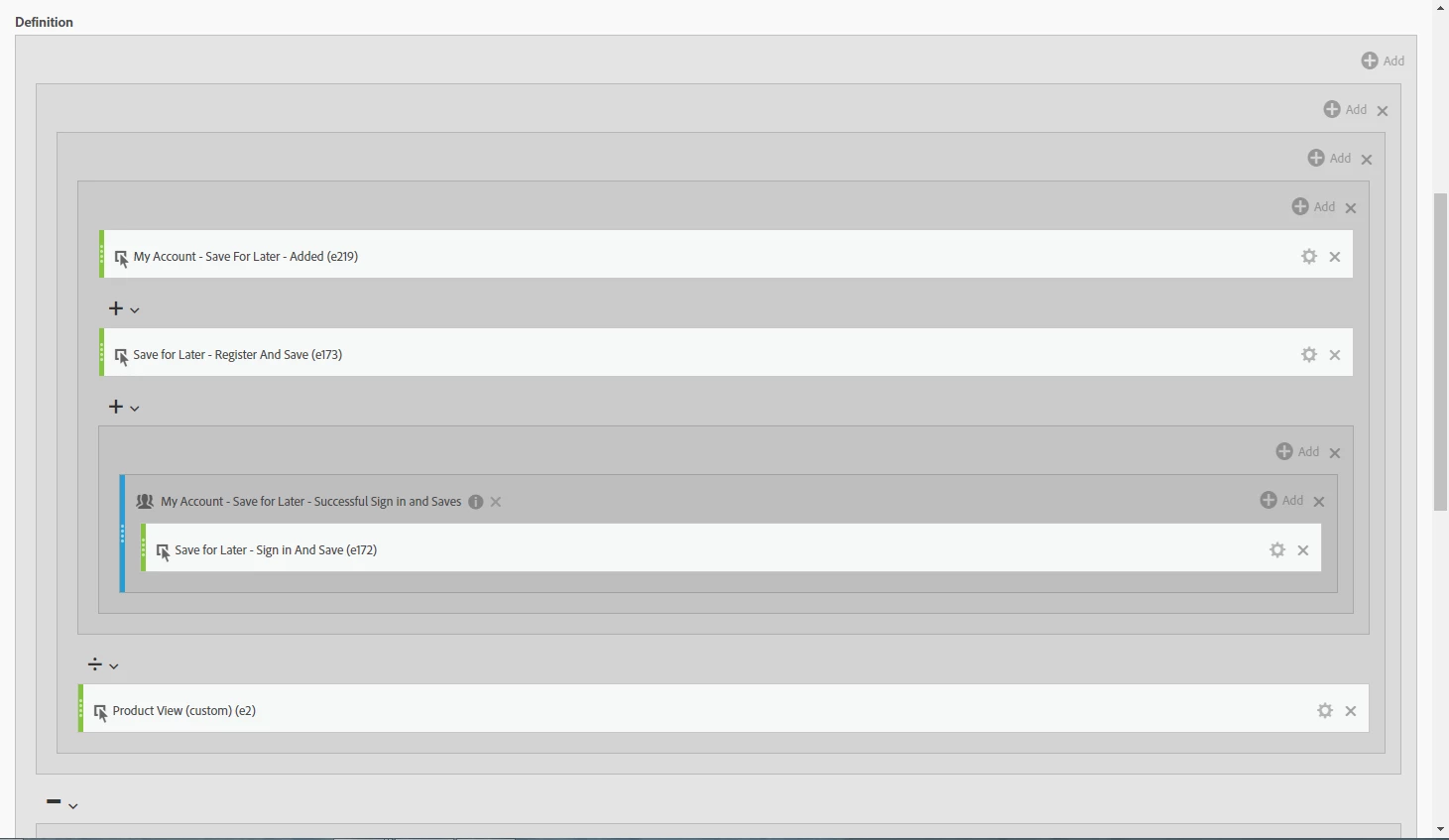
- The UI for the calculated metric builder is not space efficient at all. As soon as your calculated metric definition goes below the fold of your screen, it becomes very hard to manage
Perhaps the requirement for #1 can be resolved by simply improving the UI as mentioned in #2, however, I'd still like the ability to write formulas out. I see it working like:
- Start typing name of metric e.g. "uniq"
- UI predicts "Unique Visitors", and maybe some dimensions, segments, time ranges and other metrics
- I hit tab to select the top result
- I can type an operator (-+/*)
- I can simply type a fixed number
- I can navigate within the formula bar using arrow keys to wrap items in parentheses / brackets as needed
- Some method to wrap items within a segment
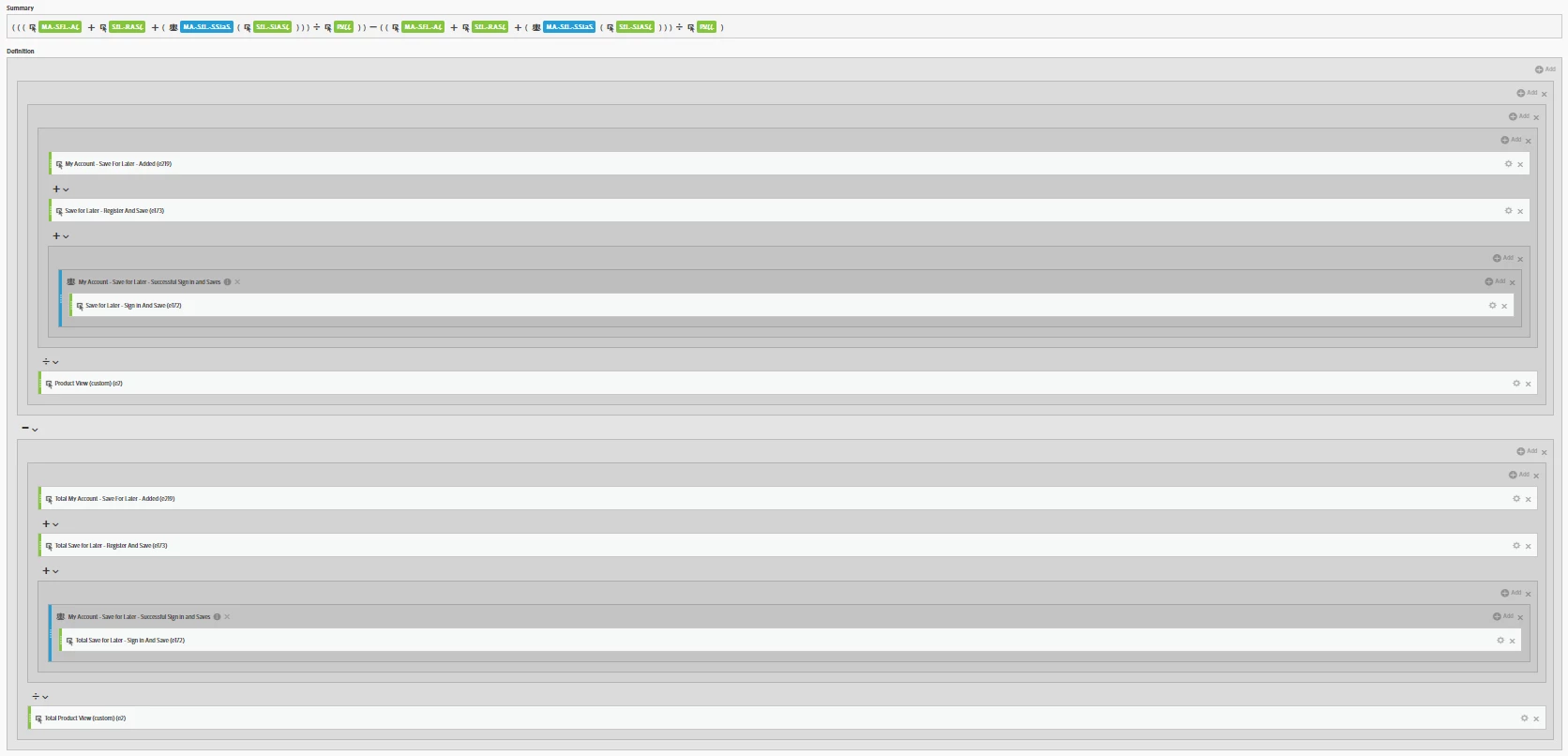
Below is an example of not the most extreme calculated metric, but certainly a metric that is not easily managed, edited or read. I've zoomed out to fit it on the screen.
Here's how much I can see at normal resolution: