Quick tip: Documentation updates- filter your search results by things like product, product area, or version.
If you haven’t already noticed, we’ve made some big improvements to our help articles!
Search - You can now filter your search results by things like product, product area, or version (Workfront Classic vs. the new Workfront experience). You can also set defaults for yourself, making it so your search results display the content that is most relevant for you.
Navigation - We’ve made it easier to navigate between articles by adding a new left-panel hierarchy. And now within articles, there’s now an “On this page” section that lets you skip between sections.
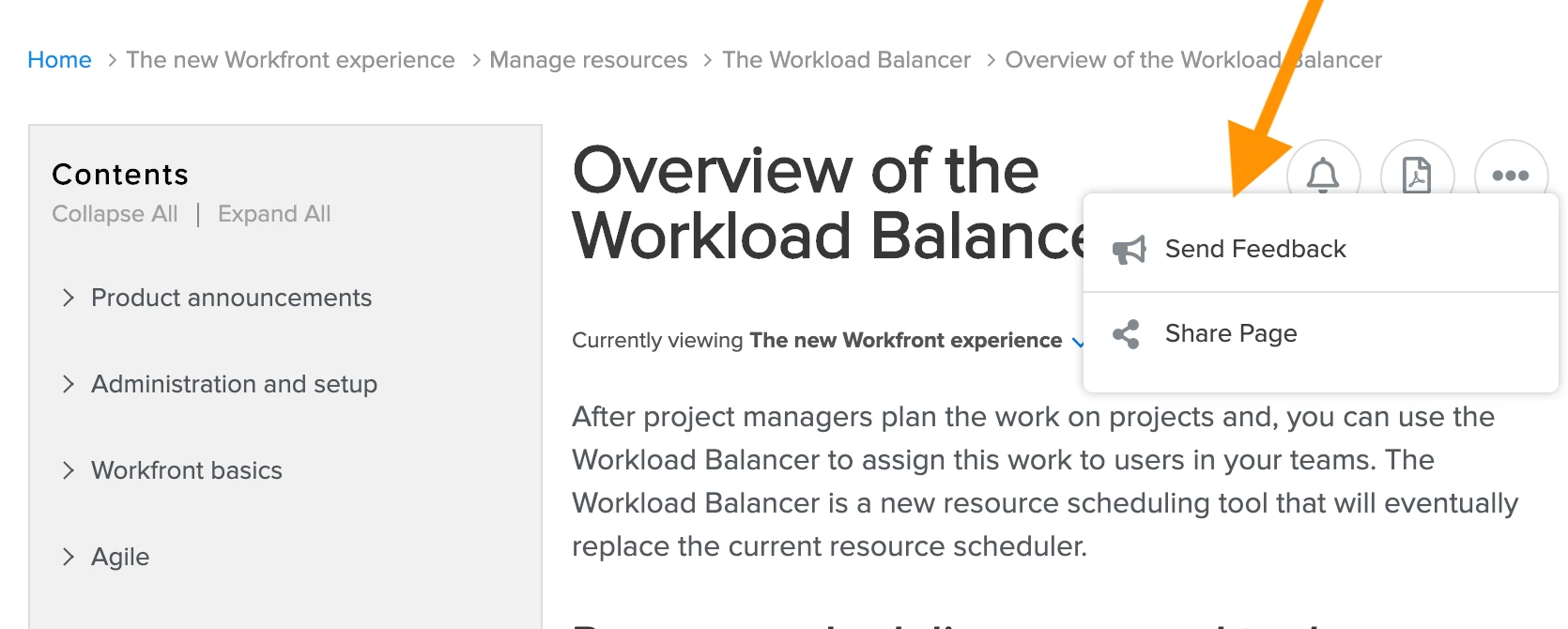
Articles - Now you can give feedback about the content of articles, subscribe to articles, and generate a PDF of any article. We’ve also made it easy to switch from the Workfront Classic version of an article to the new Workfront experience version, and vice-versa.
Learn about these and other improvements here!