Content Fragment Model Editor missing field/showing empty
Hi,
I have a content fragment model that has 50 - 60 fields in it. After adding some more fields and saved, I opened the model editor and most of the fields have disappeared. I added yet another field and saved again, it became totally empty.
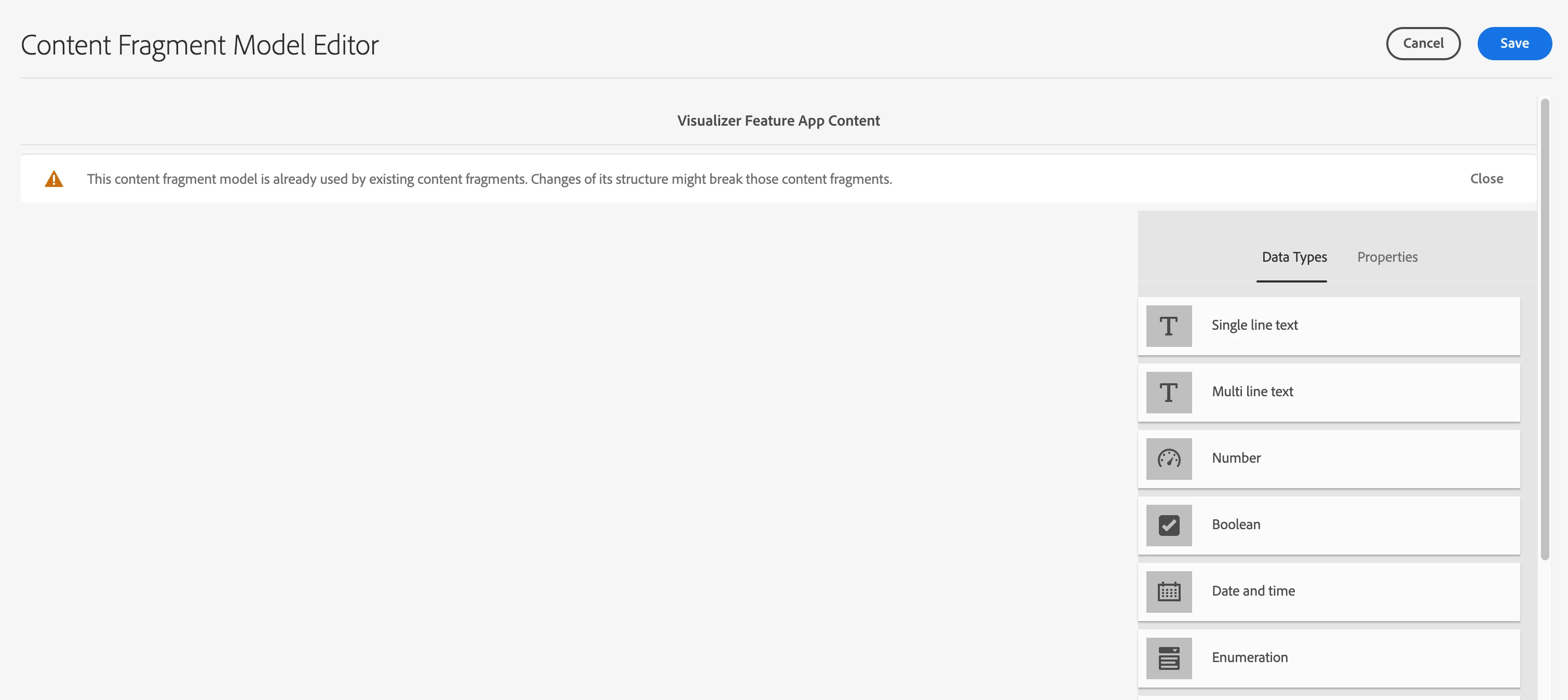
All the fields, including the new ones are still available in the content fragment editor though. Refreshing the page, or re-logging into AEM does not help. It is not reproduced in other, smaller content fragment models.
I'm aware of a previous report:
However it's over a year old. My AEM version is 2023.7.12874.20230726T072051Z
Anybody can help me? Thanks!
Update: I managed to delete the last added field in CRXDE, now the model editor is back to the 2nd state (with a small amount of fields showing up).
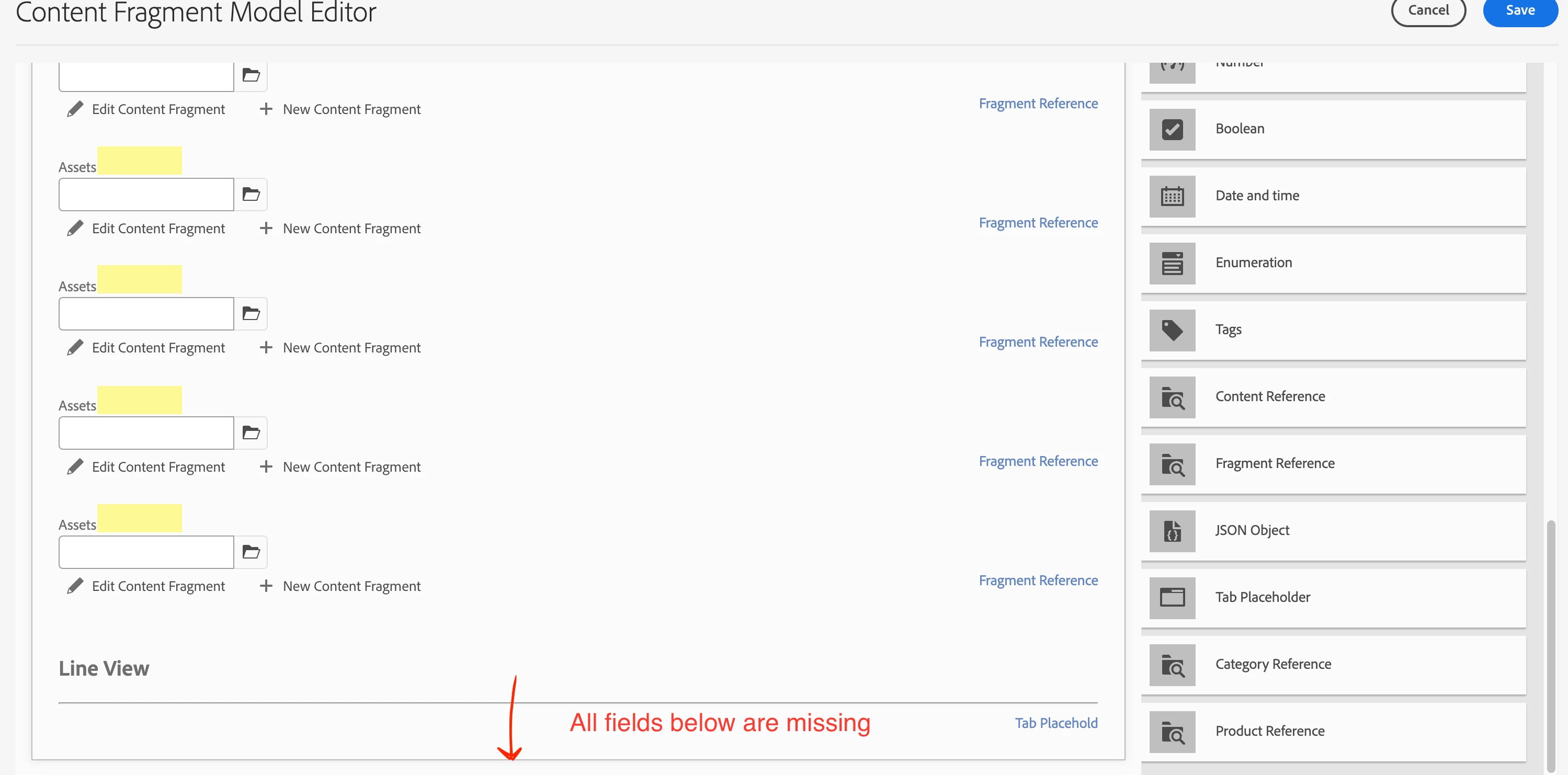
Update 2: after some digging it seems to correlate to the amount of fields. When I have 52 fields, all are displayed. Adding any more would cause some fields to be hidden/corrupted in the editor. With 55 fields the whole editor becomes empty