Add styles to RTE paragraph format tags | Community
Skip to main content
Level 2
April 15, 2021
Solved

Add styles to RTE paragraph format tags

  • April 15, 2021
  • 1 reply
  • 1058 views

I am trying to add style to a tag generated from paragraph format plugin, like <p style="font-size:18px">some text</p>. Is it possible to do so? if not, is there any other way I can achieve the same, without forcing users to user both RTE paraformat and  then style plugin?
This post is no longer active and is closed to new replies. Need help? Start a new post to ask your question.
Best answer by Asutosh_Jena_

Hi @aemamateur 


You cannot add style tag directly to paragraph like <p style="font-size:18px">SomeText</p> in RTE.

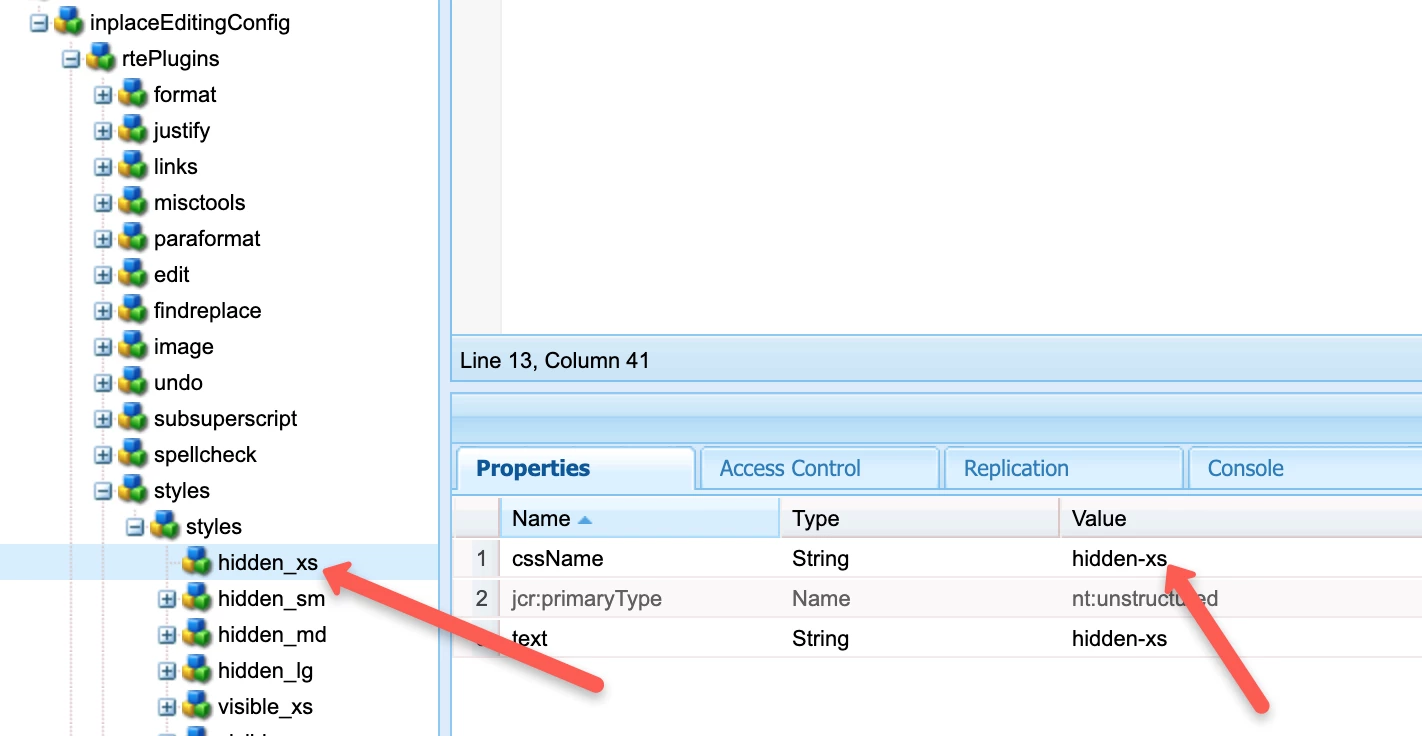
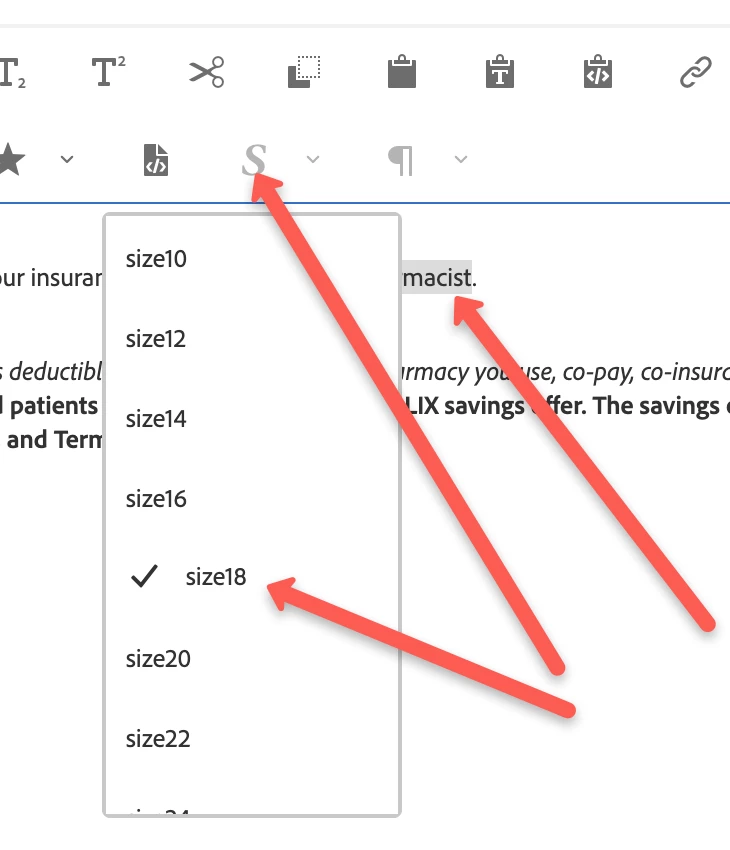
But you can wrap the content within <p> with a class which will be applied to a <span> tag and the required style can be applied to the class such as:


RTE:

<p><span class="something">SomeText<span></p>


CSS:

.something{

     font-size: 18px;

}


Please refer the Text Style section in the below Adobe link:

https://experienceleague.adobe.com/docs/experience-manager-64/administering/operations/configure-rich-text-editor-plug-ins.html?lang=en#textstyles


Thanks!

1 reply

Asutosh_Jena_
Community Advisor
Asutosh_Jena_Community AdvisorAccepted solution
Community Advisor
April 15, 2021

Hi @aemamateur 


You cannot add style tag directly to paragraph like <p style="font-size:18px">SomeText</p> in RTE.

But you can wrap the content within <p> with a class which will be applied to a <span> tag and the required style can be applied to the class such as:


RTE:

<p><span class="something">SomeText<span></p>


CSS:

.something{

     font-size: 18px;

}


Please refer the Text Style section in the below Adobe link:

https://experienceleague.adobe.com/docs/experience-manager-64/administering/operations/configure-rich-text-editor-plug-ins.html?lang=en#textstyles


Thanks!