CJA to PowerBI PostgresSQL Connection | Community
Skip to main content
Level 2
January 7, 2025
Solved

CJA to PowerBI PostgresSQL Connection

  • January 7, 2025
  • 2 replies
  • 731 views

Hi - I am following the below documentation for setting up an API connection from CJA to PowerBI using PostgresSQL. I am using the expiring credentials for now to test what I want to see in Power BI before setting up the non-expiring credentials. When I try to connect the PostgresSQl to PowerBI, I keep receiving this error. My credentials are not expired. Has anyone received this same error message? If so, can you please provide what steps you took to troubleshoot? I have tried to troubleshoot myself and have not been able to figure out what to do.


Best answer by Harveer_SinghGi1

Hi @allisonho2 ,

The error seems to be related to missing access/permissions needed to use the BI extension for CJA.

First thing to check if you have the right CJA package, You must have the Select package or higher in order to use this functionality.

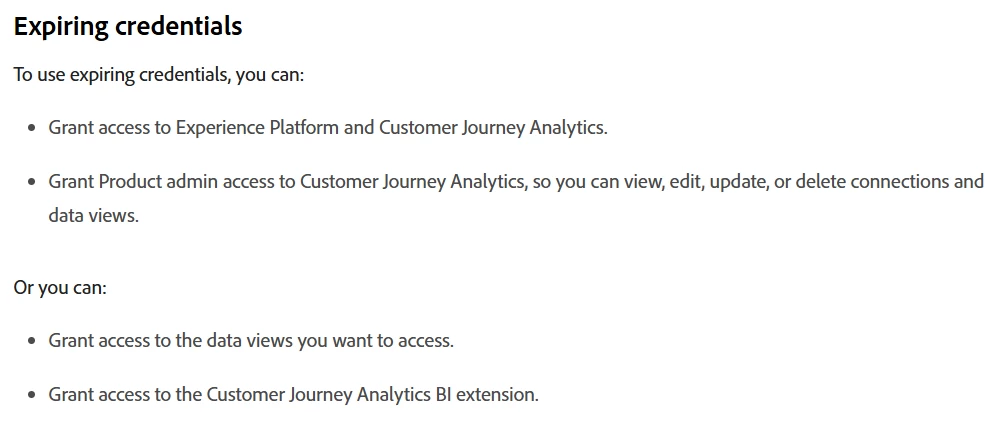
Also, as mentioned in the CJA BI extension documentation, have you made sure you have the below access granted for the expiring credentials,

For detailed instructions needed access/permissions you can refer to Use the BI extension information in CJA Access Control documentation.

Cheers!

2 replies

Harveer_SinghGi1
Community Advisor
Harveer_SinghGi1Community AdvisorAccepted solution
Community Advisor
February 5, 2025

Hi @allisonho2 ,

The error seems to be related to missing access/permissions needed to use the BI extension for CJA.

First thing to check if you have the right CJA package, You must have the Select package or higher in order to use this functionality.

Also, as mentioned in the CJA BI extension documentation, have you made sure you have the below access granted for the expiring credentials,

For detailed instructions needed access/permissions you can refer to Use the BI extension information in CJA Access Control documentation.

Cheers!