Hi @mateuszno2 ,
You can find all available Adobe certifications including Workfront ones in one place here:
https://certification.adobe.com/certifications
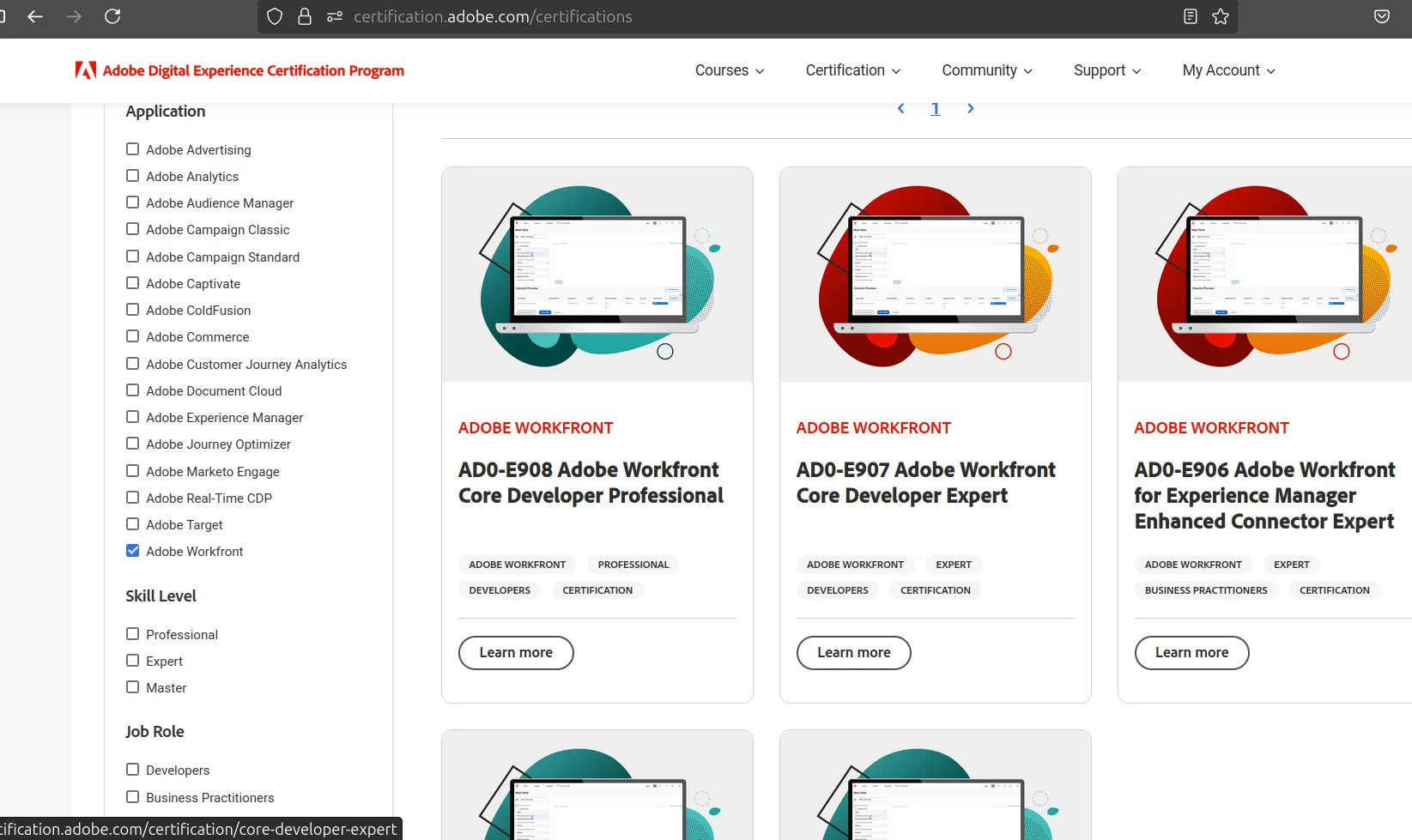
When you open this page, you’ll see a list of all Adobe products and their certifications, neatly organized.
Step 1: Browse Certifications
Scroll down or use the search to find Adobe Workfront certifications.
Each certification shows:
- The exam code (like AD0-E908)
- The certification name (e.g., Workfront Core Developer Professional)
- Who the certification is for (Developer, Project Manager, Expert, etc.)
Step 2: Select a Certification
- Click on “Learn more” next to the certification you want.
- This opens a detailed page with:
- What skills the exam tests
- A study guide PDF you can download
- Links to official training materials or courses
- Information on exam duration, format, and passing score
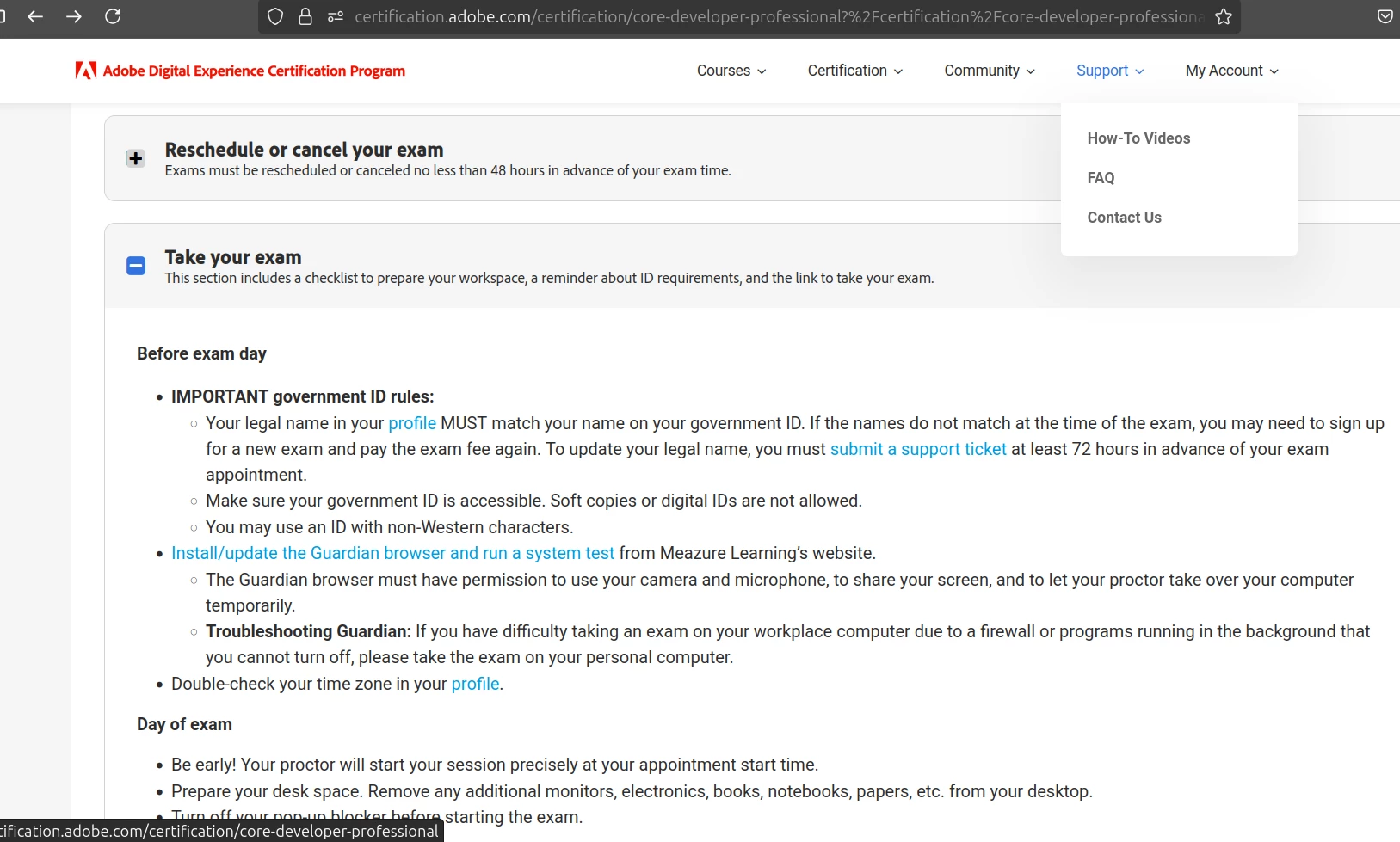
Example: https://certification.adobe.com/certification/core-developer-professional?%2Fcertification%2Fcore-developer-professional
3. Study Materials That Actually Help
Official Study Guide PDFs
Each exam has a downloadable guide with topics, weighting, and Practice test:
Example
https://certification.adobe.com/certification/core-developer-professional?%2Fcertification%2Fcore-developer-professional=&tab=certificate4
4. Personal Advice from Certified Candidates
Know the Workfront object model (Projects > Tasks > Issues > Forms > Portfolios)
Be comfortable with reporting, views, and layout templates
For developers: understand the Fusion module types, custom API scenarios, and JSON structure
For PMs: focus on real-world workflows, approvals, notifications, and group-level permissions
5. Online Proctored Exam Setup
You must use the Guardian secure browser (no dual monitors, clean desk).
Test your system 1–2 days in advance via the email Adobe sends.
You’ll be monitored via webcam and mic.