Adding Images to Update Comments | Community
Skip to main content
January 12, 2024
Solved

Adding Images to Update Comments

  • January 12, 2024
  • 1 reply
  • 2399 views

Hi,


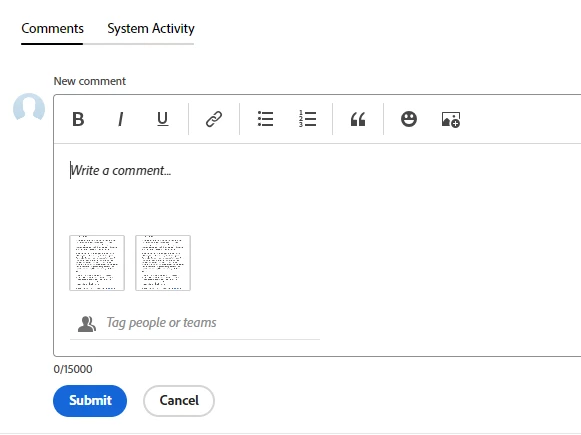
I'm testing some new release functionality is Preview and wanted to check if want I'm experiencing is as expected. I can only add images to the update section comments after I've submitted the post. I can't add the image while I'm writing the original comment. Is that normal?

I'm trying out the new image drag and drop option, but I think this was the same when having to navigate to the image from the device.


Thanks

Matt
This post is no longer active and is closed to new replies. Need help? Start a new post to ask your question.
Best answer by KellieGardner

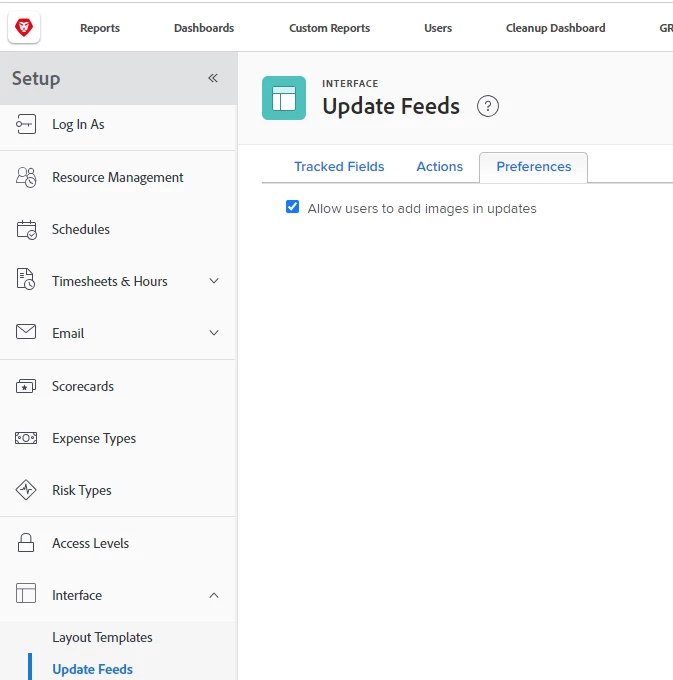
One other thing to note is you have to have the images enabled on the back end. I would assume you have it enabled since you can see it on a reply comment but wanted to point that out just in case you don't and it's a bug on the reply and not the initial comment. 


1 reply

KellieGardner
Community Advisor
Community Advisor
January 12, 2024

I'm able to both copy/paste and drag/drop a file into the comment box from my preview environment. Have you tried clearing your cache and cookies and reloading preview to see if it helps? If so, might need to get support involved. 


January 12, 2024

Hi Kellie,


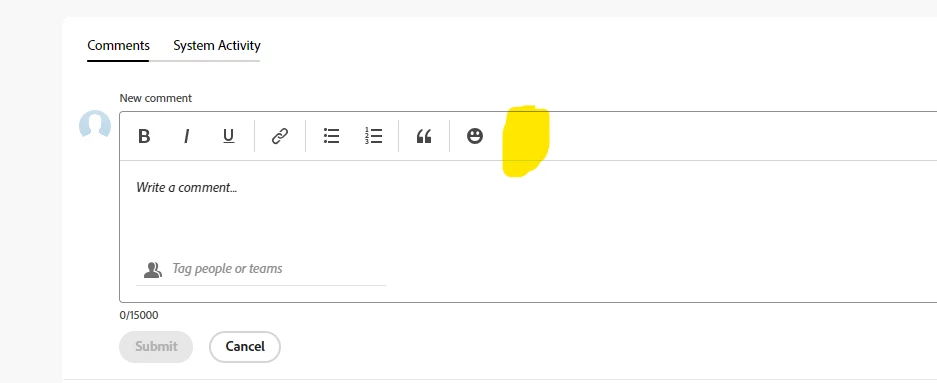
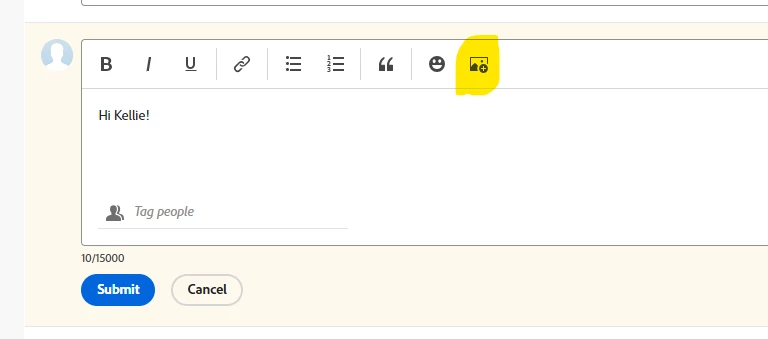
Thanks for this. I've tried but I still have the same issue. When I start a new comment, my "add image" icon is also missing. It only appears when I go to edit the post. The below image is when I open a new comment, the second one is when I edit it.

Very odd. I'll raise a ticket.


KellieGardner
Community Advisor
KellieGardnerCommunity AdvisorAccepted solution
Community Advisor
January 12, 2024

One other thing to note is you have to have the images enabled on the back end. I would assume you have it enabled since you can see it on a reply comment but wanted to point that out just in case you don't and it's a bug on the reply and not the initial comment.