Workload Balancer not populating anything. | Community
Skip to main content
Level 4
December 15, 2020
Question

Workload Balancer not populating anything.

  • December 15, 2020
  • 3 replies
  • 1598 views

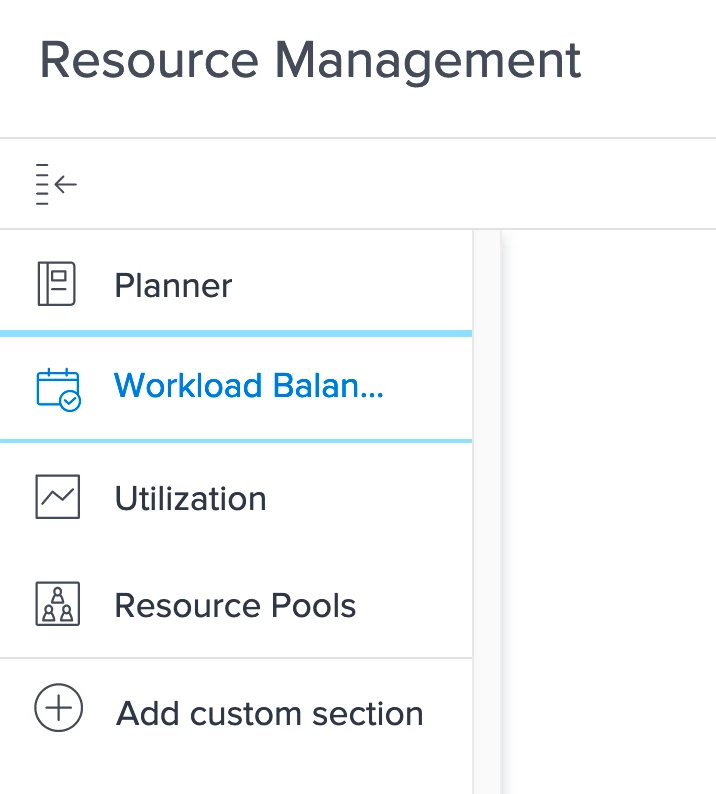
Anyone know what I am doing wrong? I am doing the online tutorials for Workload Balancer but when I click on it, I get a blank white screen. The video says I should get an option to choose "switch to workload balancer". Any ideas?

Also, is everyone else still getting their Daily Digest emails from this community? It's my morning ritual to wake-up and read through these before I start the day but I haven't been getting them for a few days now. I checked and I am still subscribed to the daily email notifications.
This post is no longer active and is closed to new replies. Need help? Start a new post to ask your question.

3 replies

kynabaker16
Adobe Employee
Adobe Employee
December 15, 2020

Hi Tracy,

To answer the question about the daily digest, I'm looking into the issue to see what's going on. We released a new digest email and I think it's having trouble, so if we can't get that solved we will revert back to the old one until we can get it solved.

Thanks,

Kyna

TracyPa2Author
Level 4
December 15, 2020

Oh Thank Goodness, It was really throwing off my morning routine. lol

imgrund
Adobe Employee
Adobe Employee
December 15, 2020

Hi - for Workload Balancer, I some times have issues with it not coming up. Usually if I clear my browser's cache or use Incognito mode on my browser that helps.

However, I do want to ask if you have ever seen the Workload Balancer. Someone mentioned once that they had issues because the access level they had didn't have View or Edit turned on for Resource Mgmt. So if you aren't the System Admin, that could potentially be an issue too.

Hope that helps :)

TracyPa2Author
Level 4
December 15, 2020

I did clear my cookies and I am the system admin but its still blank. Maybe I will try a different browser.

TracyPa2Author
Level 4
December 15, 2020

Nope, tried Firefox, Chrome and Safari. All blank =(

Level 4
December 17, 2020

I already have a ticket open on that issue and was told we can expect a technical fix by the end of the week.

Nevertheless, there is a workaround described with resetting user preferences.