Why can't some people customise their home screen widgets? | Community
Skip to main content
March 1, 2024
Solved

Why can't some people customise their home screen widgets?

  • March 1, 2024
  • 1 reply
  • 1525 views

Hi, I'm trying to find the setting that allows the unlocking of the "Customise Widgets" button on the home screen. I have a user on a Reviewer license, where it's locked and I want them to be able to customise it.


Is the customise option default greyed out for particular licenses or access levels? As far as I know, we haven't restricted this int he set up.


Thanks

Matt
 

This post is no longer active and is closed to new replies. Need help? Start a new post to ask your question.
Best answer by

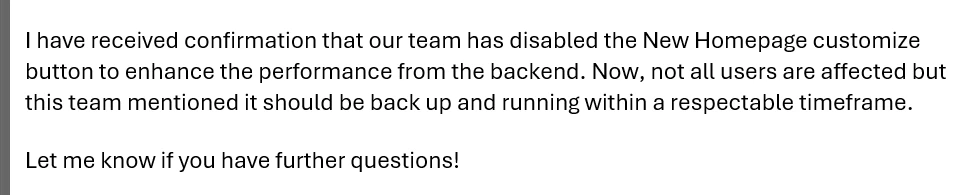
Hi Kellie, just to give you quick update. Adobe had switched it off...

Oh the joys! Have a good weekend, and thanks for your time.

1 reply

KellieGardner
Community Advisor
Community Advisor
March 1, 2024

Hi Matt - I think this might be a bug?


I just logged in as one of my reviewers and noticed that they can't customize the home area and it's not defaulting to the review widgets as explained in documentation. They have every widget pinned for them and this person has never actually logged in since they are a new user. 


Current license type Default widgets
Plan My Projects, Mentions, To-dos
Work My Work, Mentions, To-dos
Review My Work, Mentions
Request My Projects, Awaiting My Approval
Contribute My Work, Mentions
External Awaiting My Approval


https://experienceleague.adobe.com/docs/workfront/using/basics/home/new-home/get-started-with-new-home.html?lang=en

March 1, 2024

Thanks Kellie, I've have a read of the EL page then raise a support ticket.

Matt