Solved
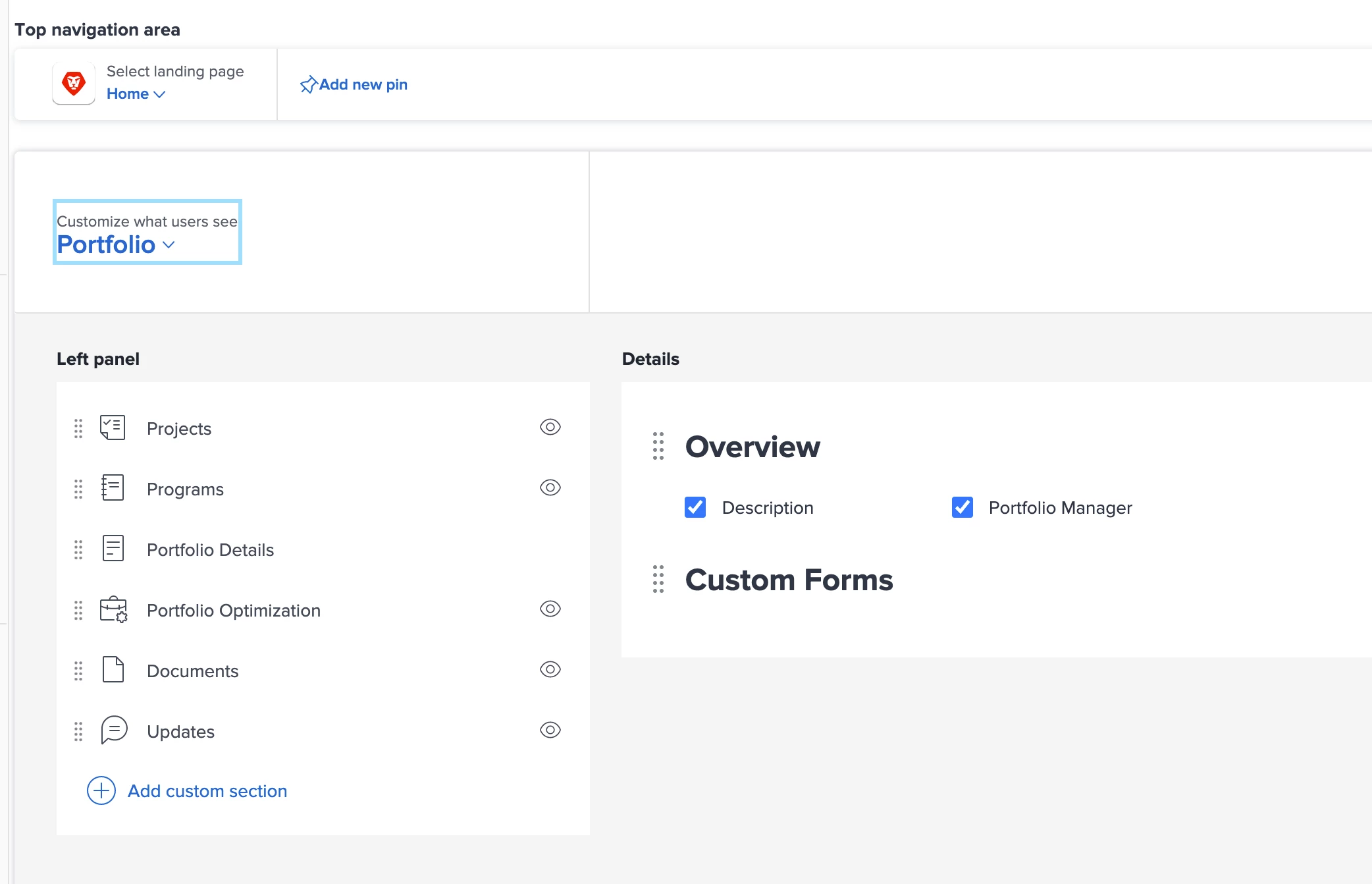
Where is the setting to control what appears at Project, Program, and Portfolio levels?
There are a number of fields I'd like to hide for a new layout I'm building. But I don't see the setting, am I blind or is there simply no setting? These are the fields displayed towards the upper right when viewing a project/program/portfolio.
Example at the Program level, I'd like to remove the fields in the upper right.

Sorry if this is a silly one, I'm just not seeing it under Setup > Interface > Layout Template > pick my layout to edit > ....???