User Access Level options are all grayed out and not selectable
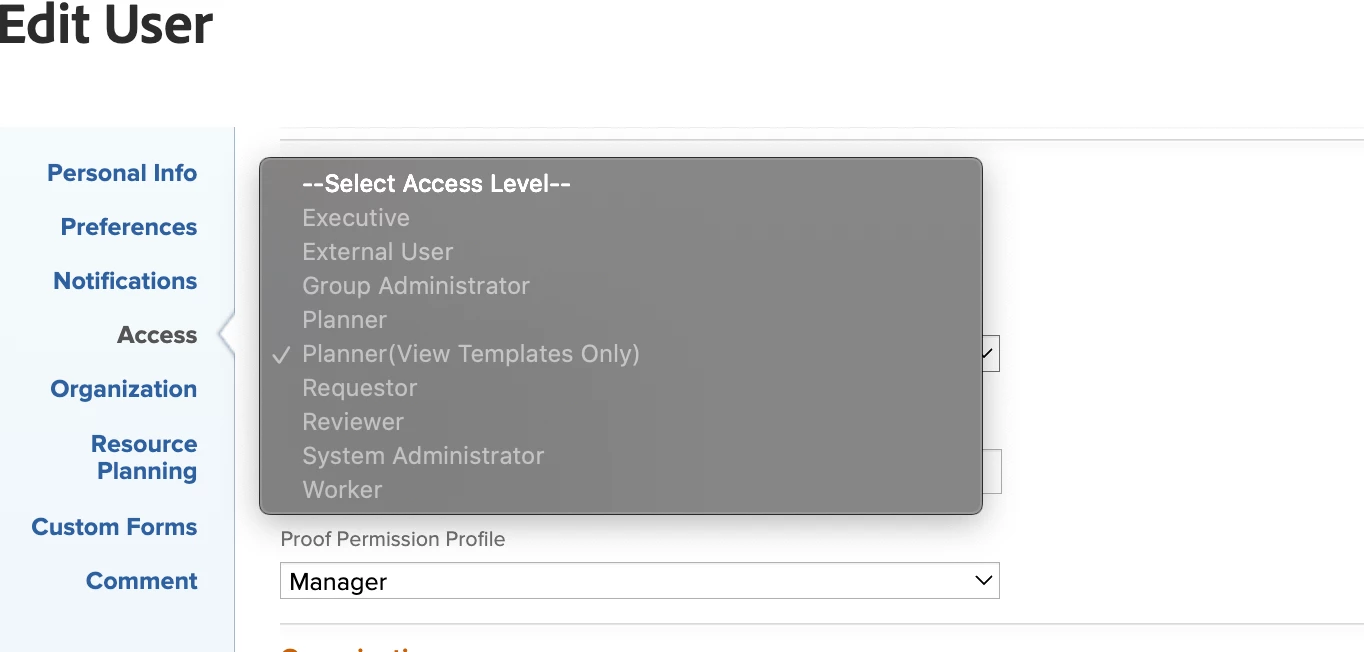
I have encountered this issue twice today, and I am uncertain as to what is going on to cause it. The first time, I had to reactivate a user and I typed in the wrong Access level for their account when the prompt came up. So, when I went to select the proper level from the dropdown, all the options were grayed out and unselectable. So, I deactivated his account, and when I reactivated it and typed in the correct access level.
However, the second instance of this issue happened when a new user used a registration link that I provide all of our new users with. Typically, once they've used that link, I go in and adjust their account to have the appropriate access level, teams, groups, etc. But, when I went to move this new user from a Planner to a Worker, all the options were in gray. And it appears that this is the case for me with ALL users, despite my being the sys admin for our instance.
Any suggestions as to why this would be happening?
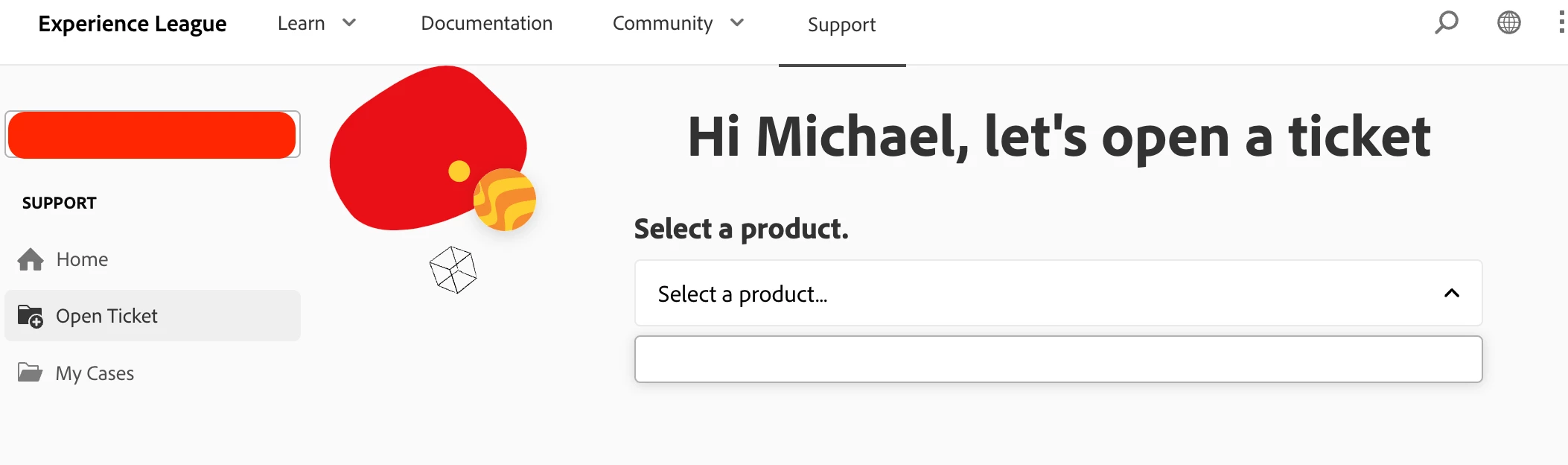
EDIT: This appears to be an even stranger issue than I initially though. It appears to affect all admin-level users. I am even unable to change my own access level. And it appears that the ticket submission is messed up, as I am unable to open a Workfront ticket, because it isn't an option to select...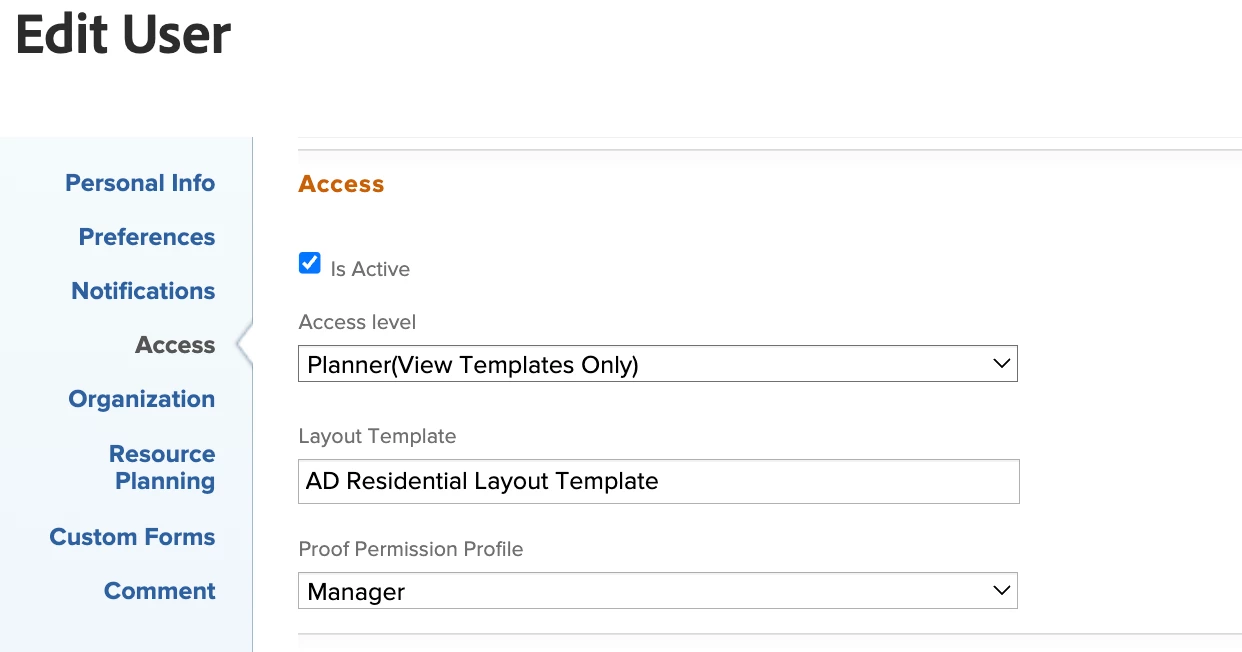
Thank you,