解決済み
Use of descriptive text field to style (Font/Color) while building the custom form
Can the descriptive text field be enhanced while building the form? , I should be able to style the descriptive text by changing its color and making it bold for user.
Is there a way to bring the descriptive text closer to the field, or is there an alternative solution?"
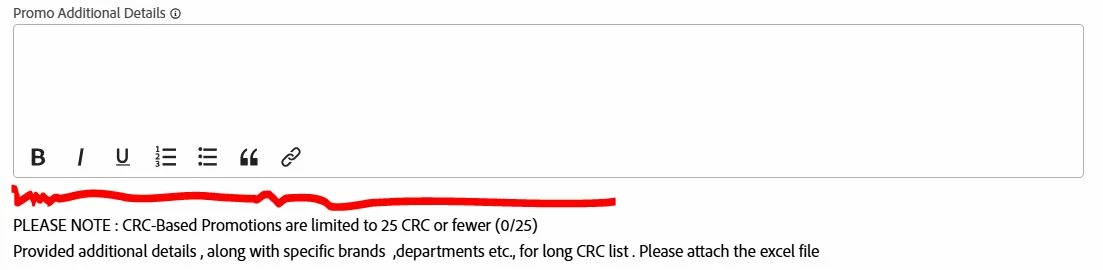
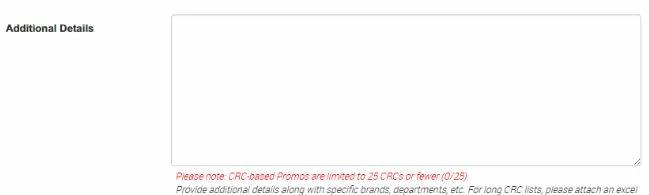
Workfront View - 1) Need to remove the space Highlighted in RED.
2) so i can bring the “Descriptive text field-with the text” closer to “Text with formatting field”
3) Also, is there a way to use style/color in “Descriptive text field-with the text”
Please advice if you have alternate solution,