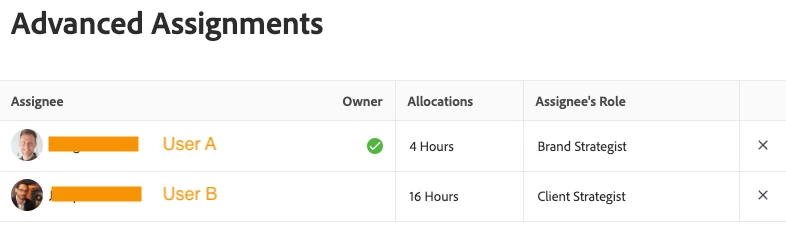
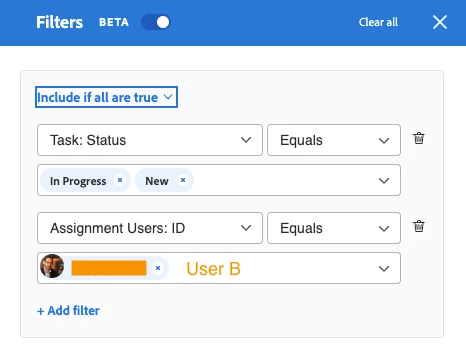
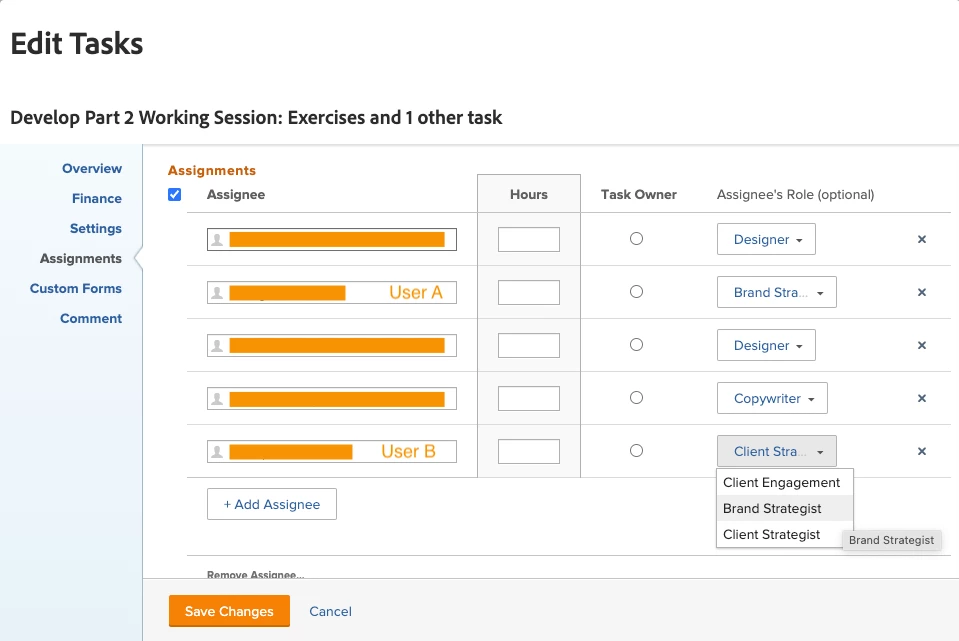
Not sure if I understood correctly, but will take a stab:
- A project is opened and there are 10 tasks assigned to "Graphic Designer" role.
- "User X" (no job role assigned) is assigned to those 10 tasks.
- Because User X doesn't have the Graphic Designer role assigned to them, each task now has 2 assignments: Graphic Designer and User X.
- This results in planned hours being split between the role assignment and the user assignment.
- User X is doing all the work, so total planned hours should not be split across both assignments.
- Goal is to consolidate the role and user assignment into a single assignment on the task.
- User X is then assigned the Graphic Designer job role.
- The project needs to be updated so there is only 1 assignment per task, which shows User X with 100% allocation of planned hours and that they are working as the Graphic Designer.
If the above is a correct understanding, then you should be able to use the Bulk Assignments feature in the project's Workload Balancer section to assign User X to the Graphic Designer tasks. If User X is already assigned to those tasks, the multiple assignments will just get consolidated into one.

The above action will update all Graphic Designer assignments in the project from this:
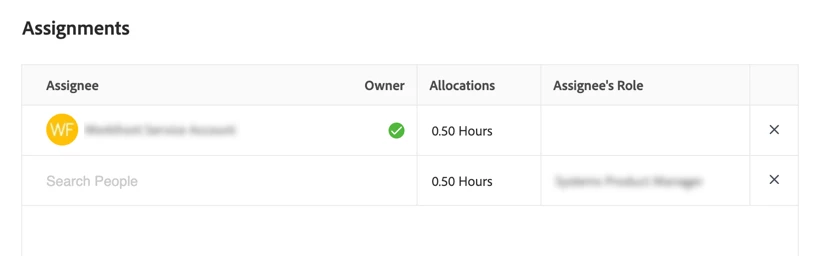
into this:
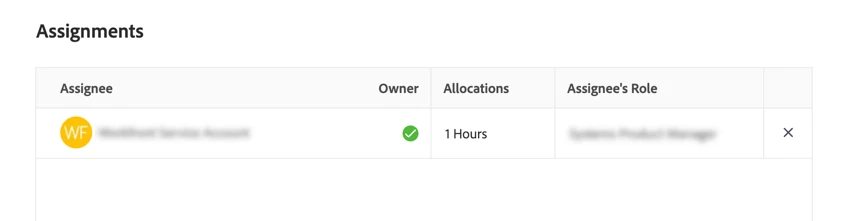
Hopefully that's what you're after... If not, I'll let one of the WLB experts chime in.