Total hours by role in templates | Community
Skip to main content
J_Mas
Level 5
June 21, 2023
Solved

Total hours by role in templates

  • June 21, 2023
  • 1 reply
  • 1523 views

I'm trying to get at total planned hours for each of the roles within my workflow templates. There doesn't seem to be a way to see this within the template itself, so I'm guessing I need to build a report?

I've tried building a Template Tasks report but can't seem to get at the information I need. Part of my issue is that for most of my tasks where multiple roles are assigned (e.g. Writer and Designer), the Planned Hours are not split 50/50. It might be more like 85% Writer and 15% Designer (these hour ratios are all set within the Assignments section of a task within the template).

I feel like I need the equivalent of an assignment-level report but at the template level, so I can get at something like "assignment >> workrequired" for the role instead of the task.

Can anyone point me in the right direction?
This post is no longer active and is closed to new replies. Need help? Start a new post to ask your question.
Best answer by RandyRoberts

Hmm....and it's definitely an Assignment report? I don't have "Template Name" as a choice in either my report columns or in the report prompt menu. Did you have to use Text Mode to get it?


Oops, it's a template task report. Sorry 'bout that.

1 reply

RandyRoberts
Community Advisor
Community Advisor
June 21, 2023

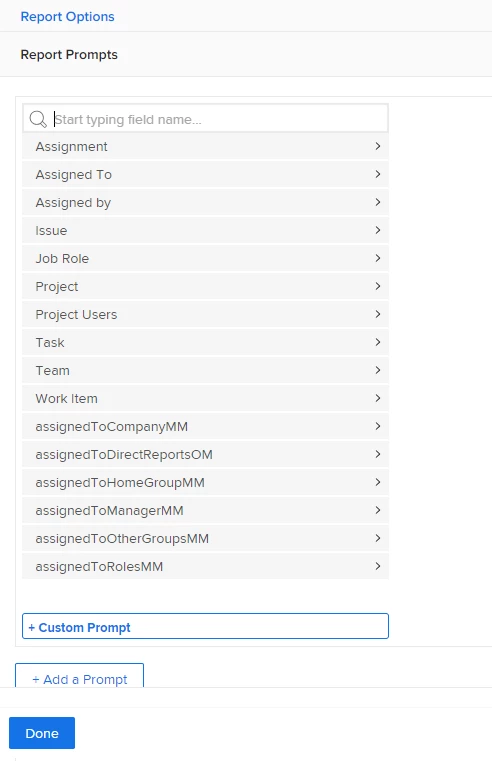
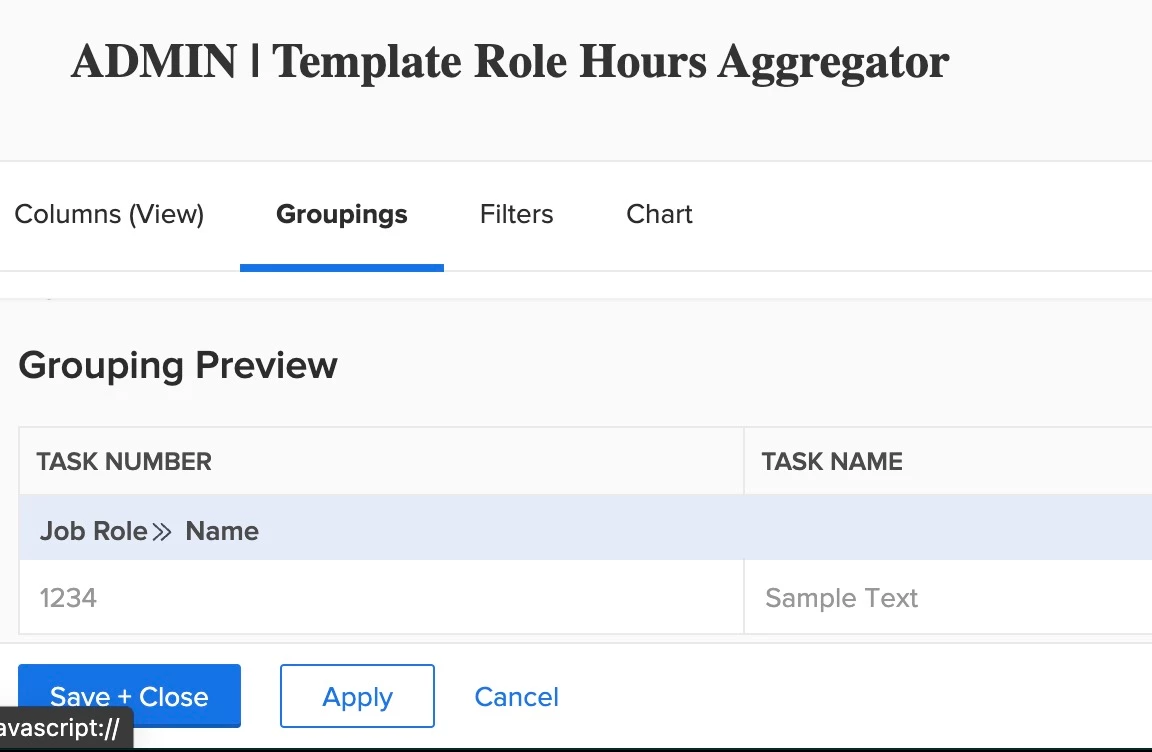
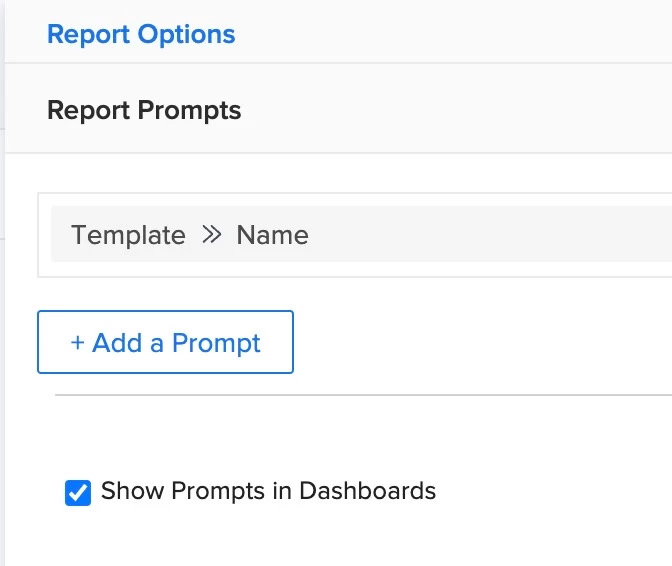
You can do this easily in Projects but templates is a bit more challenging. I created an assignment report that groups by role, added to a dashboard and then put that dashboard on the "template" layout. You do need to put a prompt for the template name or you'll get every template you have.

TIP: if this solved your problem, I invite you to consider marking it as a Correct Answer to help others who might also find it of use.
If you like my content, please take a moment to view and vote on my Idea Requests: https://tinyurl.com/mysocalledideas

J_Mas
J_MasAuthor
Level 5
June 21, 2023

That sounds like a great solution @randyroberts! Could you give me a little more insight as to the actual name of the field you're using for the prompt? I tried "Project >> Template ID" but I don't think that's correct.

I created an Assignment level report based on your screenshot, and added it to a dashboard and then to my Templates layout template. However when I load the report within a template, it seems like the tasks it's listing (under the grouped job roles) are all tasks that have ever used this template, as opposed to just the current template tasks themselves.

Level 3
December 20, 2024

Hey @randyroberts, thanks again for your initial help on this issue. However I've recently realized that this didn't actually solve my problem. The Planned Hours field that gets pulled into the report is the Planned Hours of the task and not the Assignee.

So if the task has 4 hours and the hours are split 85% for a Designer and 15% for an Art Director, I would like to see 3.4 hours listed for the Designer and 0.6 hours listed for the Art Director. Unfortunately the report just shows 4 hours for the task and no split.

I can see the split if I edit the task within the template, but I can't seem to find out how to get this field to show up on a report.

Template Task Report:

Template:

Edit Template Task:


did u ever solve for this where a task is 'split' amongst multiple roles?