
Sort Groupings Alphabetically | Community
Skip to main content
SamanthaIsin
Level 7
October 26, 2020
Solved

Sort Groupings Alphabetically

  • October 26, 2020
  • 4 replies
  • 2444 views

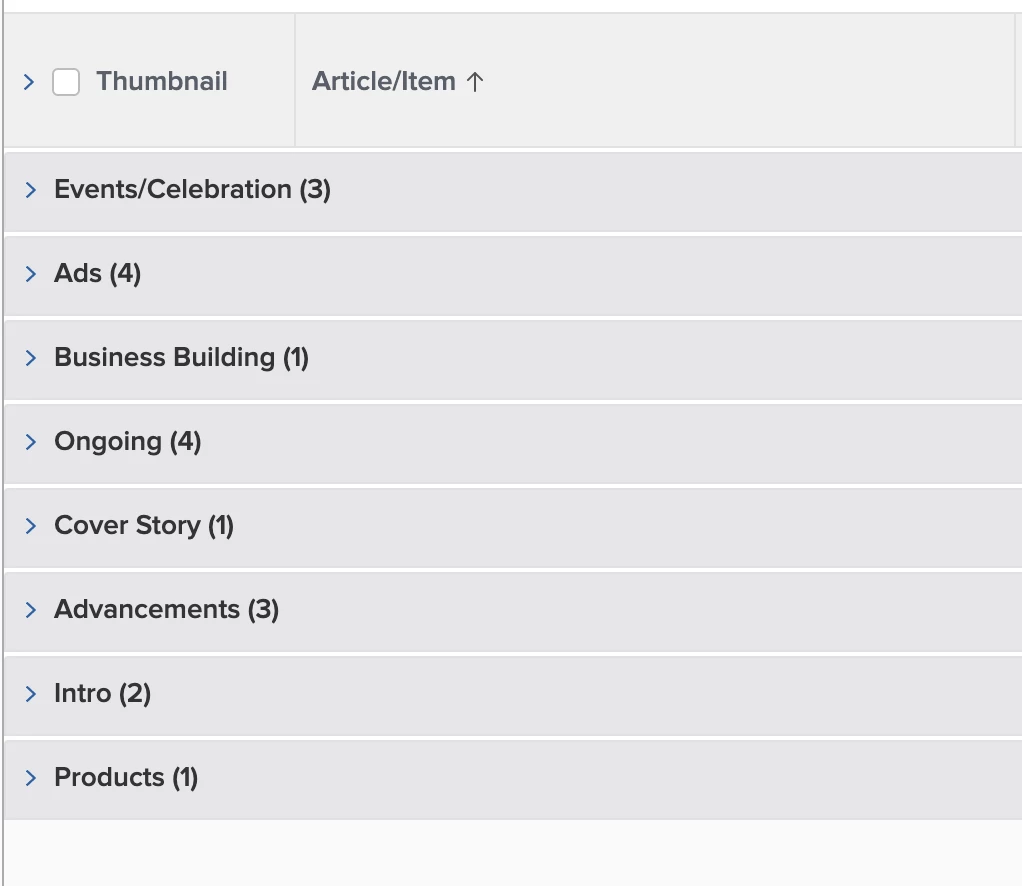
Is there a way to sort your groupings alphabetically? Does it have to do with the sorting of the columns?
This post is no longer active and is closed to new replies. Need help? Start a new post to ask your question.
Best answer by SarahNa

Hi Samantha,

I do this to sort by a column that I don't want shown:

  1. Add the column that you want to sort by to your report and sort it by that
  2. Switch to text mode and find these three lines:
    1. querysort=<field>
    2. sortOrder=1
    3. sortType=asc
  3. Copy the three lines of text and remove the column from your report
  4. Go to another column that you are not sorting by and switch to text mode
  5. Replace the line for querysort= with the three lines you copied above

Hope that helps!

4 replies

Level 10
October 27, 2020

You can do it via adding the column and sorting by it, but I'd like to know if there is a way to do it without adding the column of data just to sort (since the grouping shows the data).

SarahNaAccepted solution
Level 6
October 27, 2020

Hi Samantha,

I do this to sort by a column that I don't want shown:

  1. Add the column that you want to sort by to your report and sort it by that
  2. Switch to text mode and find these three lines:
    1. querysort=<field>
    2. sortOrder=1
    3. sortType=asc
  3. Copy the three lines of text and remove the column from your report
  4. Go to another column that you are not sorting by and switch to text mode
  5. Replace the line for querysort= with the three lines you copied above

Hope that helps!

Level 10
October 27, 2020

Nice tip, thanks!

Level 6
October 29, 2020

Hey Samantha,

I am striking out on this one. @Jason Webre‚ - reporting guru - any thoughts on this? Samantha is trying to create a Document Version report sorted by a project custom field. We were able to figure out the grouping, but not getting the sort.

Thanks!

October 30, 2020

Looks like you must be in a document version report since you reference document in your querysort and valuefield lines (E.g. valuefield=document:project:DE:LIA Section). Unfortunately you cannot sort by a column that has to make 3 jumps. So from a document report, you should be OK because the querysort would be querysort=project:DE:LIA Section but in a document version report you will be out of luck.

Hope that helps!

SamanthaIsin
Level 7
October 30, 2020

So @Jason Webre‚ I've converted my report to a document report (vs. document version report) and there is just four columns I can't get to display. They're all nearly identical. This is the text mode:

displayname=Changes Required Approvers

listdelimiter=<p>

listmethod=nested(proofApprovals).lists

textmode=true

type=iterate

valueexpression=IF({approverDecision}="Changes required"||{approverDecision}="changes required",CONCAT("•",{approver}.{name}))

valueformat=HTML

Why would I not be able to display this in a document report vs. a document version report?

October 30, 2020

@Samantha Isin‚ , because a document can consist of many versions pulling in approval decision information from a document report is not going to work. We get to into too many levels of one-to-many relationships (Document can have many versions, each version can have many approvals). So i think to get these columns to work you will have to stick with a document version report, and unfortunately this probably means you will not be able to sort the report the way you want. Sorry!