Sure. It's a Proof Approval report with these textmode filters:
EXISTS:a:$$OBJCODE=DOCU
EXISTS:a:project:status=CPL
EXISTS:a:project:status_Mod=in
EXISTS:a:versions:ID=FIELD:documentVersionID
approverDecision=pending
approverDecision_Mod=cieq
isCurrentDocumentVersion=true
isCurrentDocumentVersion_Mod=eq
As long as your complete status key equals CPL, it should work for you. If you use a different status key, just enter that in place of CPL. Then I have this report sent to me weekly so I can make decisions on any proofs still open on completed projects.
Hi Sheri,
Thank you so much for sending this, it has been extremely helpful. I have another question that perhaps you can help with.
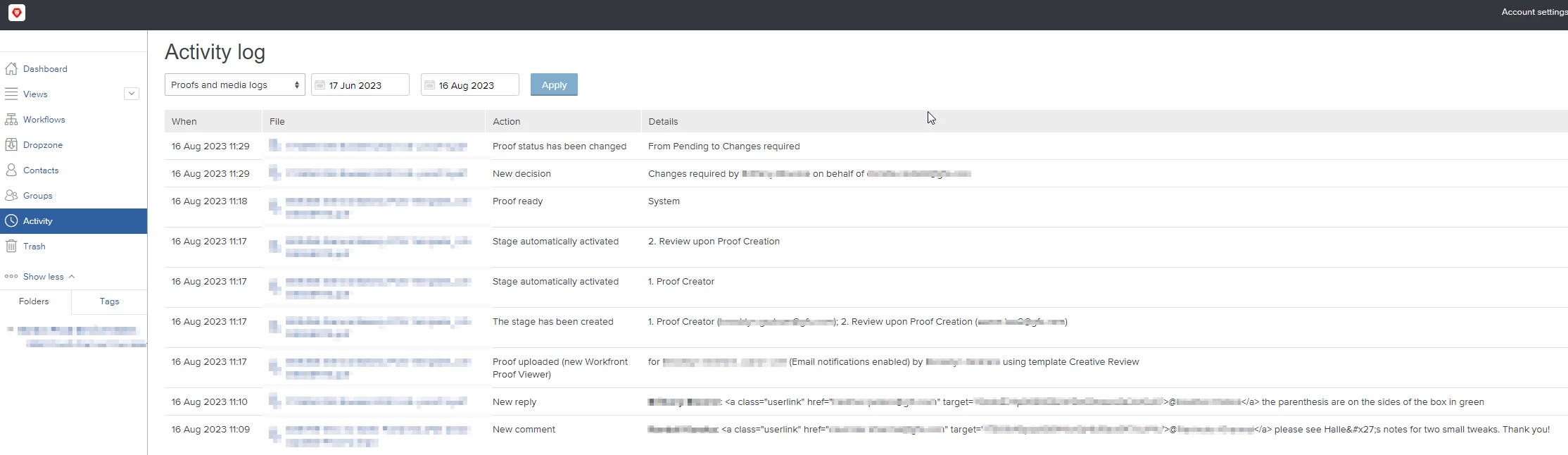
When I create proof reports, I see proofs in the pending status, but some of them are archived proofs (previous versions). How do you clear those? Any way we can exclude archived proofs from appearing on the reports?
It sucks that when there are multiple stages in the proof, even if at the first stage the proof was rejected, the rest still appear as pending. We are now left with a bunch of pending proofs that aren't even relevant anymore because they have been rejected at any stage.
Thanks!