


Question
New Reporting UI: Compare 2 fields in filters
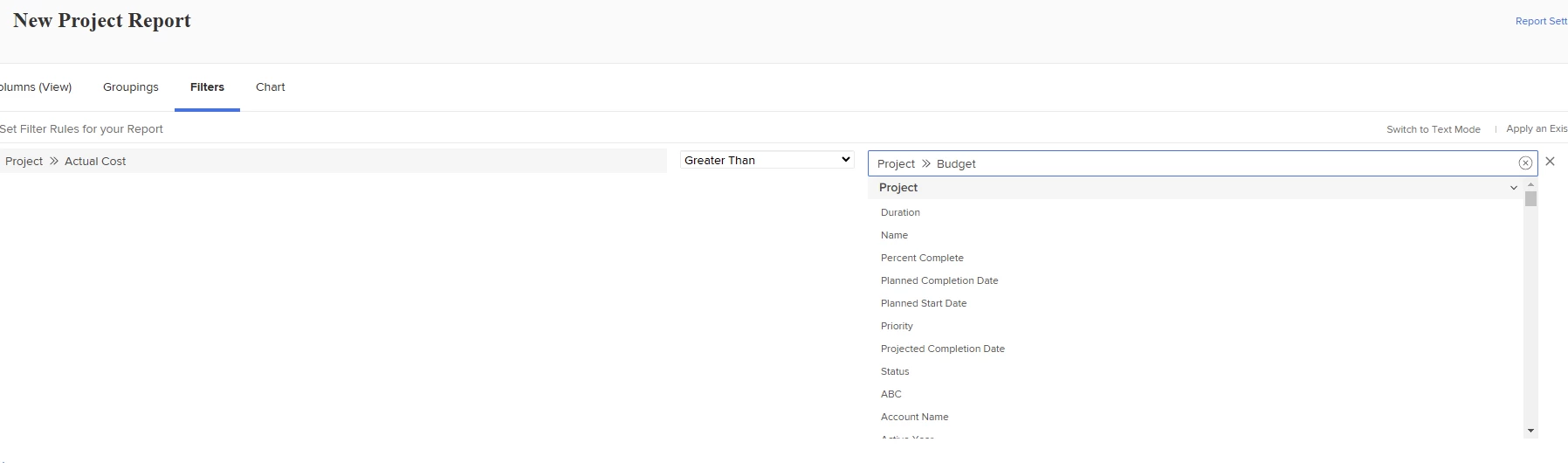
In the old reporting UI, we were able to compare 2 fields in the filters for reporting (example here). When trying to do this in the new reporting UI, it doesn't appear to be working. Does anyone know how to compare 2 fields in report filters?
Old UI:
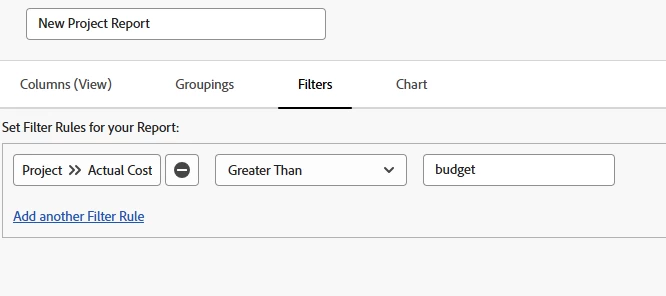
New UI doesn't recognize the field names and you can't get the "picker" to populate.
@nicholevargas - tagging you since you are the text mode reporting guru and I learned this originally from you.