Question
Make Workfront Full Screen (in Chrome)
Workfront's fixed width at 1400px drives me nuts. I have 2560px of horizontal screen space. If I could use that full width it might mean being able to add 4 to 5 more columns into a task view, or use the gantt chart while actually seeing all the important columns.
For anyone else annoyed by this, here is a quick solution.
Step 1: Get the stylebot plugin for chrome.
Step 2: Click into Options -> styles -> "Add a new style..."
Step 3: For the pattern use yoursubdomain.attask-ondemand.com (you can use /projects or other at the end if you only want to go full screen in a certain area). Then enter the CSS below into the style area:
.page-content-width { max-width: 99%; }
.table-list { width: 100%; }
.table-list-head { width: 100%; }
.listWrapper { width: 100%; }
.listToolbar { width: 99%; }
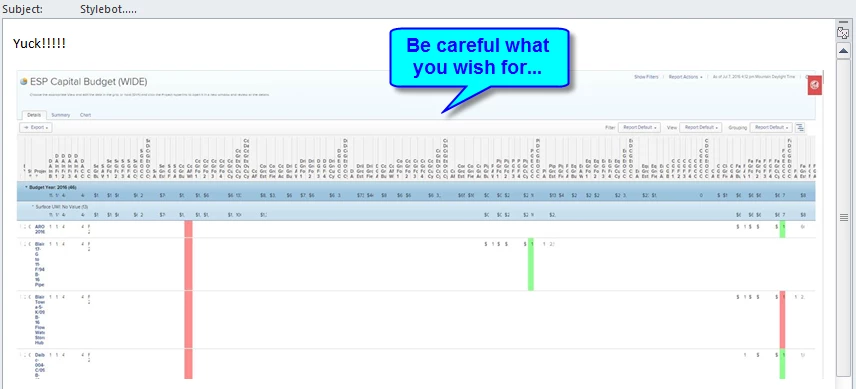
Now refresh and you should be in full screen mode. See attachment for example.