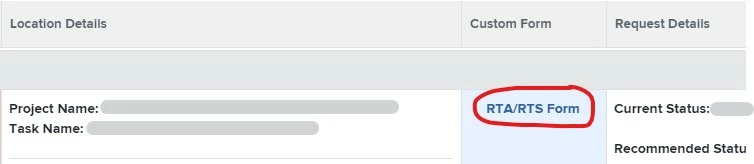
Hi Jim,
If you're in New Workfront Experience, this is a bit of a workaround, but might help?
- Build a project report with the project custom form fields that you want the user to fill out (I didn't put any filters on the report).
- Add the project report to a dashboard.
- Go to Setup > Interface > Layout Template > {user's layout template} > Projects. In the left navigation, click "Add custom section", give it a name, and add your dashboard. When you hover over the name, some dots appear on the left and you can click there and drag/drop it to wherever you want it to appear in the left navigation.
- When a user with that template navigates to a project and clicks on the section, the report appears to filter ONLY to the project you're on and allows in-line editing. If you have a lot of fields that need to be filled out, you could do more than one report and stack them in the dashboard (to avoid horizontal scrolling). If not all of your report fields show, you may need to customize the columns visible on a report when it's on a dashboard.
- You could then instruct in the task to click on the name of the custom section and fill out the fields.
Note that this section will show for any users with that layout template on all projects (I know you were aiming for a specific project template - I wasn't able to make it work on just a certain project template). If it's a custom form that only applies to certain projects, that might not be a huge deal, but something worth mentioning while you weigh if it'll work for your users. Adding the custom section to the user's layout template won't allow the user to remove the custom section.
Alternatively, you could give instructions to the users on how to add a custom section with that dashboard on the project. If you go this route, it still shows on every project but they'd be able to close it if they wanted to and add it back when/if they wanted.
You could weigh the options depending on your users and projects that this would be used on. If they're savvy enough, it doesn't hurt to know how to add custom sections!
It takes a little bit of setup initially, but would help highlight the exact fields you're looking for.
Leslie







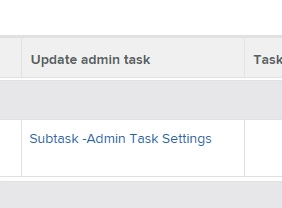
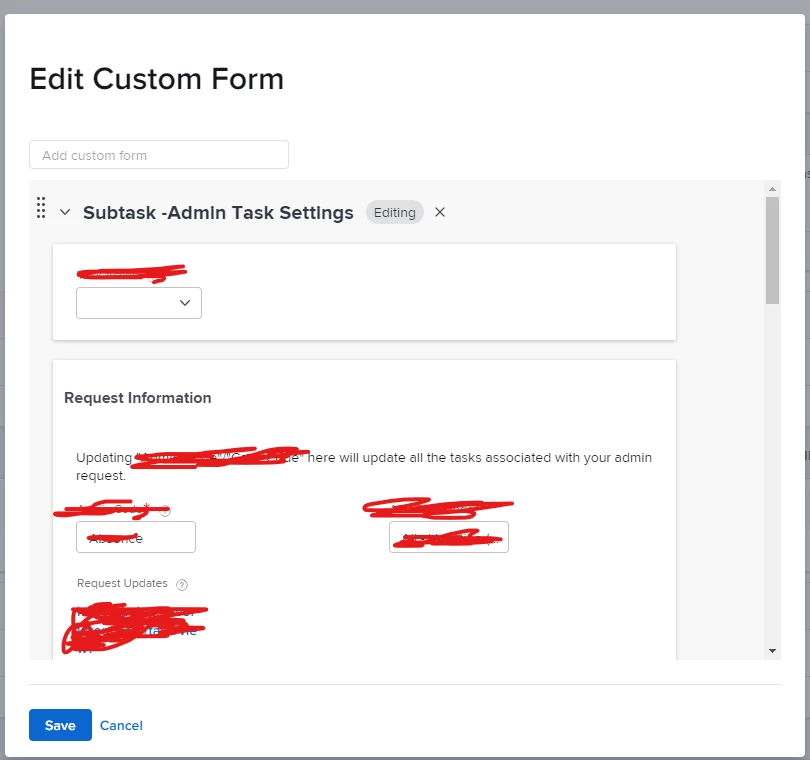 I don't know if similar interaction can be applied to task name (assuming you manage to include category name there), but maybe this will trigger some further chain of thoughts that will lead you to find solution :)