How to update date format in valueformat in Text Mode Grouping of a Task Report?
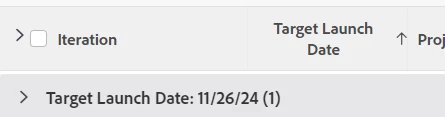
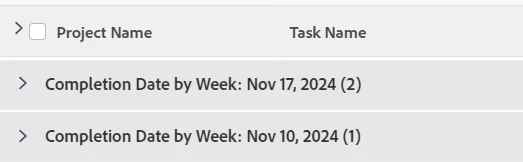
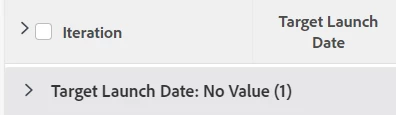
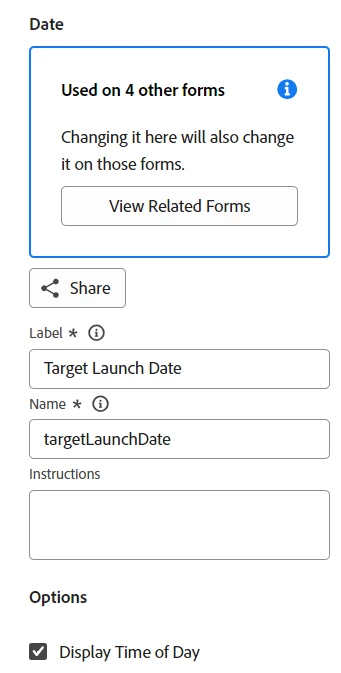
Is it possible to update the date format that is shown in a grouping of a report (specifically task report)? I attempted updating the group.0.valueformat to the partialAtDate format, but the grouping would just show no value for the groupings once saved. The field I am pulling from is a custom field at the project level of the tasks the report is pulling in.
This is the grouping Text Mode I tried:
textmode=true
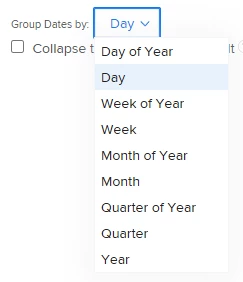
group.0.groupdatesby=DY
group.0.namekeyargkey.0=project
group.0.namekeyargkey.1=targetLaunchDate
group.0.notime=false
group.0.valuefield=project:targetLaunchDate
group.0.iscollapsed=true
group.0.valueformat=partialAtDate
group.0.namekey=view.relatedcolumn
group.0.linkedname=project
This is the original Text Mode for the grouping:
textmode=true
group.0.linkedname=project
group.0.namekey=view.relatedcolumn
group.0.valuefield=project:targetLaunchDate
group.0.namekeyargkey.0=project
group.0.namekeyargkey.1=targetLaunchDate
group.0.iscollapsed=true
group.0.notime=false
group.0.groupdatesby=DY
group.0.valueformat=customDateAsDayString