How do I restore the task list and menu icons for a user? | Community
Skip to main content
Level 4
October 12, 2023
Solved

How do I restore the task list and menu icons for a user?

  • October 12, 2023
  • 1 reply
  • 1223 views

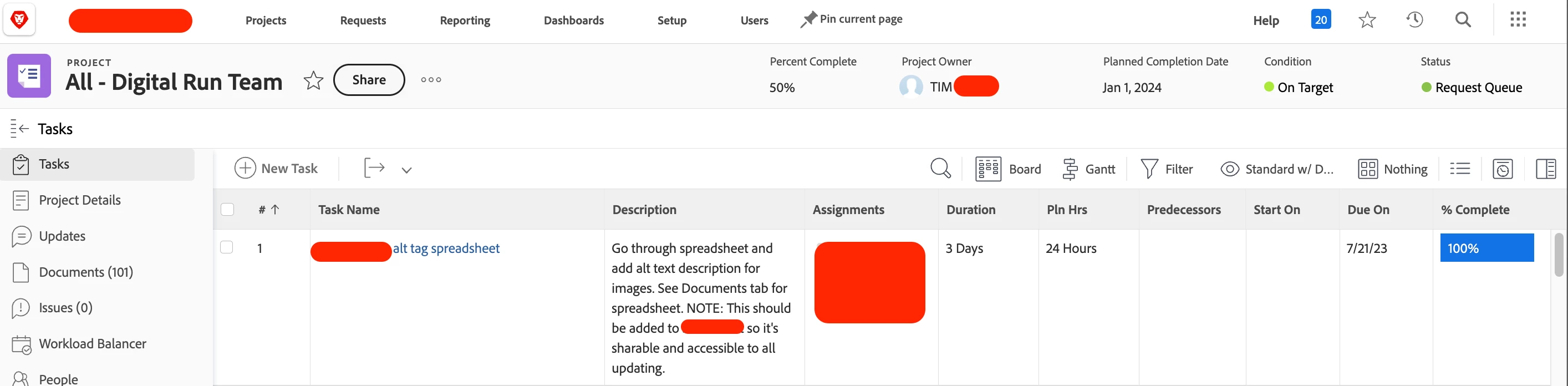
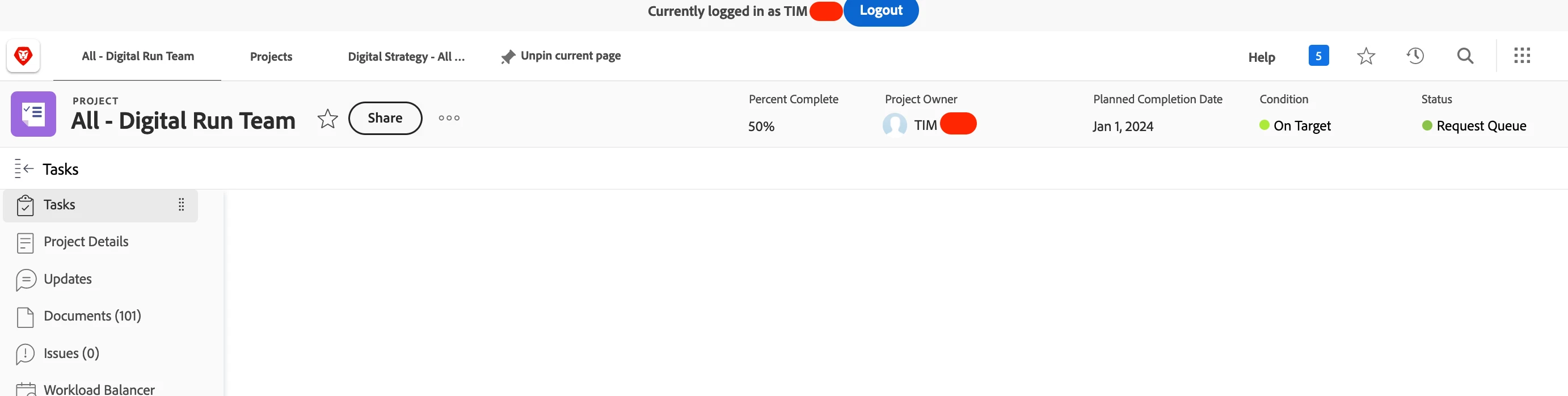
I have a user who was once able to see all the tasks and menu icons for a particular project. He is the manager of the project and his access is Planner level. Whenever I log in as Admin, I can see all of these things, and it's only recently that this happened to him. Is there something I can do to restore this, because this is a pretty big problem.


My View (In Chrome):
 

My User's View (In Firefox):
This post is no longer active and is closed to new replies. Need help? Start a new post to ask your question.
Best answer by MPH2

Well. It seems I managed to rubber ducky my way to a solution. Apparently, the platform is really, really slow and it doesn't give me the List view option until I reload the page and then about half a second after. Although not the end of the world, the lag on the platform is really odd and intermittent over the last week, and somewhat frustrating.


1 reply

RandyRoberts
Community Advisor
Community Advisor
October 12, 2023

My first guess is to reset the user account by going to YOURDOMAIN.my.workfront.com/resetUser while logged in as that user.


let us know if that works.

MPH2Author
Level 4
October 12, 2023

That shouldn't have any impact on work they've done or anything like that, right? It would just reset their preferences?


Also, this seemed to habve happened when they switched to Board view. I did it as an admin, and I am seeing the same result. All the icons are gon, and I don't have the ability to switch back to list view...

May 9, 2024

Correct, you were in the Boards view which removes a lot of items and need to change back to list view, which you did 👍


I am in board view and I am not finding how to switch back to list view.