Get Report to Fit Screen Size | Community
Skip to main content
Level 2
February 18, 2025
Question

Get Report to Fit Screen Size

  • February 18, 2025
  • 3 replies
  • 425 views

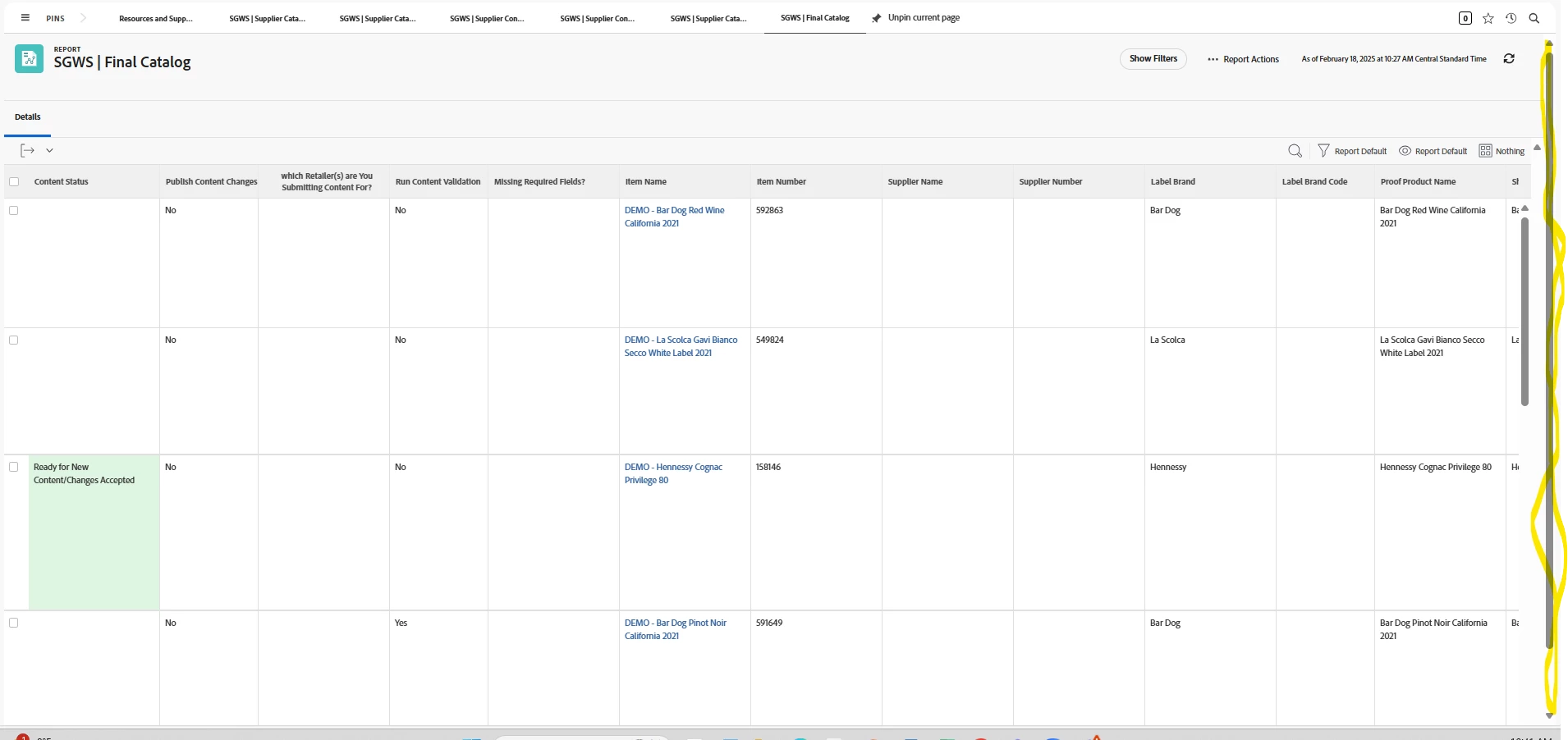
Does anyone know a way we can get our reports to fit our screens? Currently, there are two vertical scrollers and we cannot scroll horizontally until we scroll down on one of the vertical scrollers. 


  • Occurs in Chrome and Edge
  • Occurs regardless of zoom magnification
  • Occurs regardless of number of items per page on report
 

3 replies

Doug_Den_Hoed_AtAppStore
Community Advisor
Community Advisor
February 18, 2025


Hi @beckerd,


Ouch. Hopefully that is a temporary browser problem, but as a workaround, I suggest you click any cell on a row (so it has focus), then use the arrow keys to move right/left, sparing the scrolling muda.


Regards,

Doug

KellieGardner
Community Advisor
Community Advisor
February 18, 2025

If you are already hard coding your column widths through text mode, you'll have to work on it until it fits. There isn't really guidance from Workfront how to get them to fit. Keep in mind not everyone's monitors are the same either.


If you aren't already modifying the widths of the columns in text mode, you can do that. 


https://experienceleague.adobe.com/en/docs/workfront/using/reporting/reports/custom-view-samples/view-edit-column-width-permanently


If you are doing the resizing manually by modify the columns while viewing the report it can get a bit wacky. You'll have to clear your browser cache to get it back to default 

kautuk_sahni
Community Manager
Community Manager
September 1, 2025

@beckerd  just checking in! Were you able to get this resolved? If one of the replies above helped—whether it completely solved the issue or simply pointed you in the right direction—marking it as accepted can make it much easier for others with the same question to find a solution. And if you found a different way to fix it, sharing your approach would be a great contribution to the community. Your follow-up not only helps close the loop but also ensures others benefit from your experience. Thanks so much for being part of the conversation!

Kautuk Sahni