Fusion: How do I add just one new value to a multi-select custom form field?
I have an integration between Workfront and Jira. When a Workfront Project is connected to a Jira Epic, certain fields are mapped to bi-directional syncing. For example, if labels are added to the Jira Epic, those same labels will be added to a custom form in the Workfront Project (IF the label matches what we have pre-populated in the multi-select dropdown list).
The labels from Jira come through the API as an array. The problem is that sometimes a label is added to a Jira Epic that is not pre-populated in Workfront, and then Fusion treats the entire array as an error. When that happens, none of the labels (even the good ones) get added to Workfront
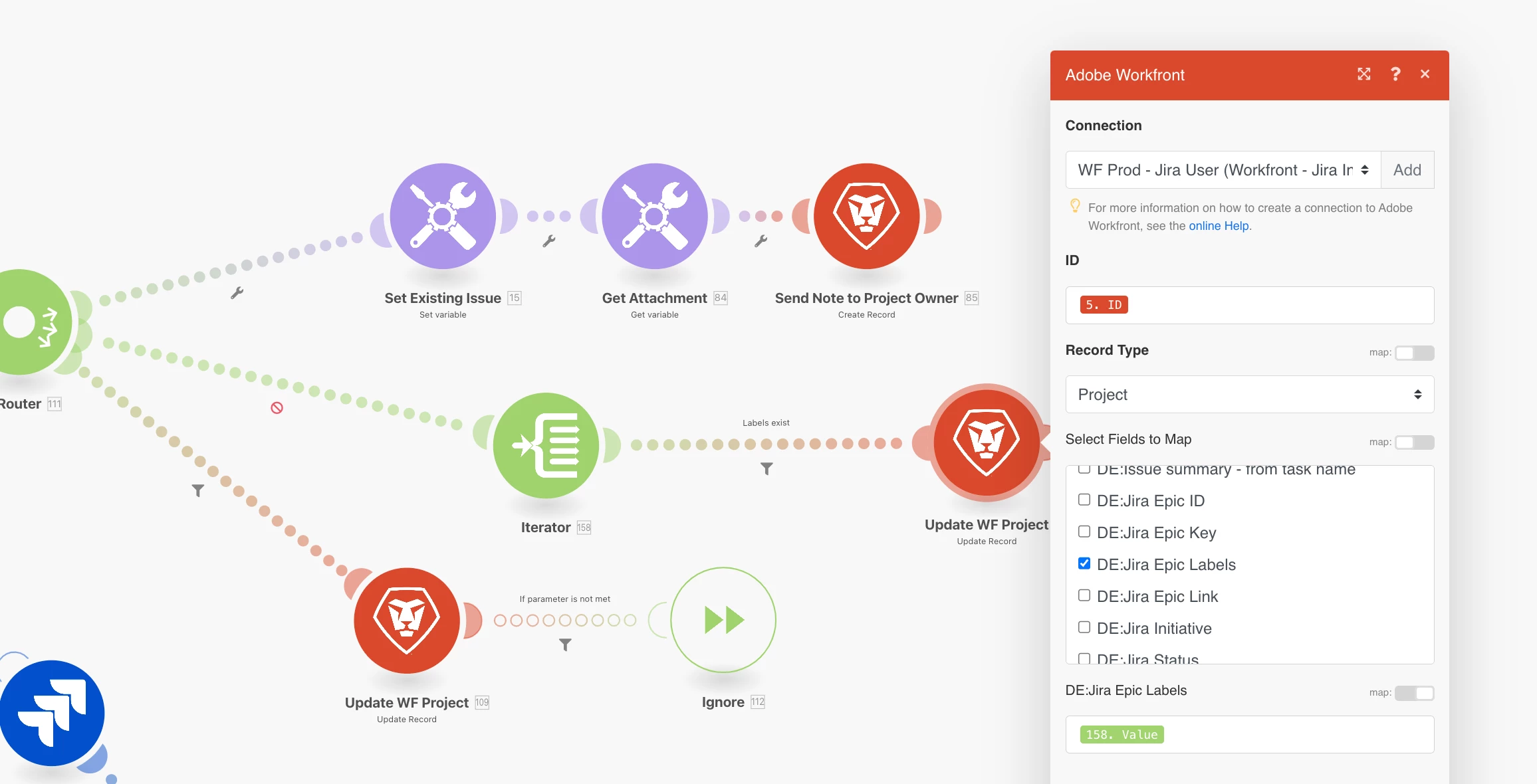
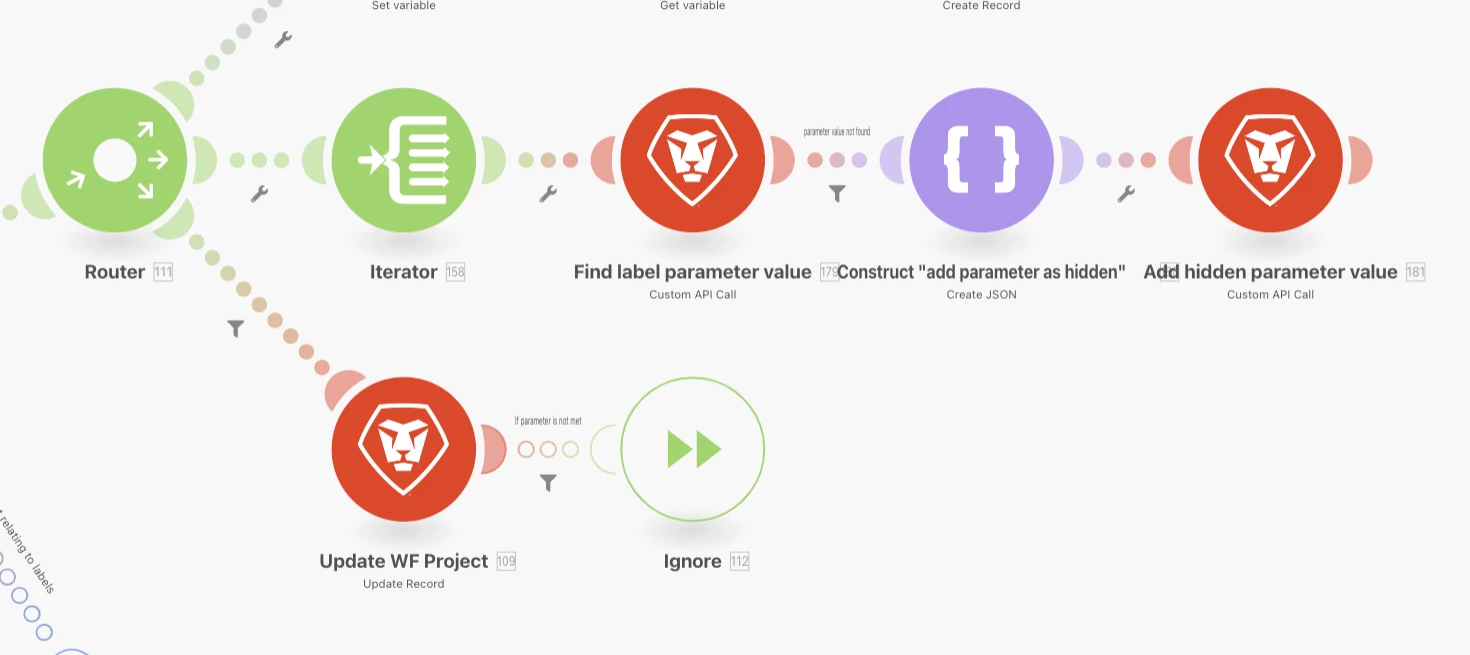
So, in the Fusion Scenario, I added an iterator in hopes that each label could be added separately to the Custom Form field in Workfront. This would (hypothetically) allow the good labels to be added to the form, and the bad labels to be ignored (with the "ignore" error handler). However, what is actually happening is that each good label (that meets the parameters of the pre-populated list) is completely replacing what was previously selected from the list.
In other words, even though the custom form field is "multi-select" when I'm in Workfront, FUSION is treating the field as single-select. My hope was that each bundle that passed through without error would be added to what was already there.
How do I accomplish this?
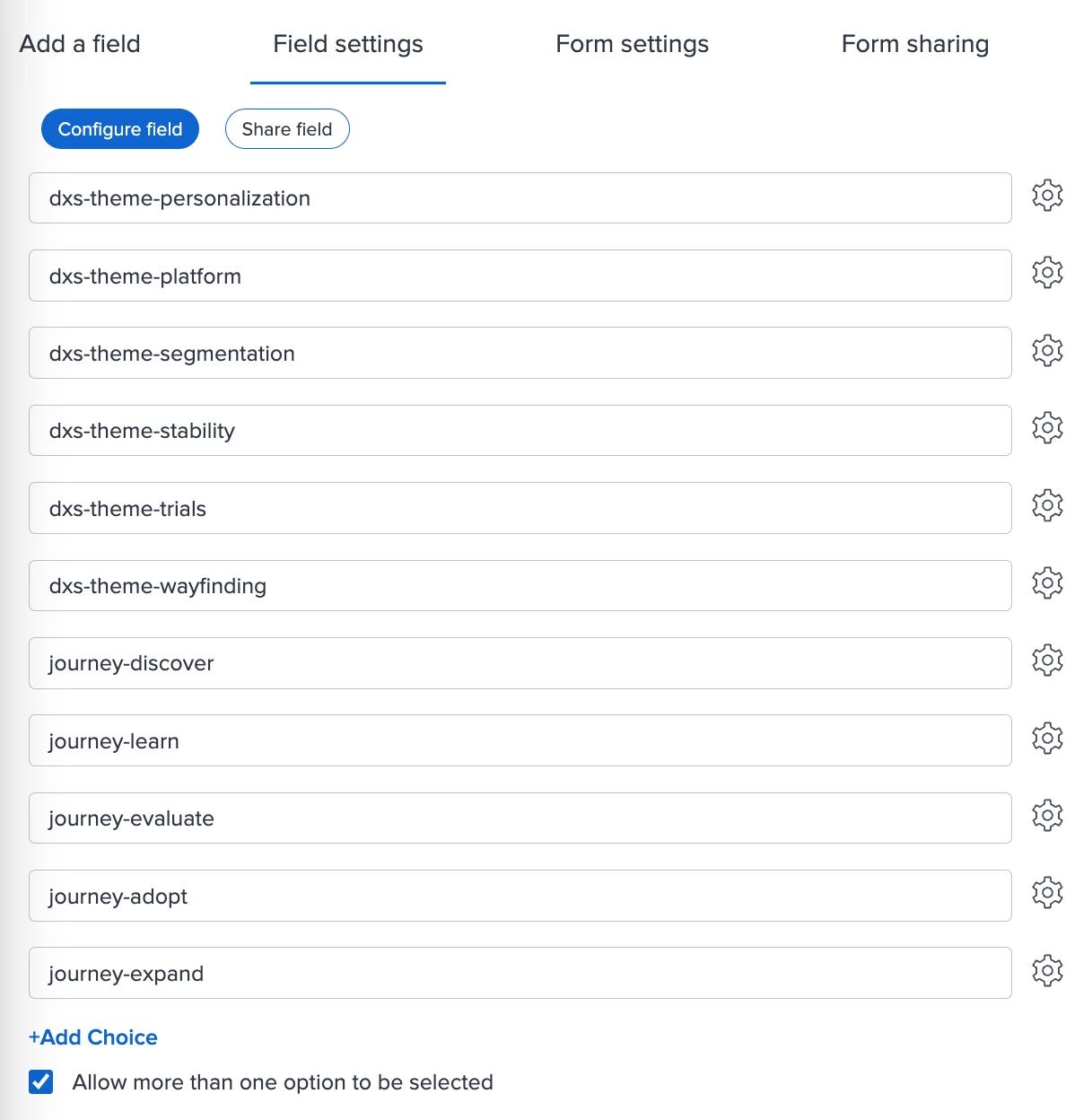
Multi-select in the custom form configuration
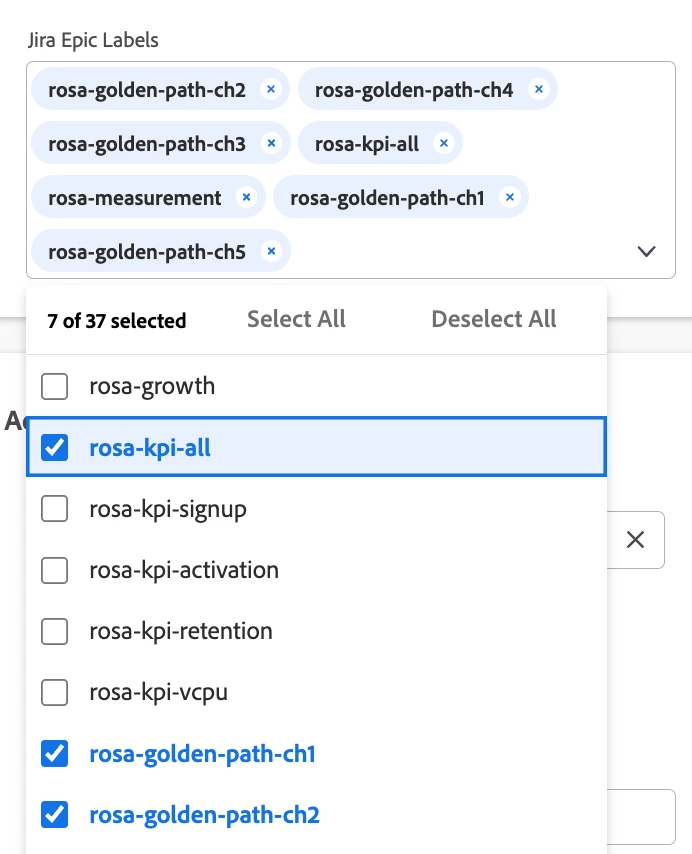
Multi-select when using the custom form field in Workfront
Fusion Iterator to treat the array as separate bundles
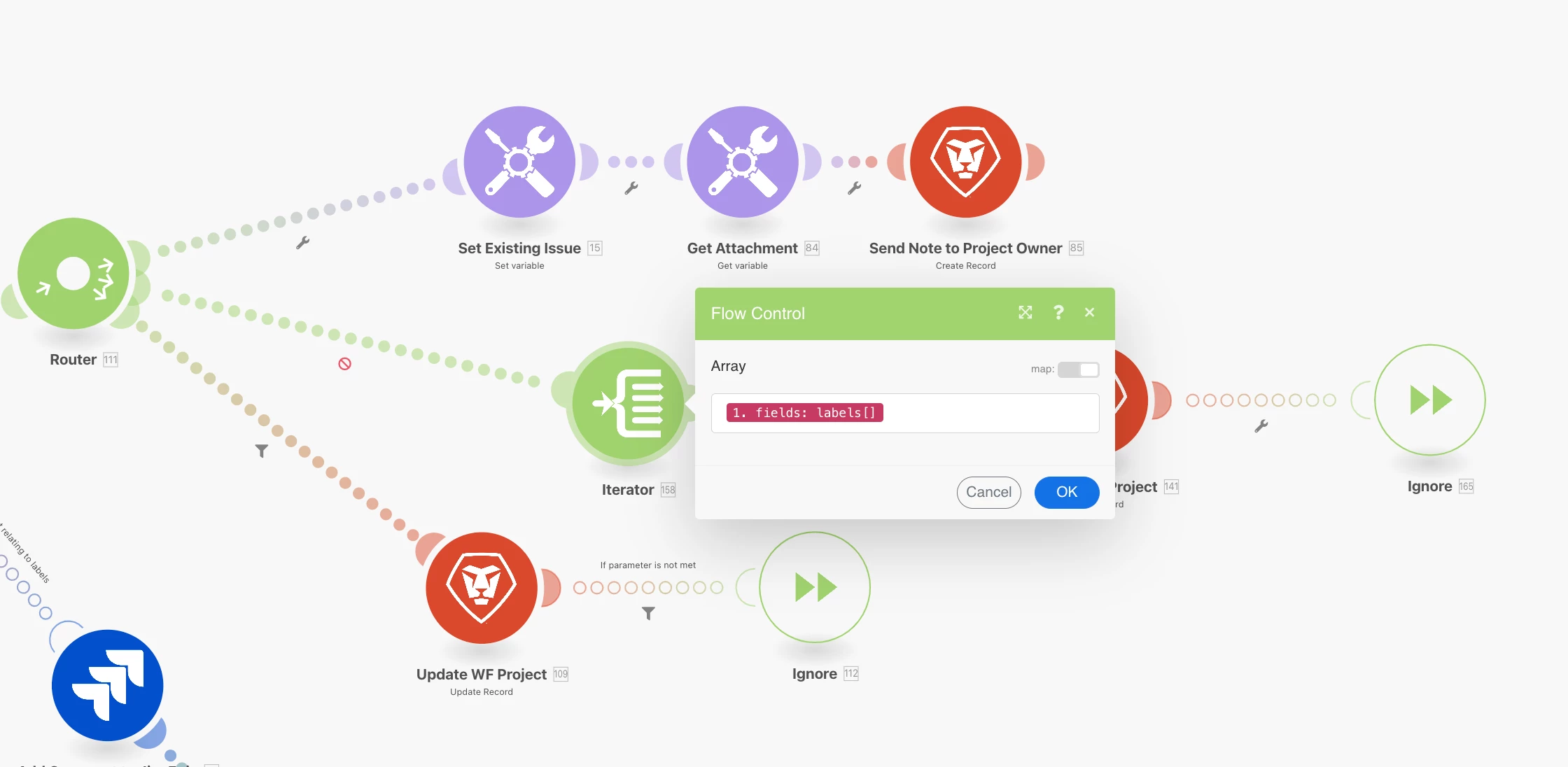
Mapping bundles (or anything) into the multi-select form field (how do I say "keep what was already there, and also add this one"?)