Embedded Workfront app in Salesforce | Community
Skip to main content
December 30, 2022
Question

Embedded Workfront app in Salesforce

  • December 30, 2022
  • 2 replies
  • 1179 views

Hello - we’ve embedded the Workfront app into Salesforce but it’s hard to use as it refreshes every time you select a field and takes you right back to the top of the form which forces you to have to keep scrolling back to your last field. Has anyone else experienced this and know how to stop this behavior? Not a great user experience! Thanks!

This post is no longer active and is closed to new replies. Need help? Start a new post to ask your question.

2 replies

Rafal_Bainie
Community Advisor
Community Advisor
January 2, 2023

sounds like potential bug. I would report to support

Jason_JB
January 3, 2023

As a possible workaround - we've "embedded" by iFraming Workfront within Salesforce.  We needed a custom workflow beyond the standard tool.

January 3, 2023

Hi, Jason


Thank you. Did this work for you? By iFraming do you still get the ability to connect between the two tools?  We are using this app as part of a Fusion scenario that we've built where we're pushing certain data points into Workfront from the SF org. What is your custom workflow? I'd love to hear more about it. 


Thanks,

Michelle

Jason_JB
January 3, 2023

Hi Michelle - we sync a number of data points between Salesforce and Workfront.

From Salesforce they come from: Accounts, Opportunities & customer objects

On the Workfront side it's: Projects, Tasks, & Companies


Happy to connect directly if that would help.


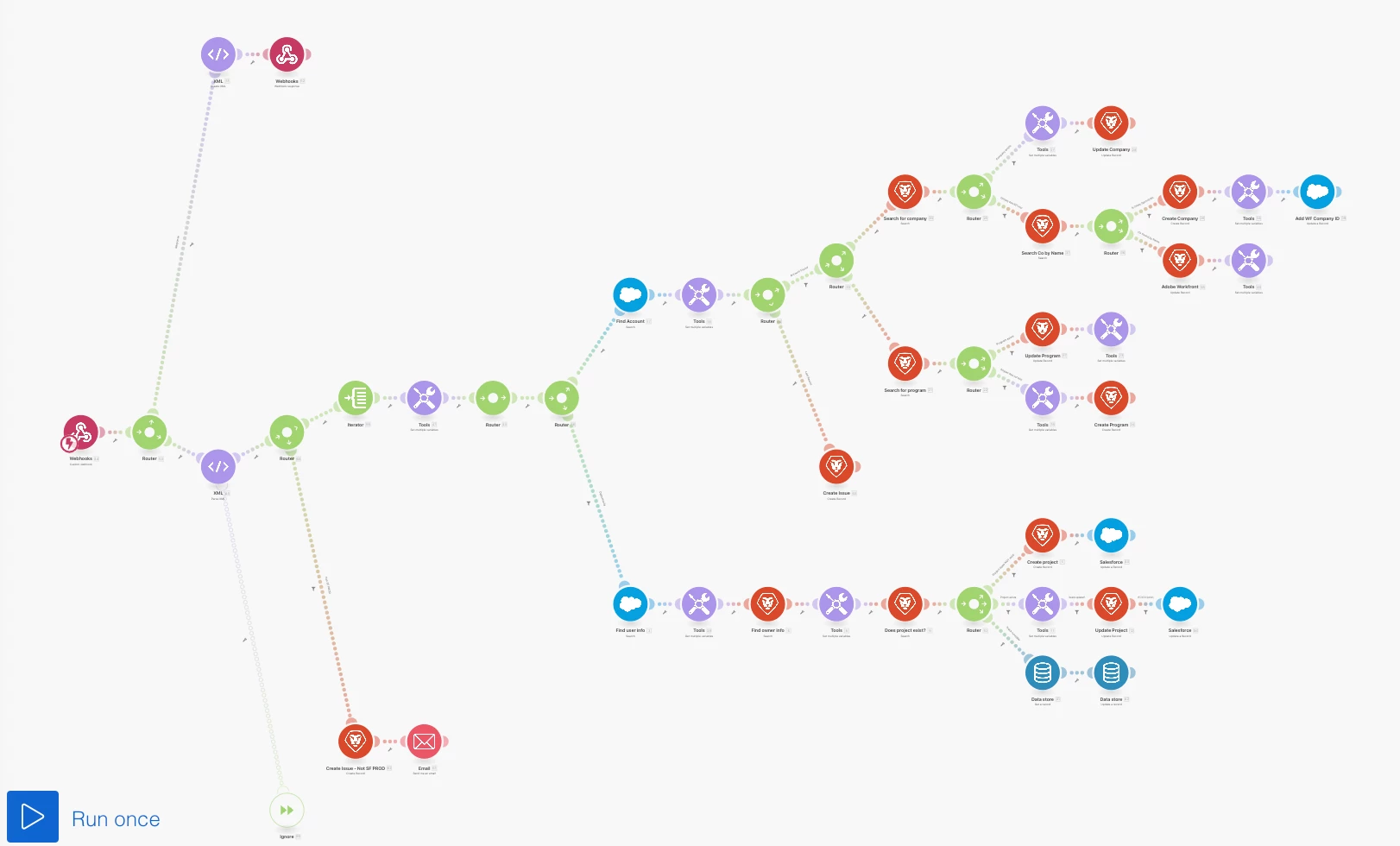
I tried to attach some of the documentation I'm working on, but it won't let me, so here's a snapshot of the scenario that manages accounts & opportunities.