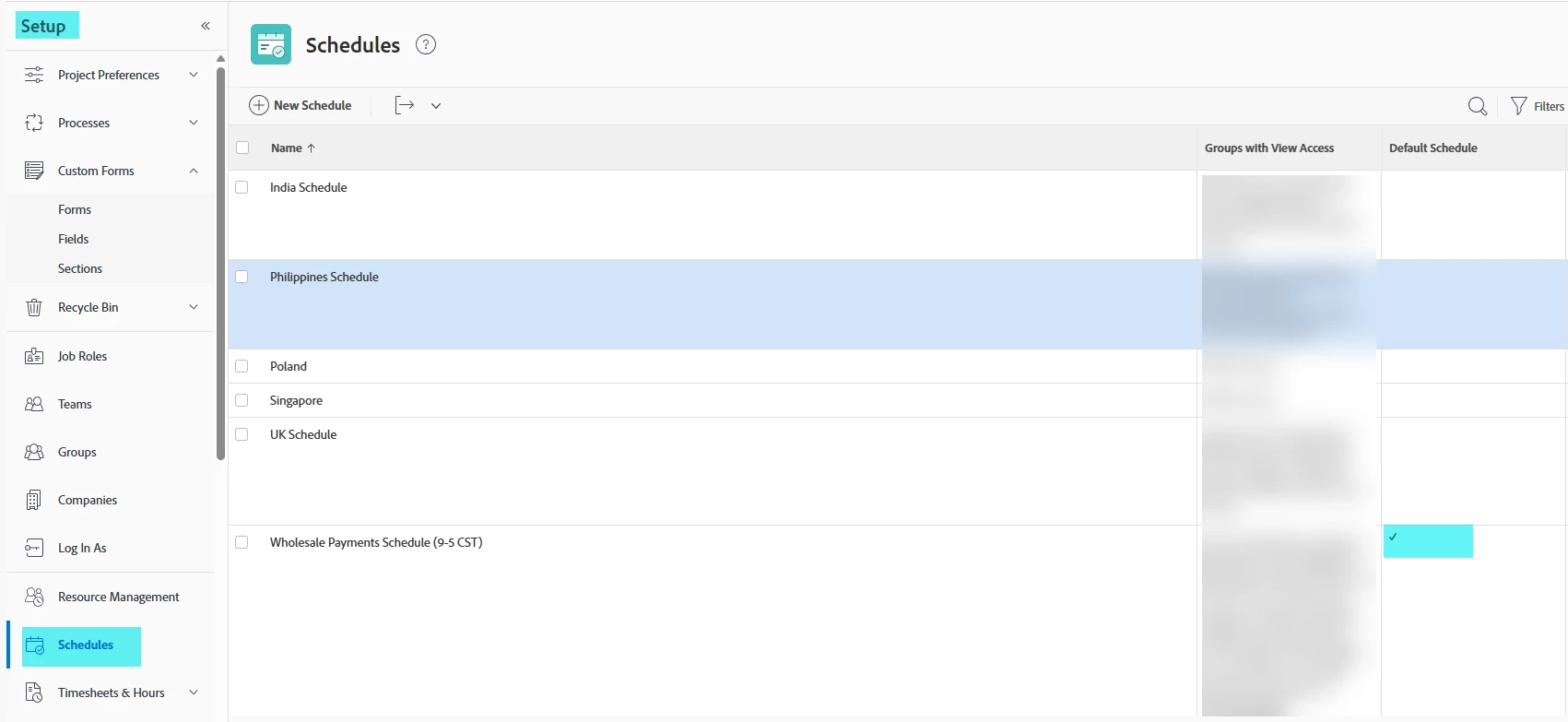
Hi - I'm trying to add some exceptions to my team's default schedule, but when I go to add the days it's only adding that exception for me. I've never had this issue before. Was there an update I perhaps missed? I am a sys admin so I should have full access.
You may be in the wrong area, make sure its under the Setup->Schedules->then edit your default schedule and you'll see the exceptions area which will apply to everyone once you set it
My mistake...this is definitely a bug as it only shows for me as well when I needed to make an update...input a support ticket, I'm also doing one as well so engineering is aware
Keri, after a bit more testing the functionality is working correctly but the nuisance is that when you set the exception it now says your name, making it look like its just for you. I spent time testing with our default schedule, adding an exception then going into Workload balancer to see if the new exception is being shown in the calendar and across projects, it does look like its showing the exception.