Adobe Workfront for design and video plugin | Community
Skip to main content
December 15, 2024
Question

Adobe Workfront for design and video plugin

  • December 15, 2024
  • 1 reply
  • 900 views

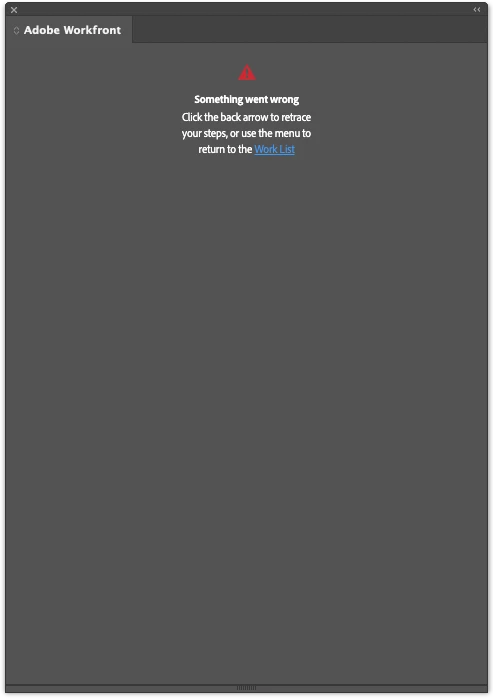
I recently installed the Adobe Workfront for design and video plugin. I accidentally typed in the wrong domain when logging in and got an error. I went back and typed it in correctly but now I'm stuck with this error and can't reset it:

"Something went wrong Click the back arrow to retrace your steps, or use the menu to return to the Work List"


If I click on the Work List link, I see the domain name for a split second then it goes right back to the error screen.


I've uninstalled the plugin, all Adobe apps, cleared my caches and restarted the computer. But I still get this error after reinstalling. Has anyone run into this and can help me reset the plugin?
 

This post is no longer active and is closed to new replies. Need help? Start a new post to ask your question.

1 reply

KellieGardner
Community Advisor
Community Advisor
December 17, 2024

Are you getting this in your creative cloud application? If so, I would try to remove the plugin and reinstall it. In your creative cloud settings there should be a manage extensions or plugins option.

BethCraftAuthor
December 17, 2024

Thanks for the suggestion. I've done that repeatedly. I've removed every bit of Creative Cloud from my computer, cleared the caches, restarted and then reinstalled all my apps. It just won't work.