Adjust Fields shown in Task Summary in Workload Balancer | Community
Skip to main content
March 20, 2025
Solved

Adjust Fields shown in Task Summary in Workload Balancer

  • March 20, 2025
  • 1 reply
  • 587 views

Hello all:),


I am trying to figure out the Workload Balancer and I am facing some Issues regarding its usability. One Major Step would be to have the Field "planned Hours" in the Task-Summary, in Order to adjust the planned hours quickly, without going into the Task itself (not sure why its not like in the first place: thought that would be obvious as soon as you start allocating Hours with the Balancer).
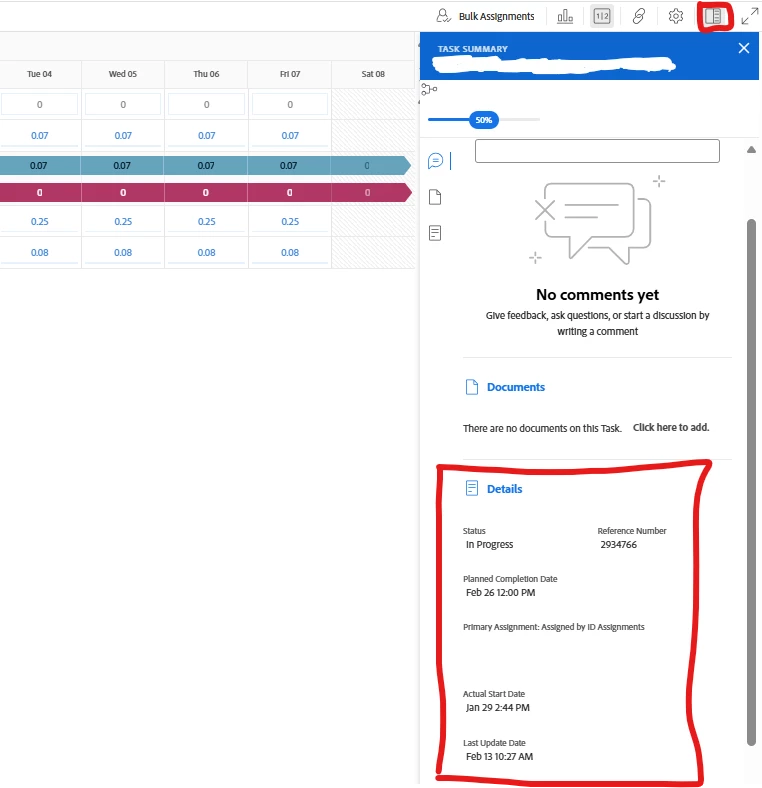
 

I edited the "Summary Panel" inside the "Layout Template" inside the "Group Settings" already, to display the "planned Hours" but it has no impact on the Task Summary.


Looking forward to your Suggestions.


leonhard
 

Best answer by Srinija_N

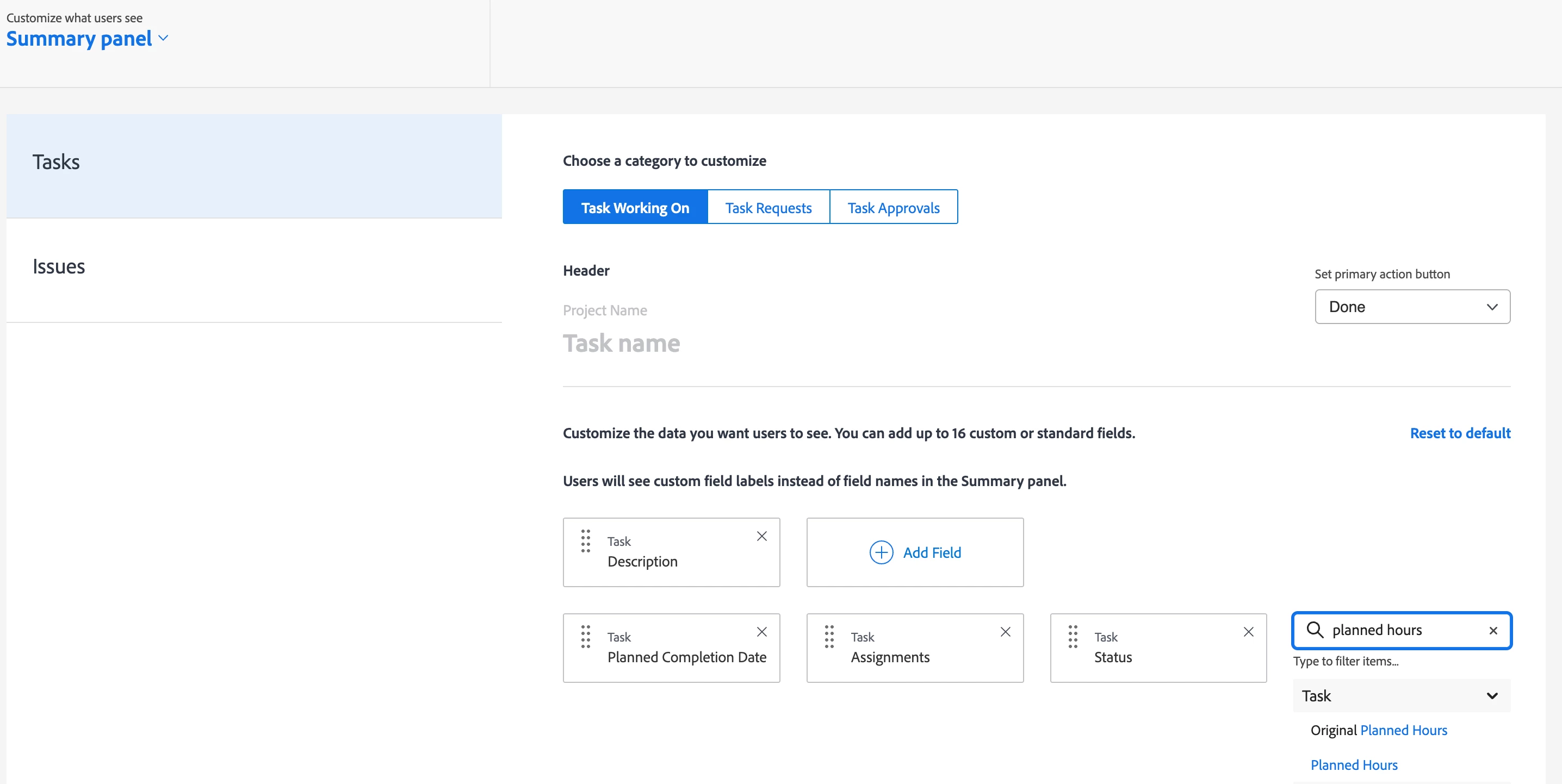
You can edit the fields that you want to see on the Summary Panel using Layout Templates.


Hope this is what you are look for!


Please mark this as 'Correct Reply' if this helped you and to help others.

1 reply

Srinija_N
Srinija_NAccepted solution
March 20, 2025

You can edit the fields that you want to see on the Summary Panel using Layout Templates.


Hope this is what you are look for!


Please mark this as 'Correct Reply' if this helped you and to help others.

March 20, 2025

Hello,


as I  mentioned in above Text I have already tried that to no avail. Has this worked for you before?

Srinija_N
March 20, 2025

Yes, It worked for me.

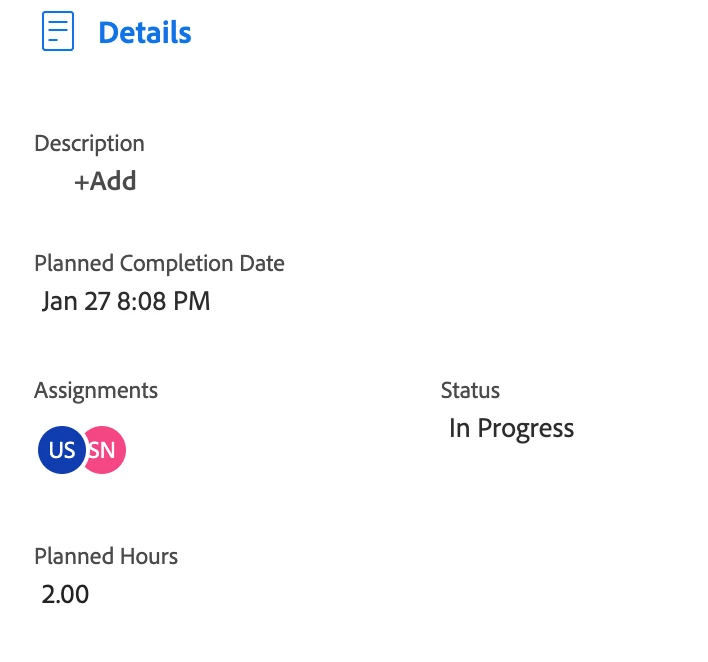
here is the screenshot of Task summary after adding it to the Layout template.